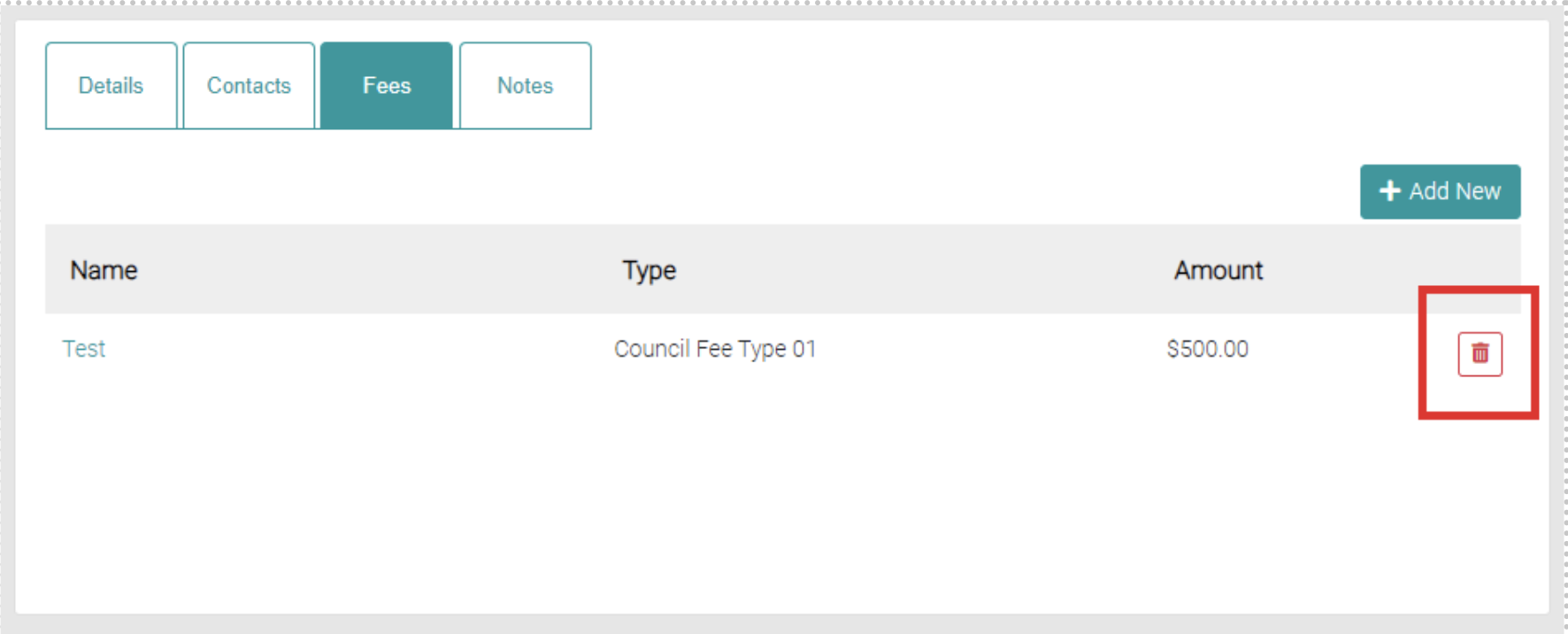
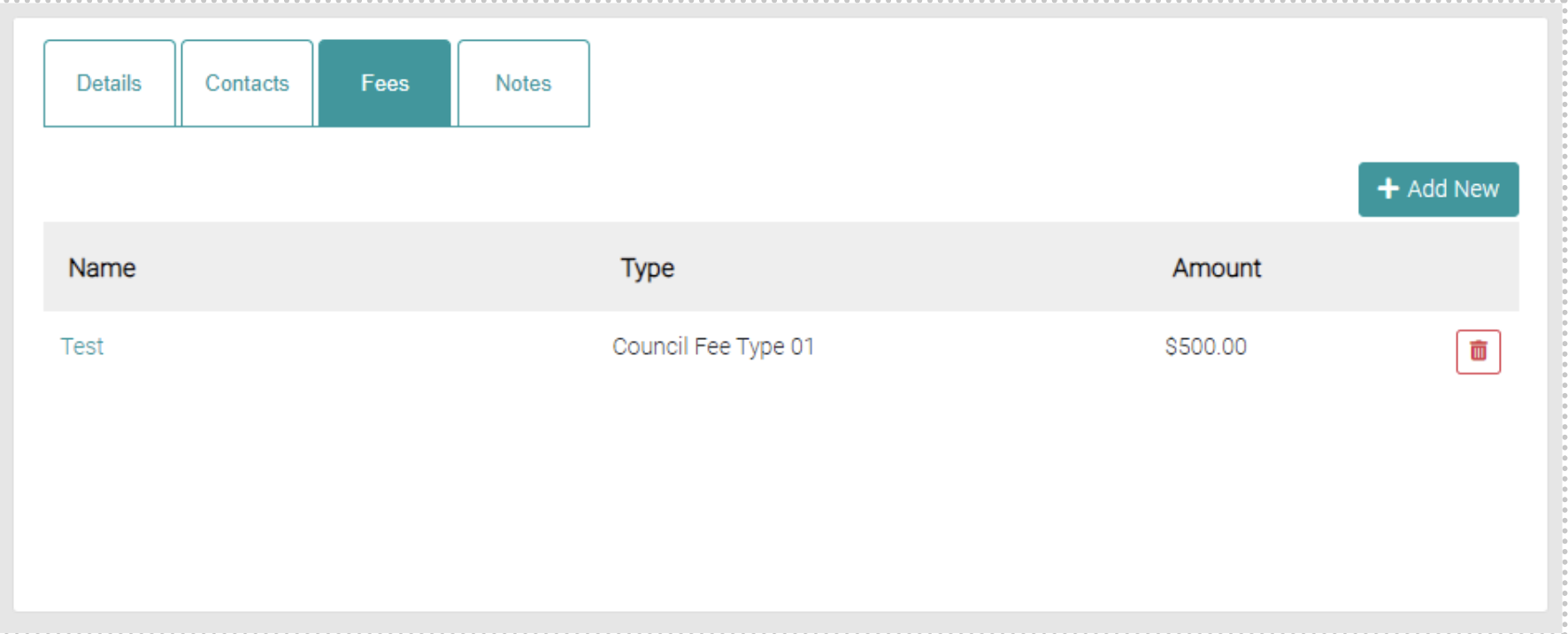
The Fees tab shows all Fees relevant to the Council.
Add New Fee
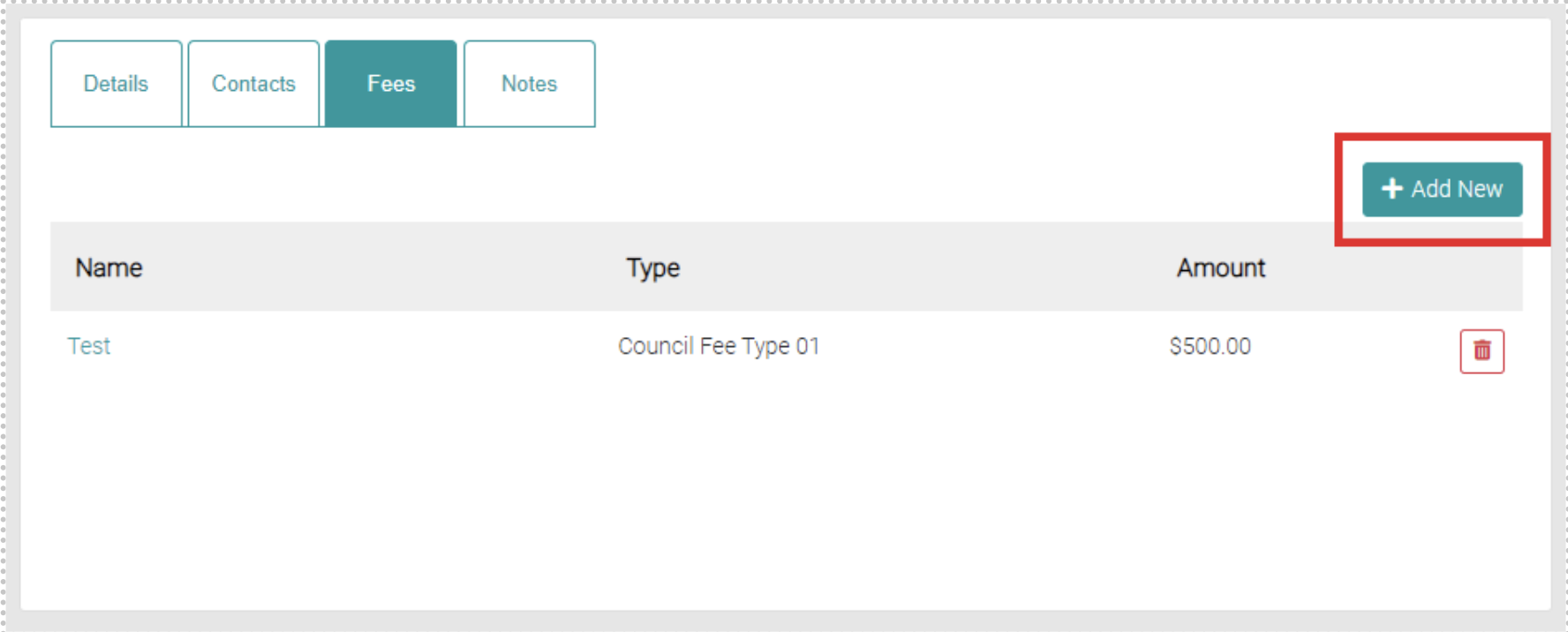
To add new fees, click on the Add New button.
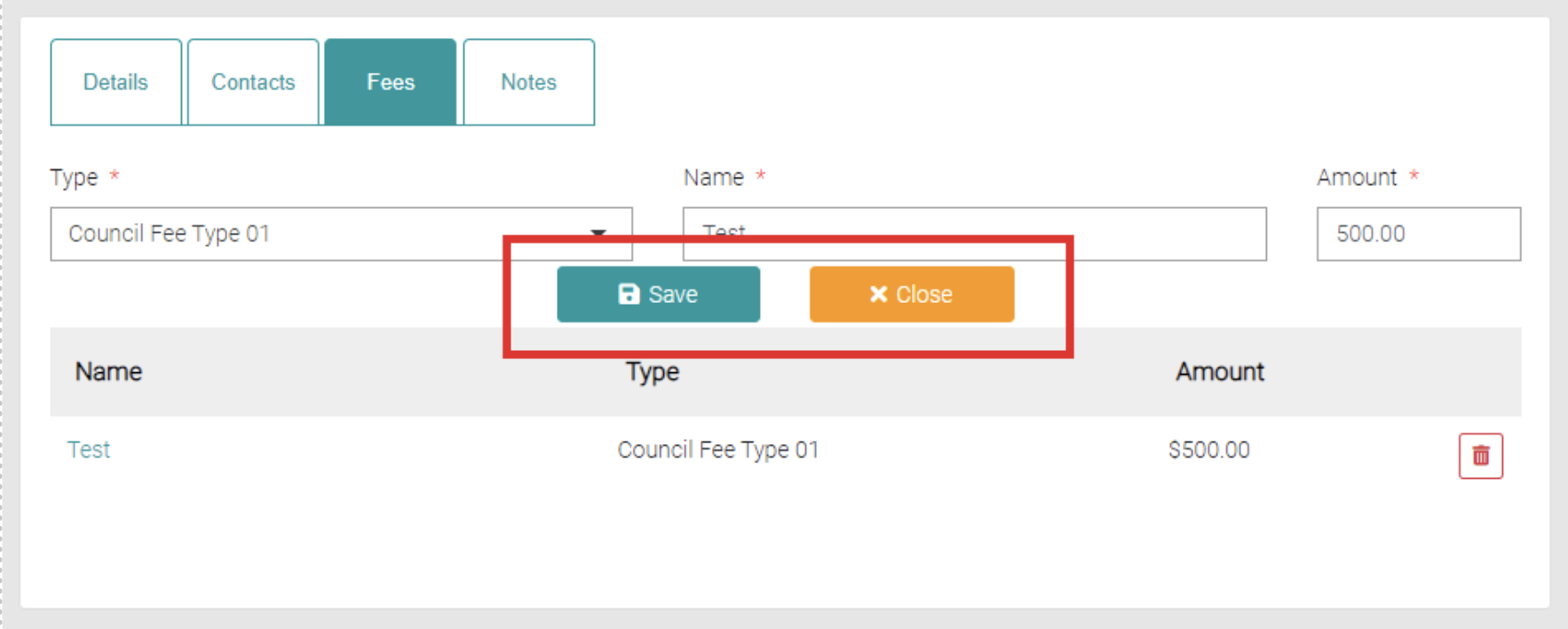
Use the drop-down menu to select the Service Fee Type. New Service Fee Types can be created and managed in Lookups > Service Fee Types.
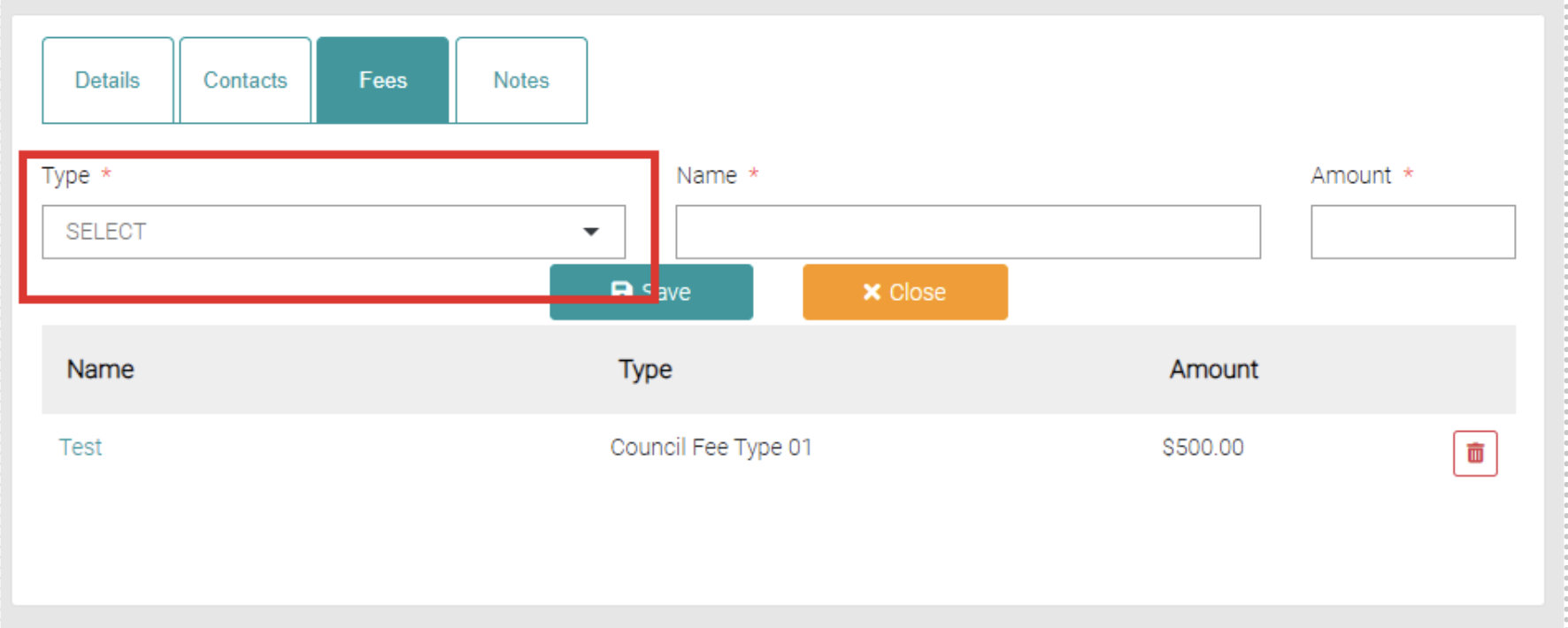
Fill in the name text field and amount.
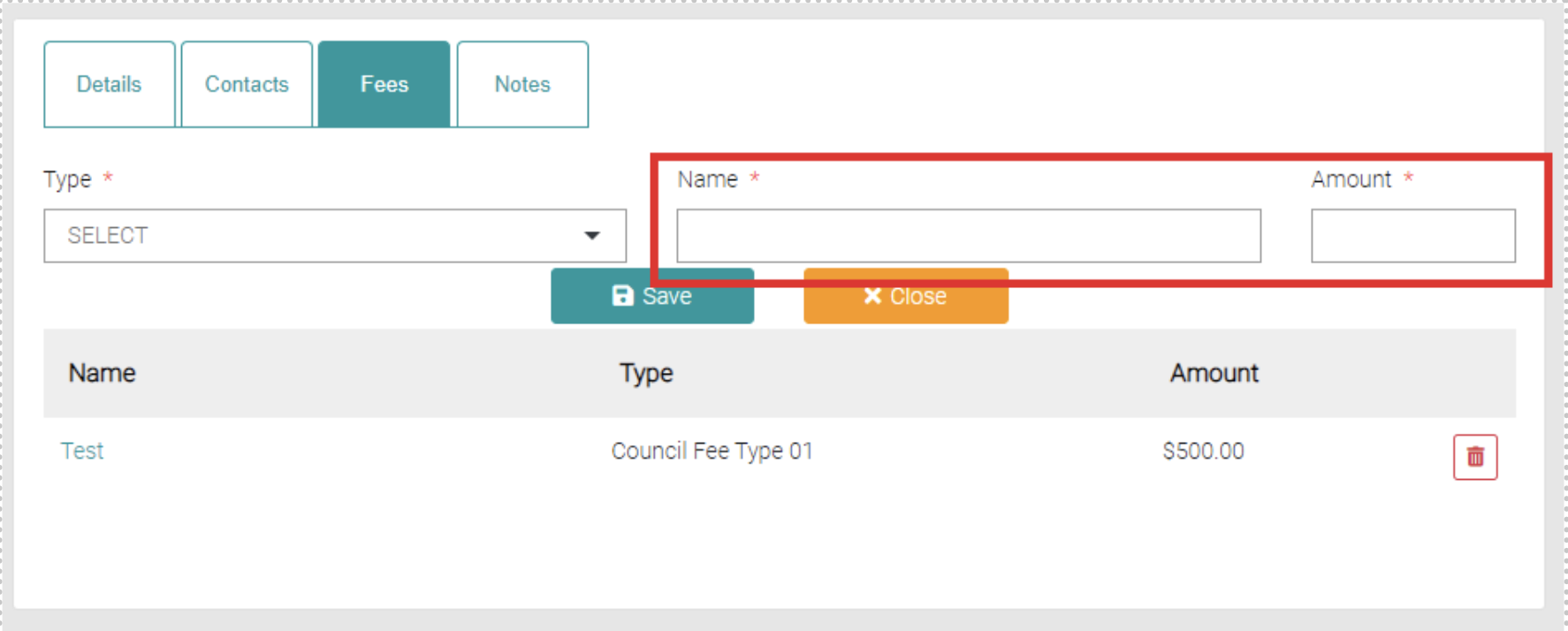
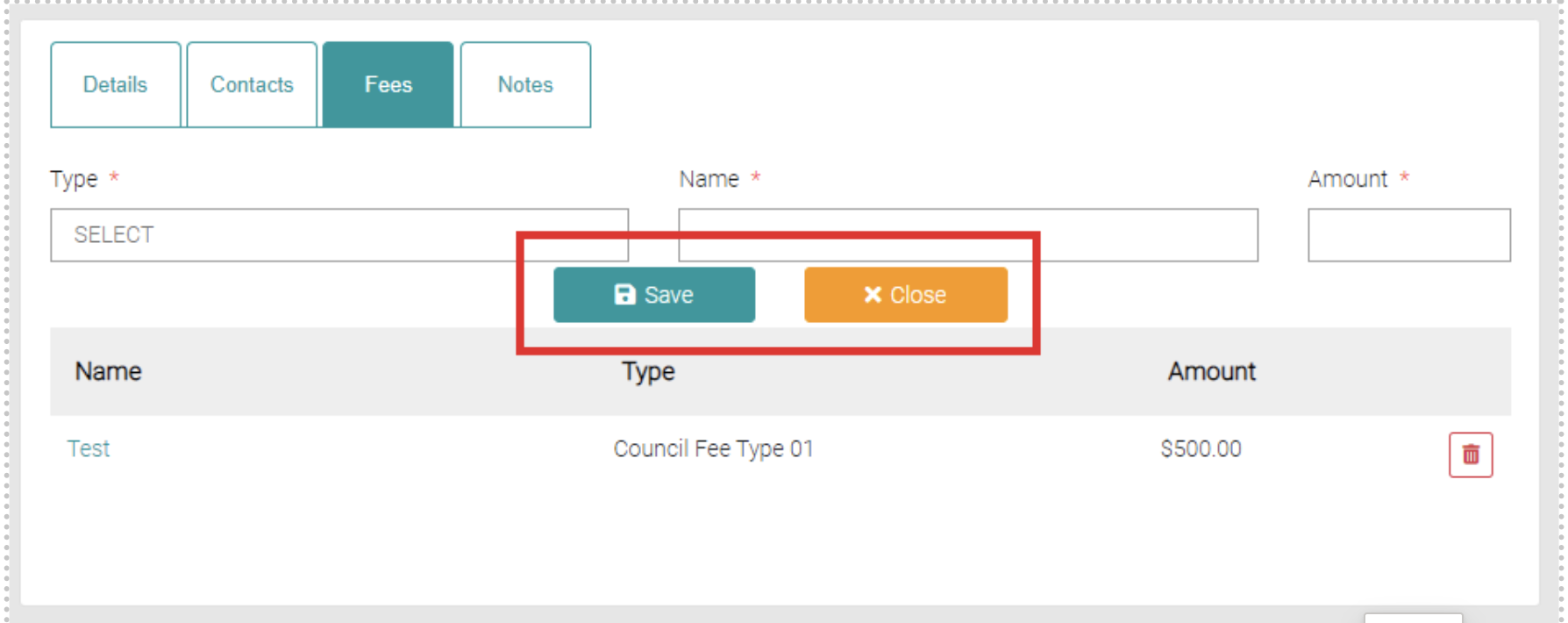
Once complete use the Save button to save the fee or use Close to back out of the creation.
Edit
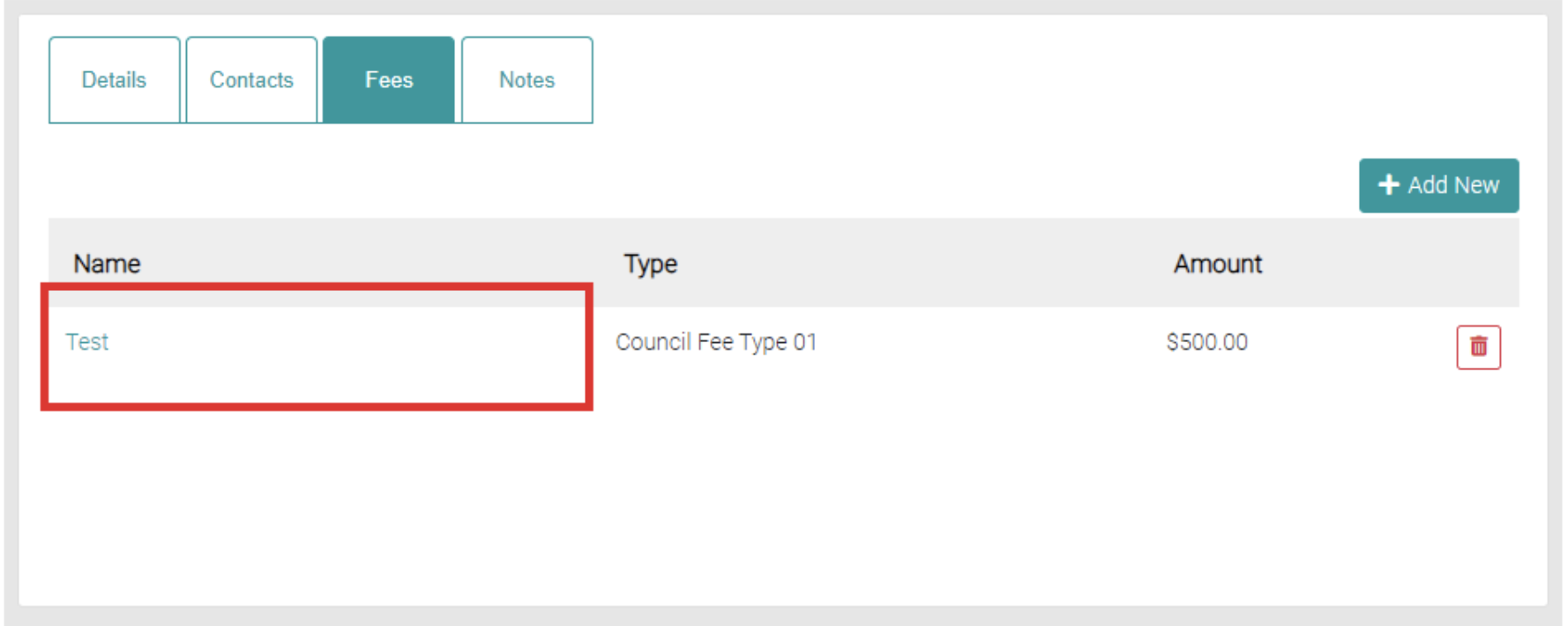
Click on the Type of the relevant Fee to edit.
This will load the fields from the Add New section prefilled with the current information.
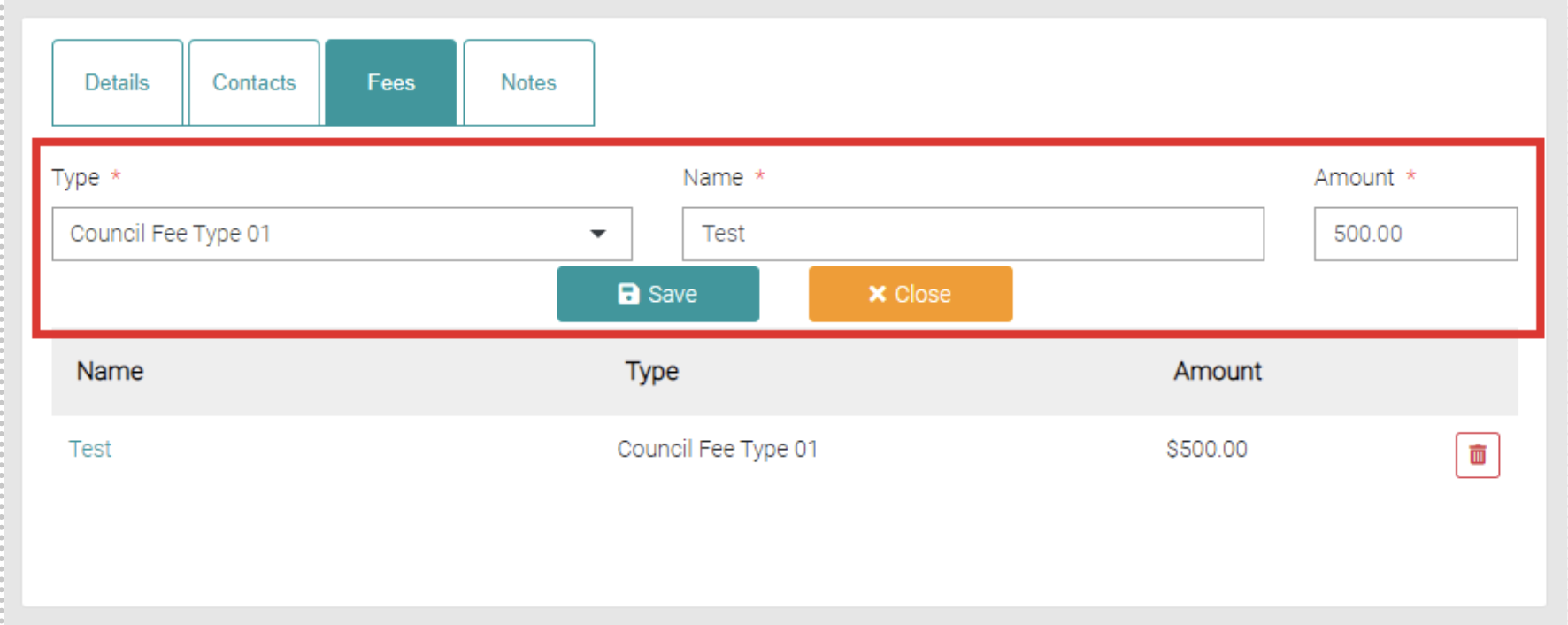
Use the Save button to save the edit or use Close to back out of editing.
Delete
To delete a Fee use the red trash-can on the relevant fee.