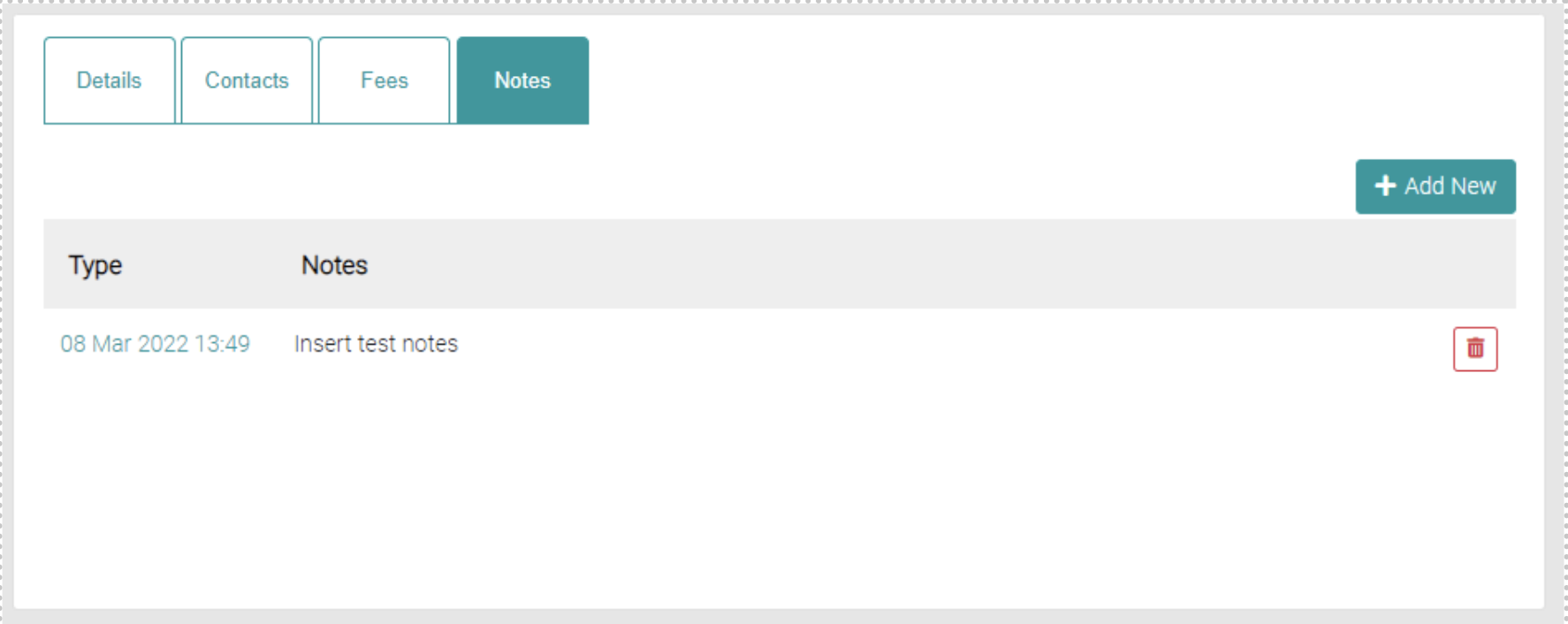
On the notes tab, you can add notes about the Council.
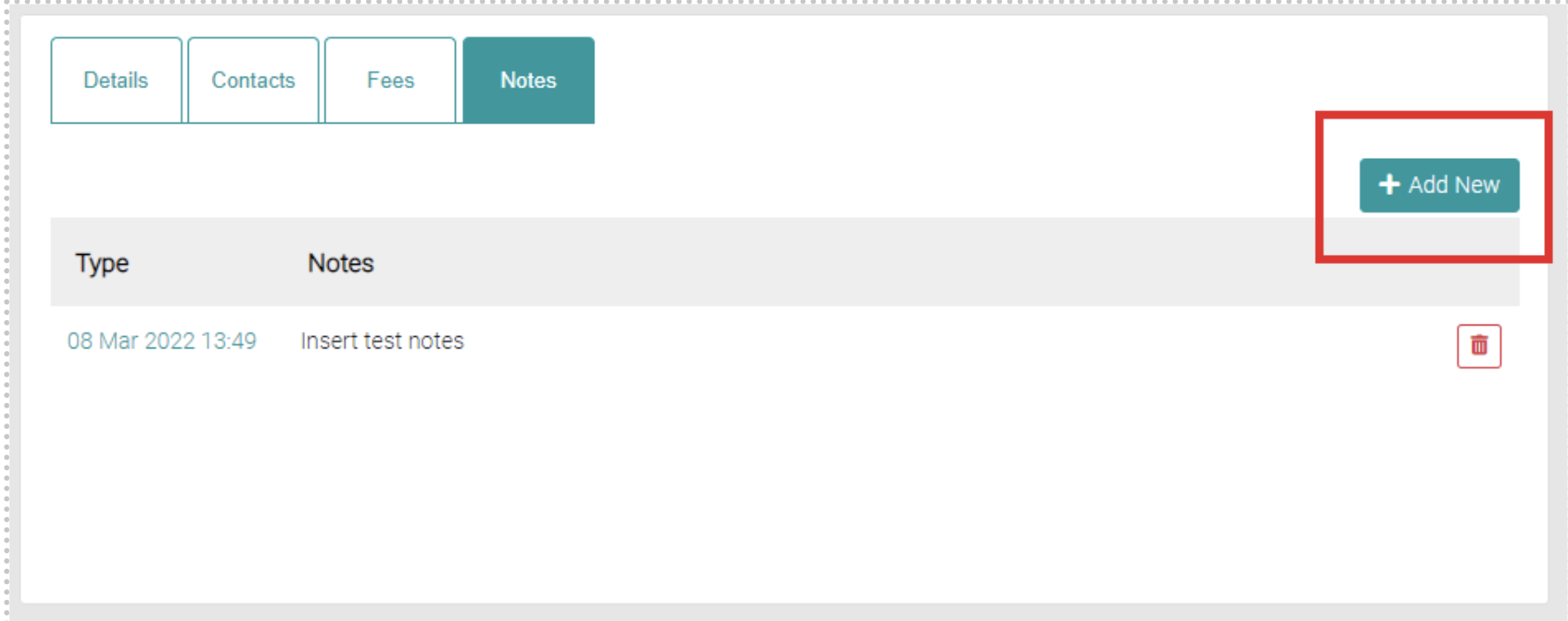
Add New
Click on the Add New button to create a new note.
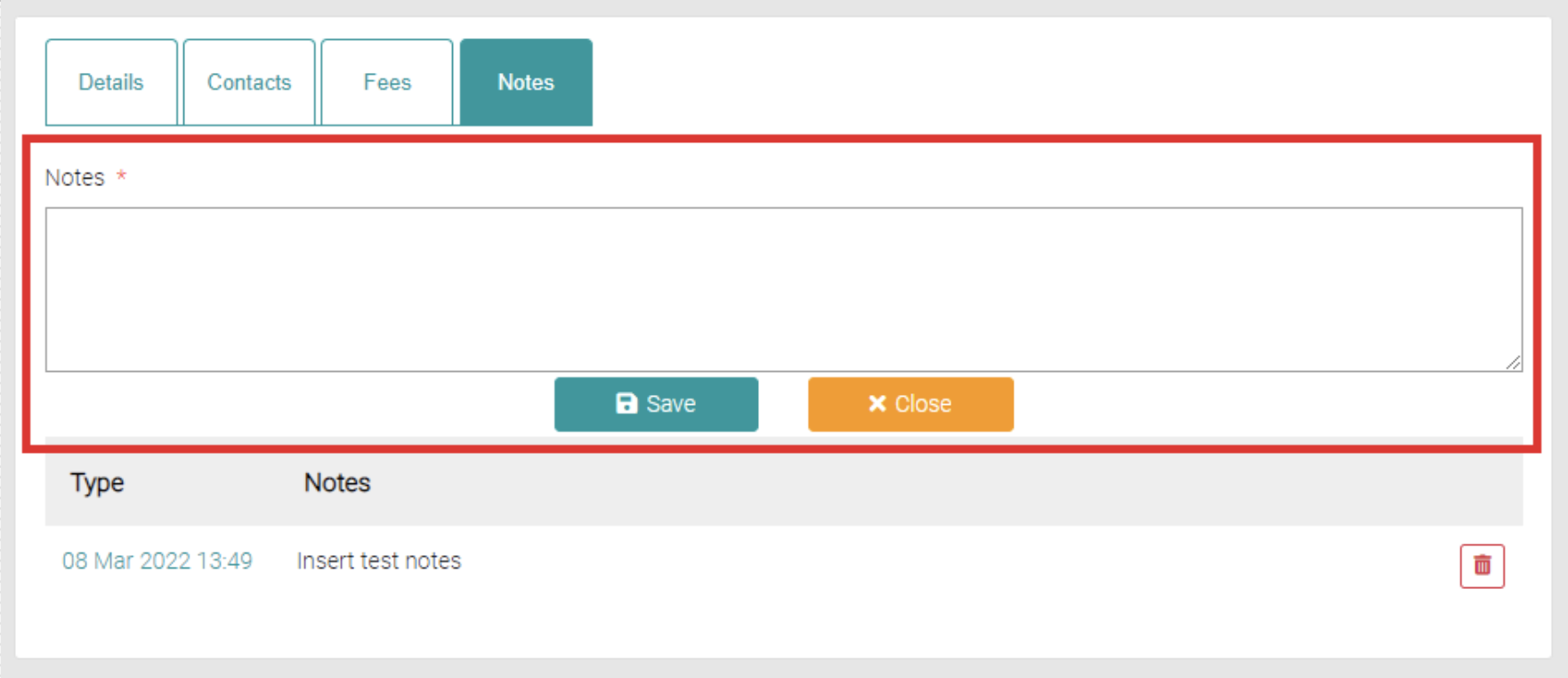
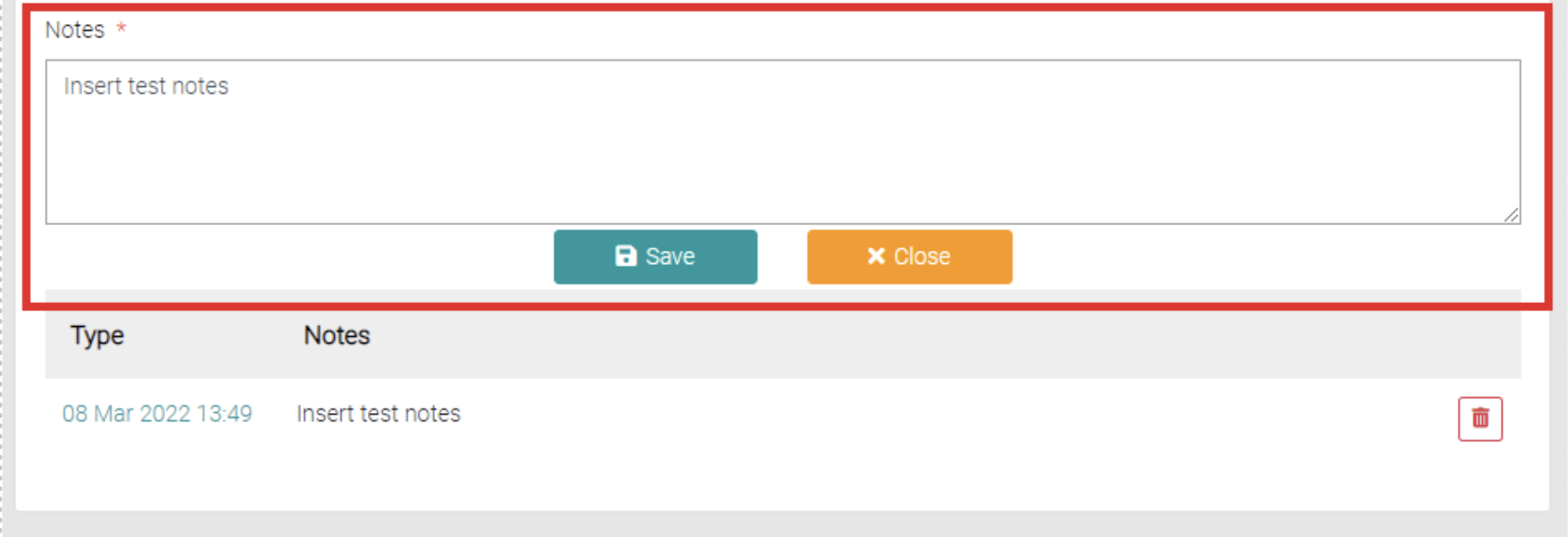
This will load text fields to write the notes into, once the note is written then click on the Save button to save or the Close to back out of creating the note.
Edit
To edit the existing Note click on the date of the Note.
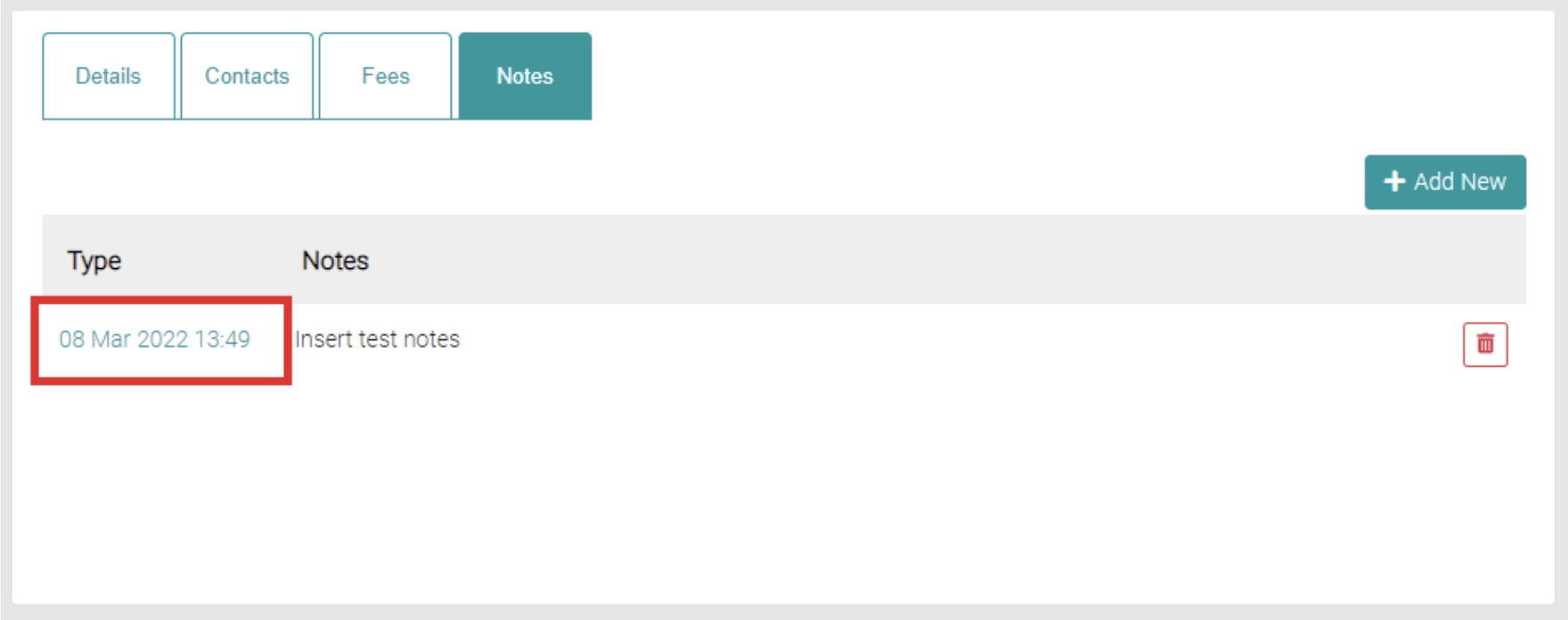
This will load a field similar to when adding a new note with the existing note loaded into the text field, edit the note as needed and click on either Save to commit or Close to back out.
Delete
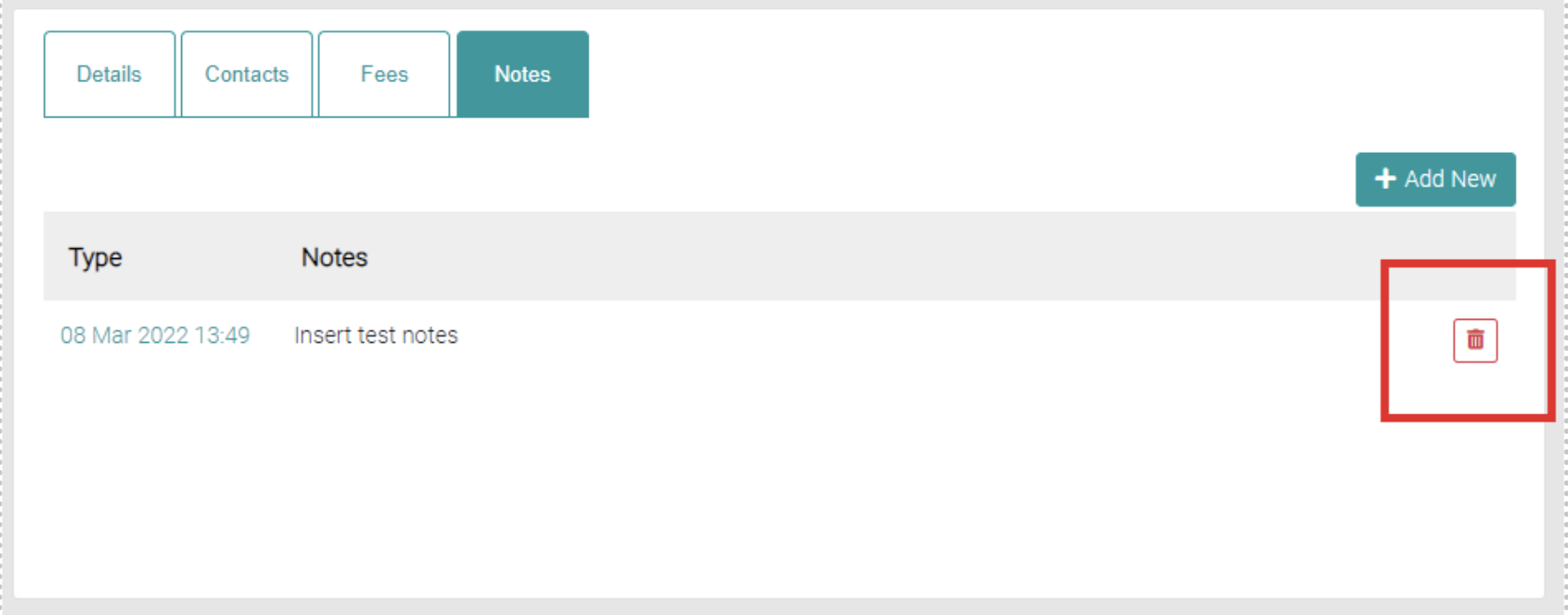
Click on the red trash-can to delete the note.
Website
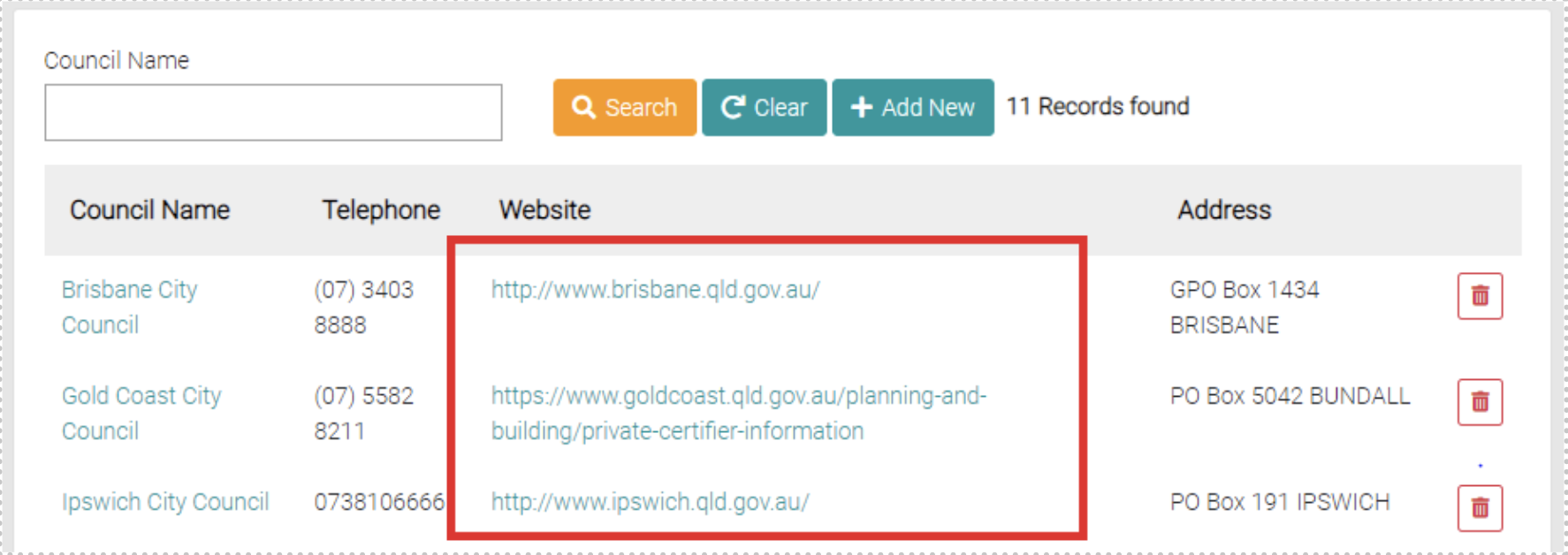
To visit the Council website click on the website link.
Delete
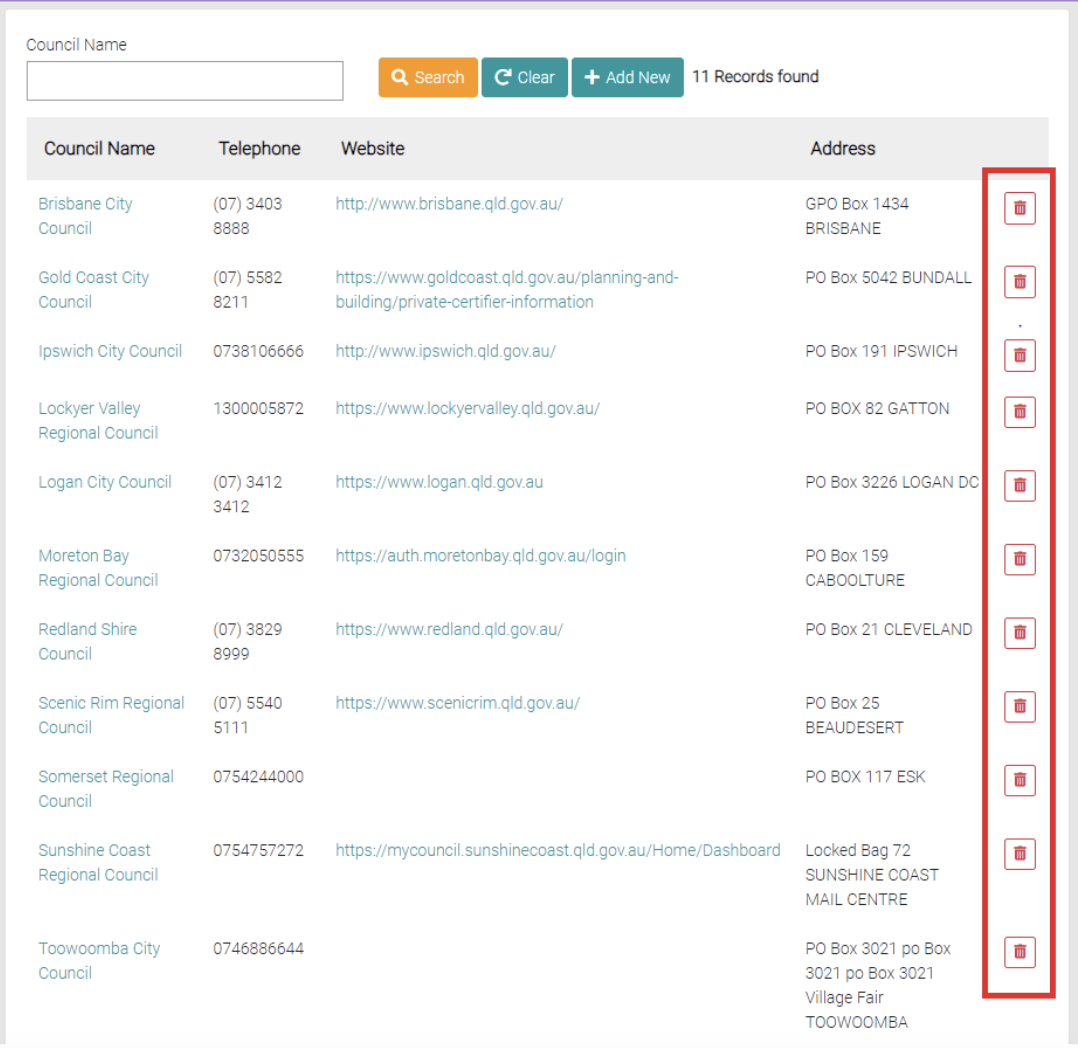
To delete an existing council, click on the red trash-can button.