Change or add any details if needed, all fields with the * symbol are required to complete the details.
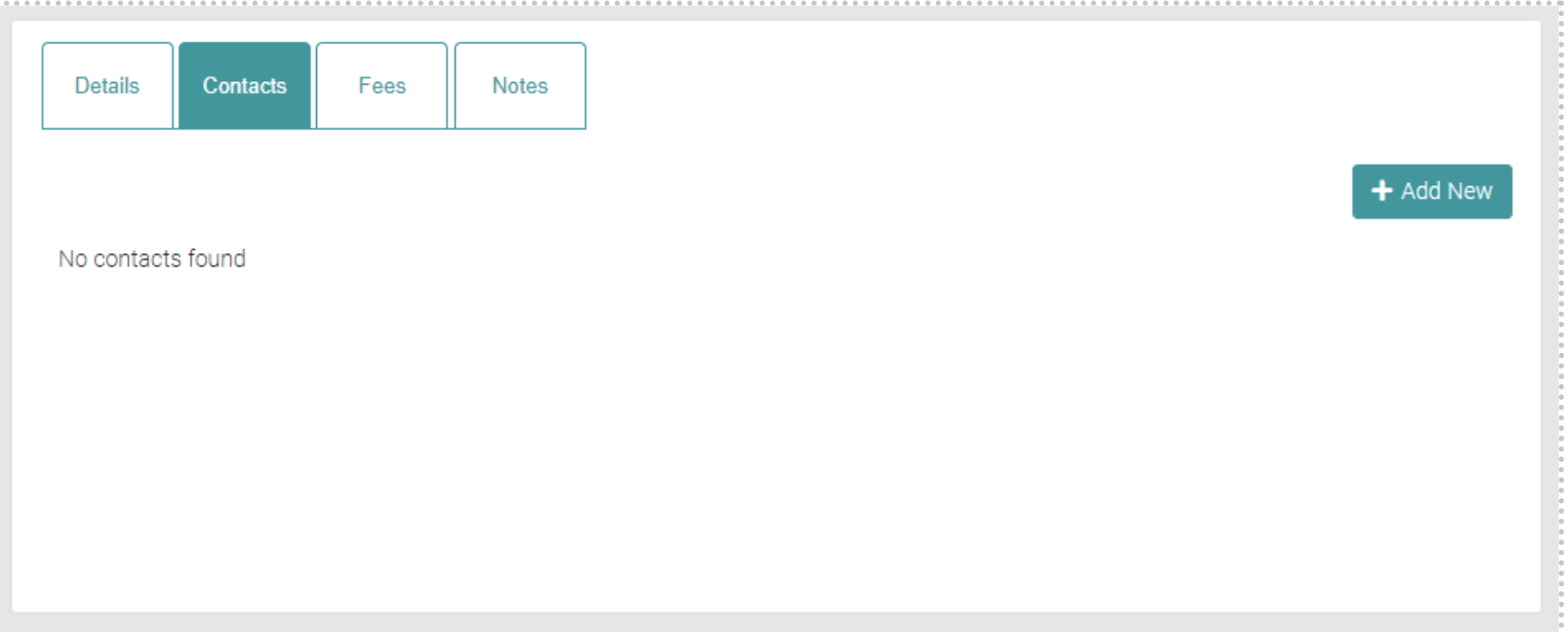
Add New
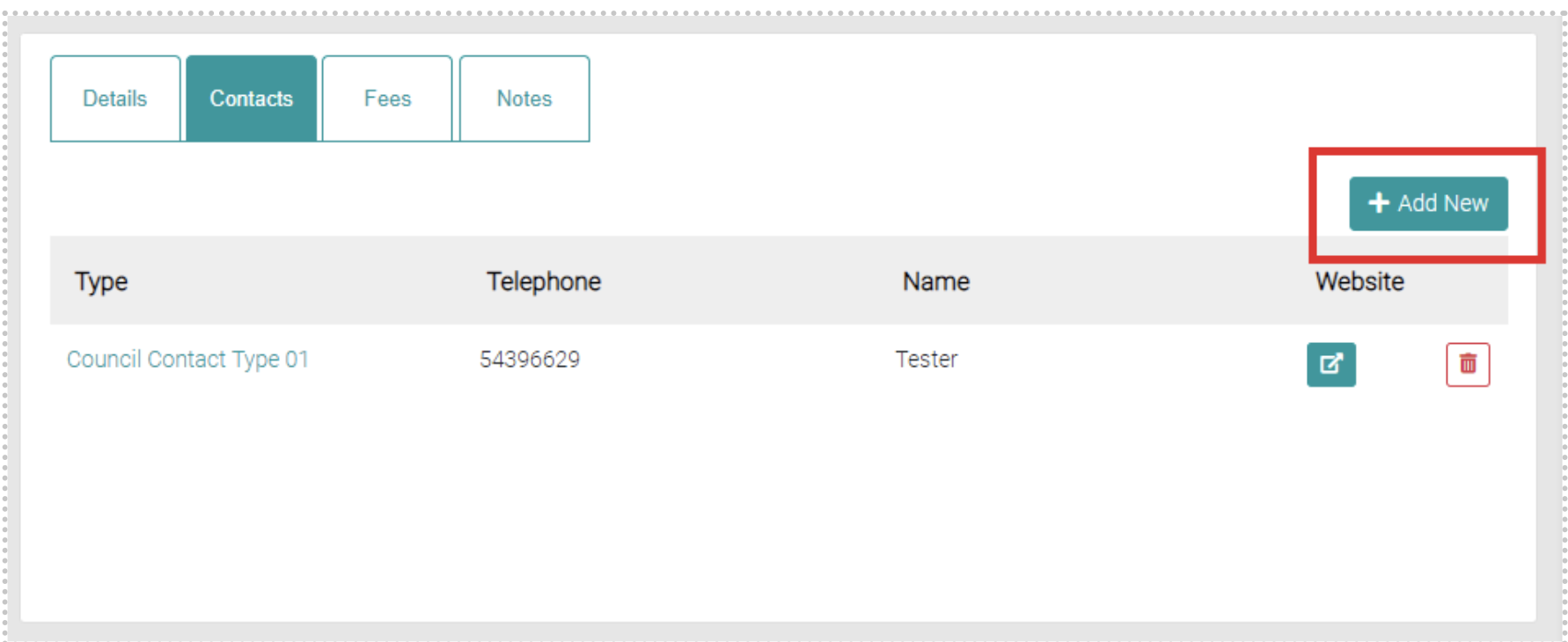
To add a new Council Contact click on the Add New Button.
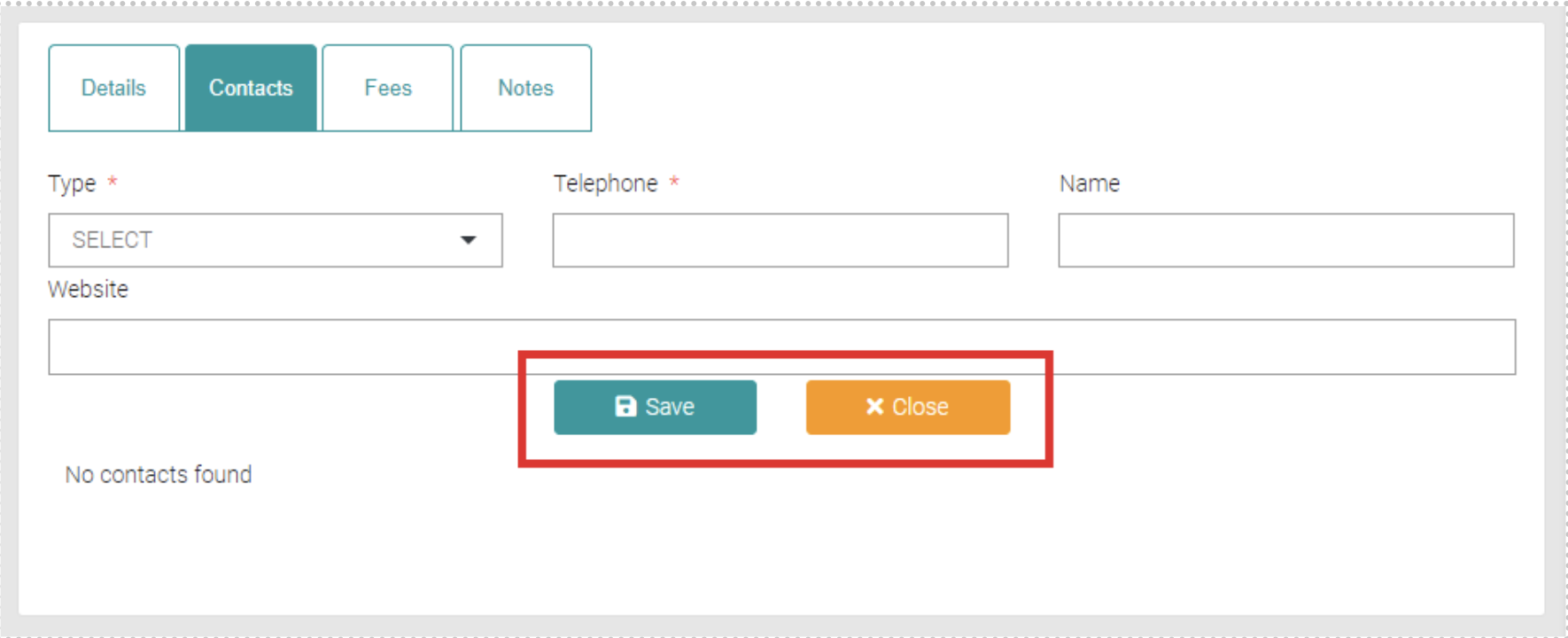
Fill out all text fields, all fields with the * symbol are mandatory. The Type is the different Council Contact Types which can be managed in the Lookups > Council Contact Types.
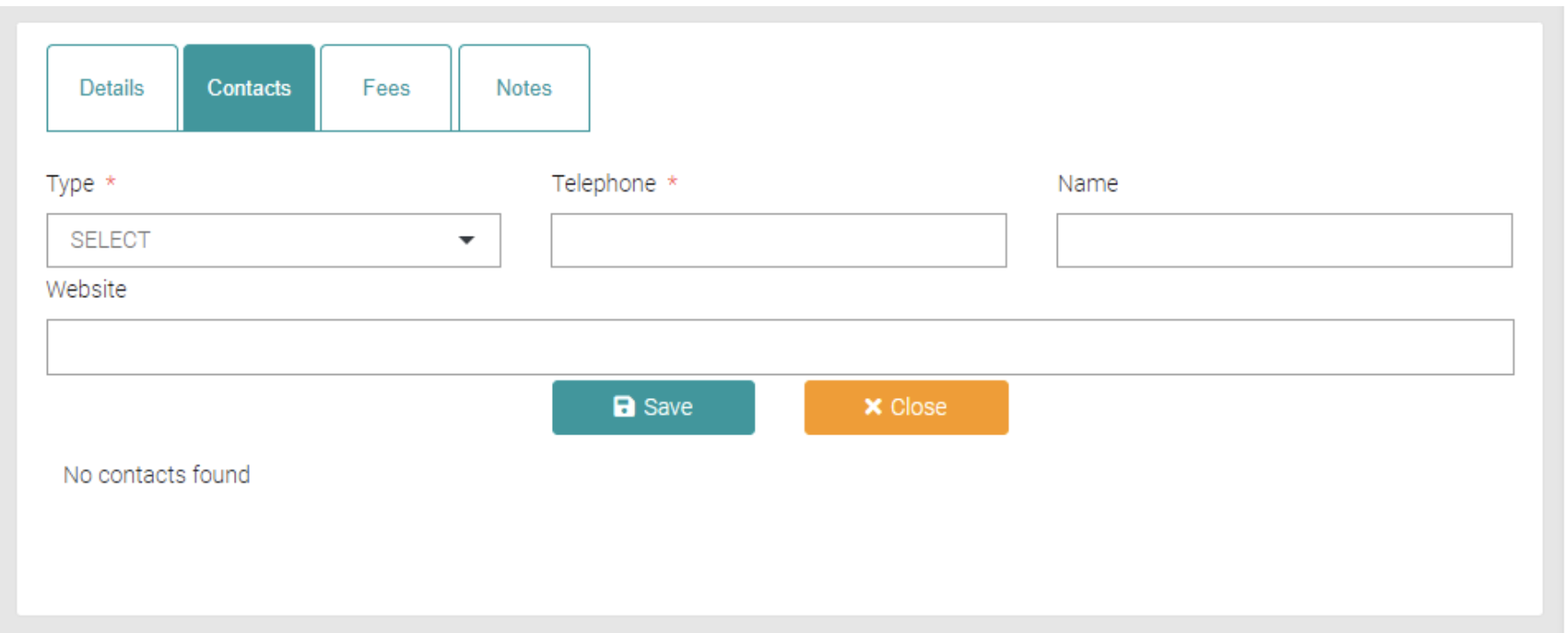
Click on the Save button to save the new contact or Close to exit out of creating a new Council Contact.
Edit
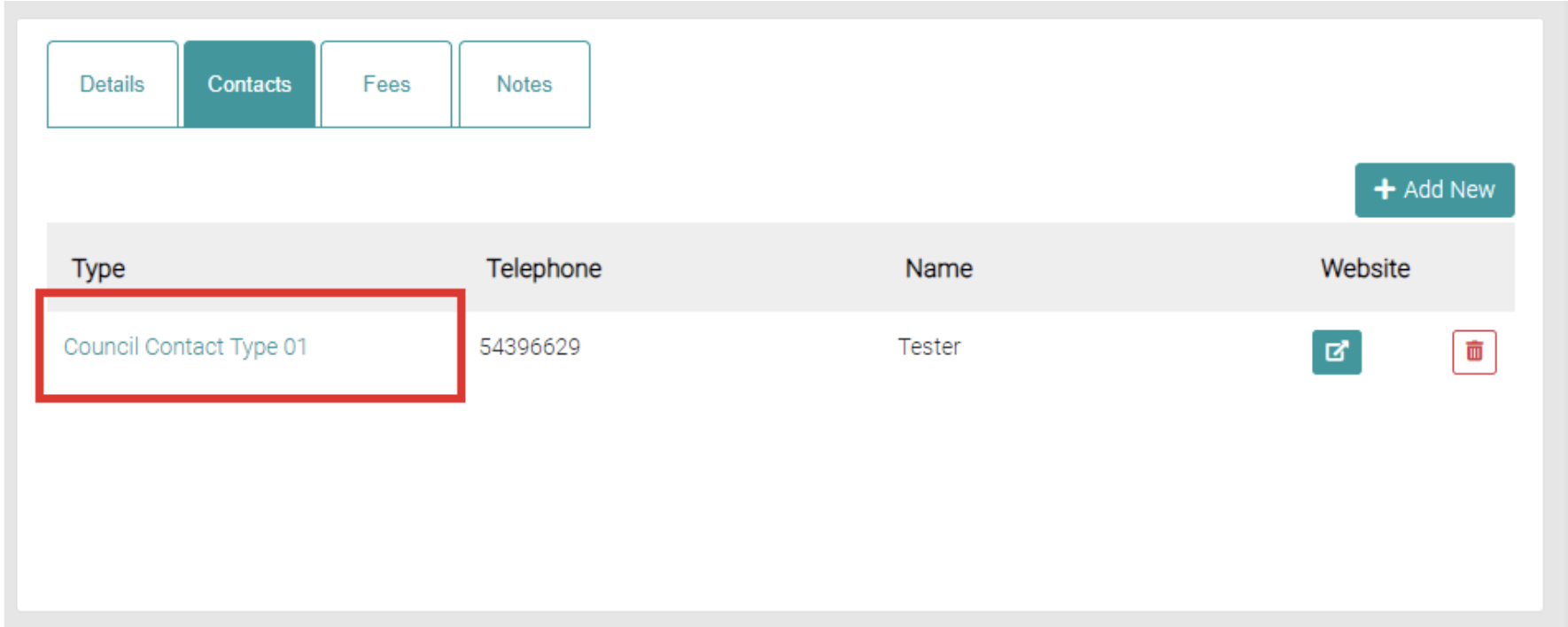
To edit the council contact, click on the Type of the relevant Council Contact.
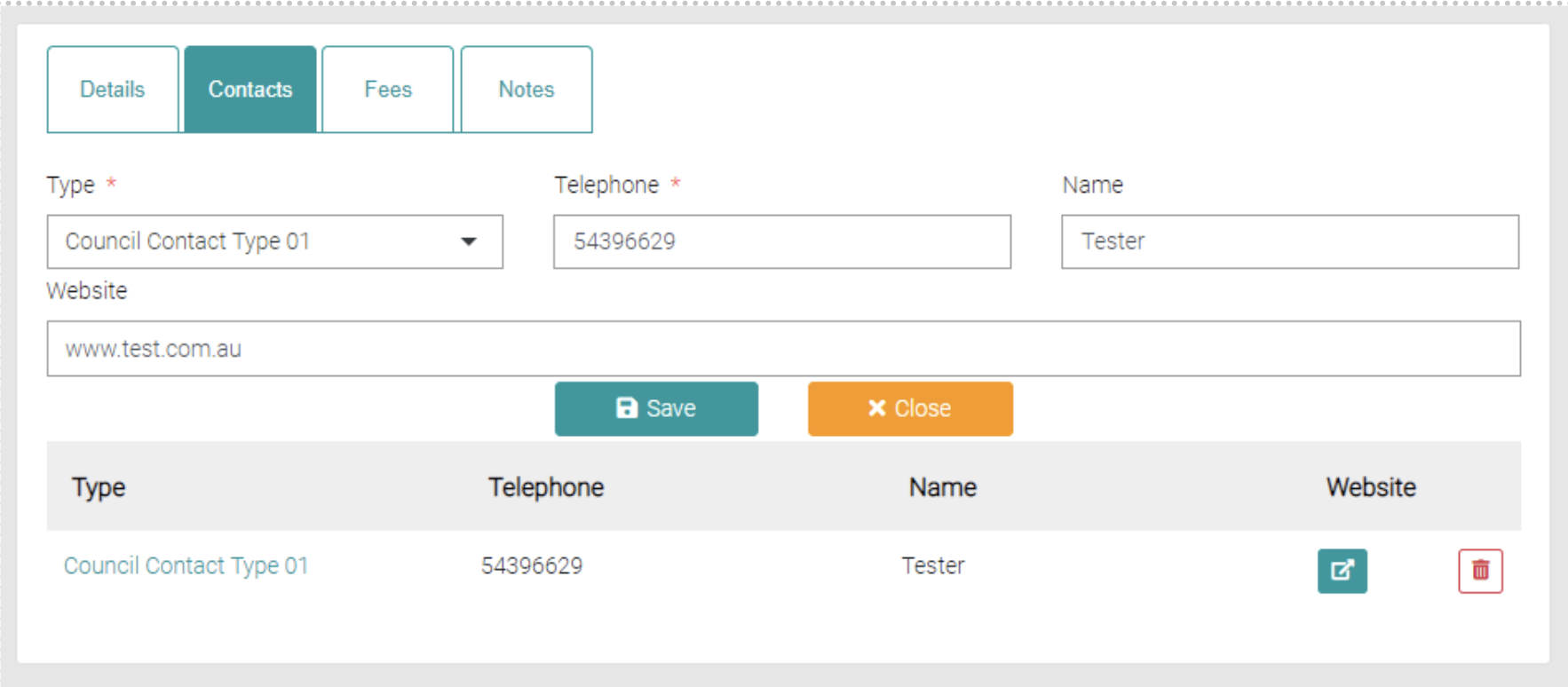
The details of the council contact will appear above the list, all the text fields are editable.
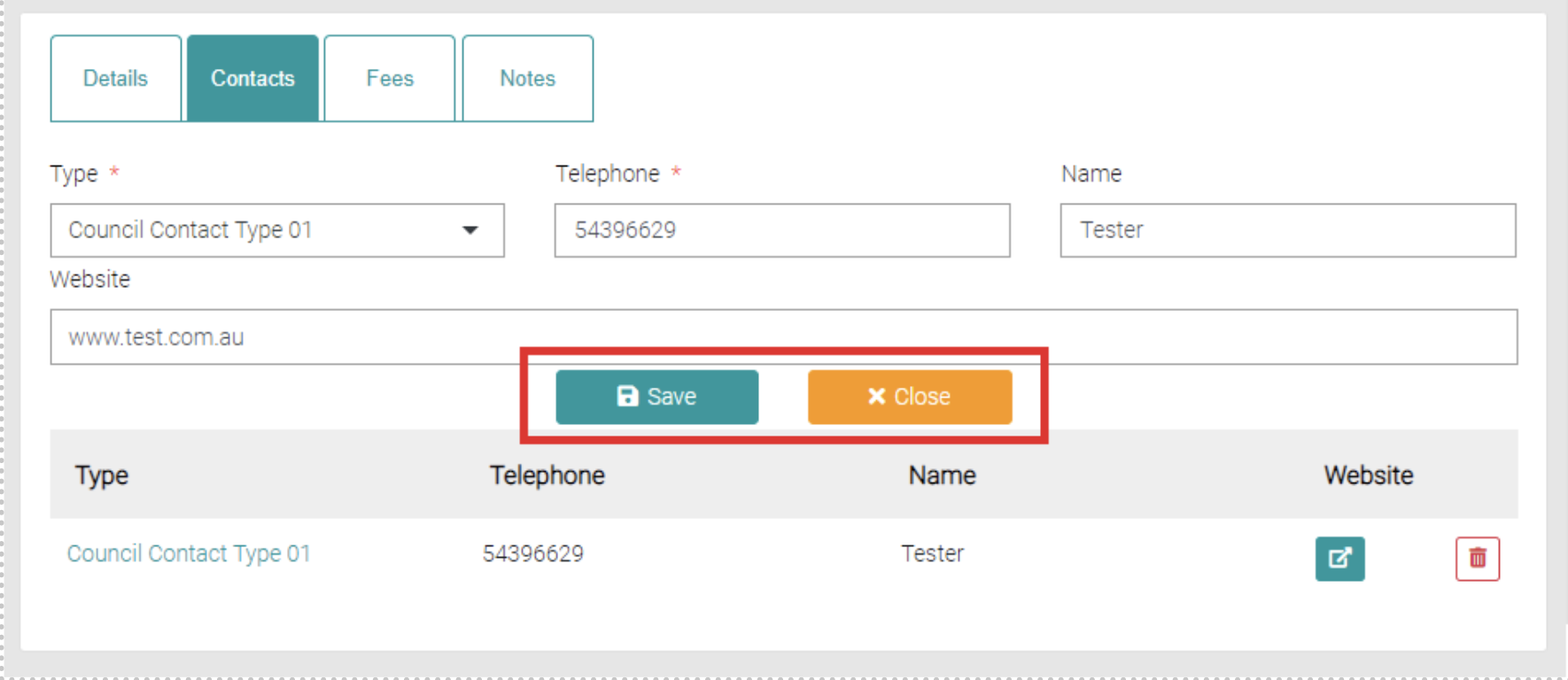
Once edits have been made click on the Save button to save the changes, or Close to exit out of the editing.
Website
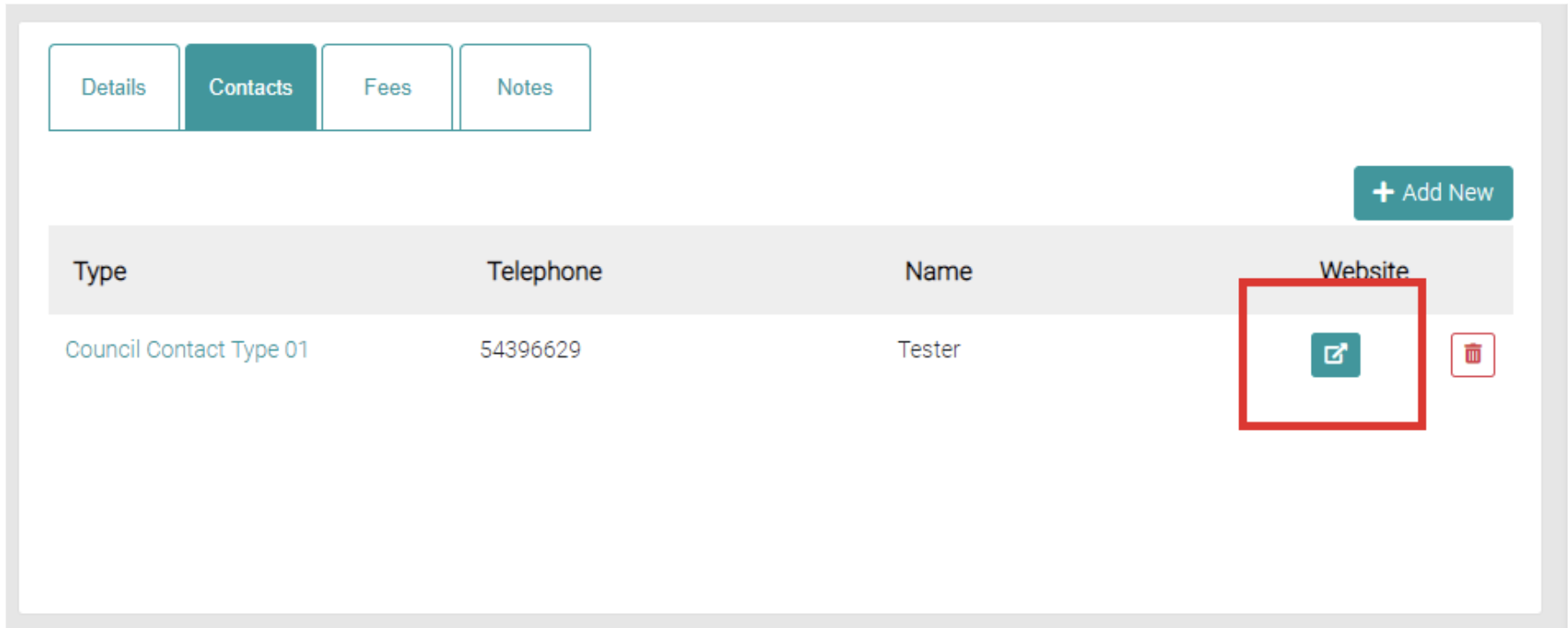
To visit the website, click on the outside link button to visit the store.
Delete
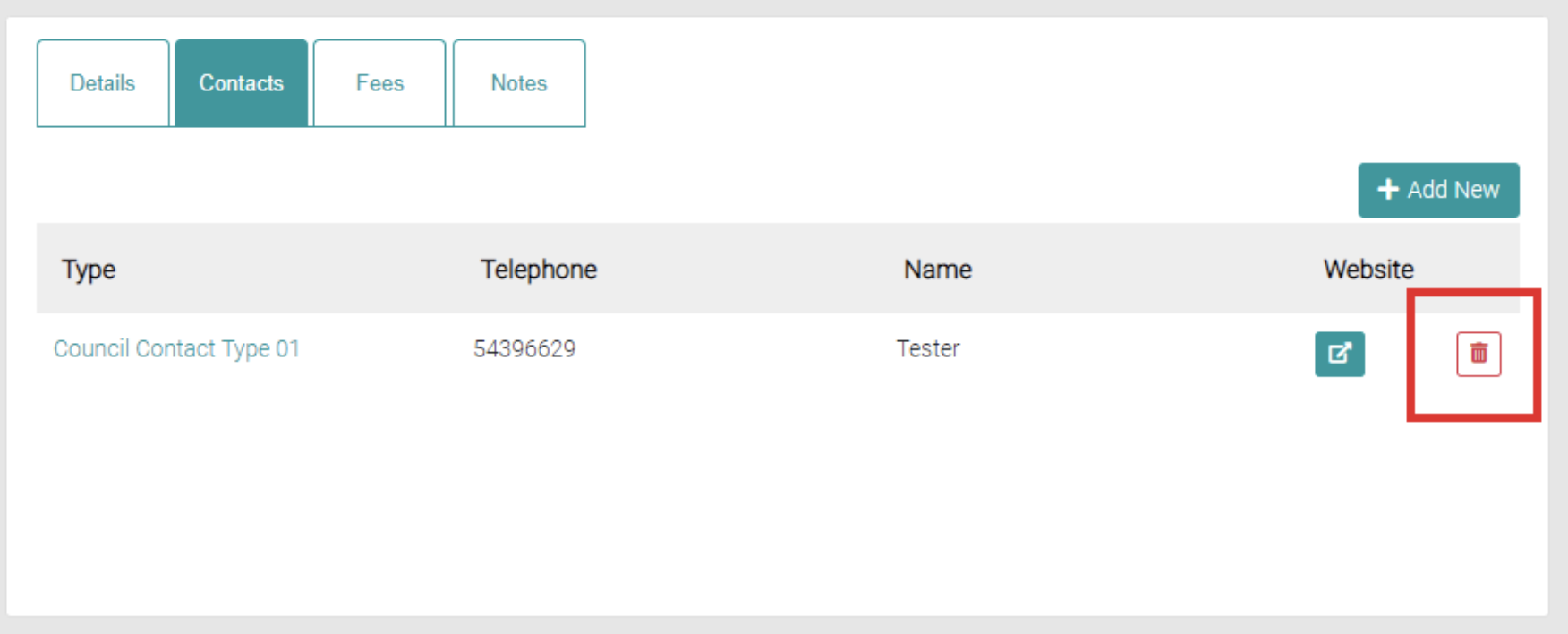
To delete an existing council contact click on the red trash can.