
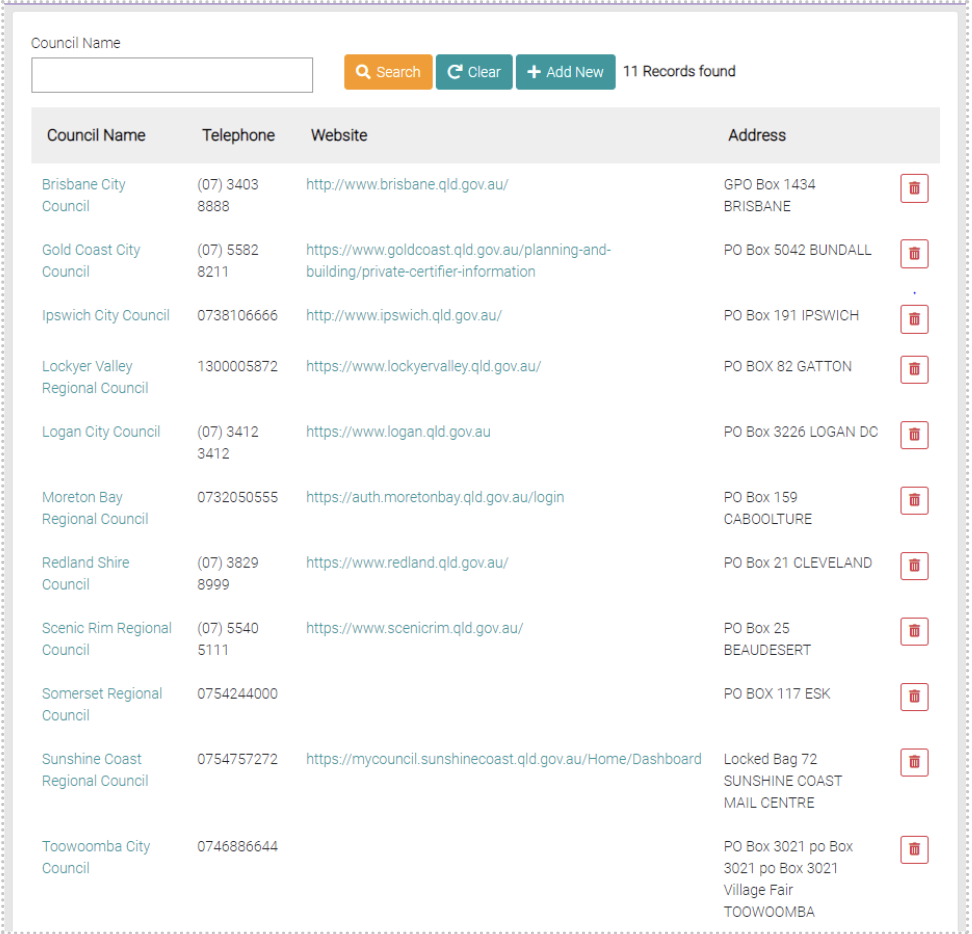
This is where the list of Council contacts are.
Search
To search through the Councils, use the text fields Council Name to filter the search.
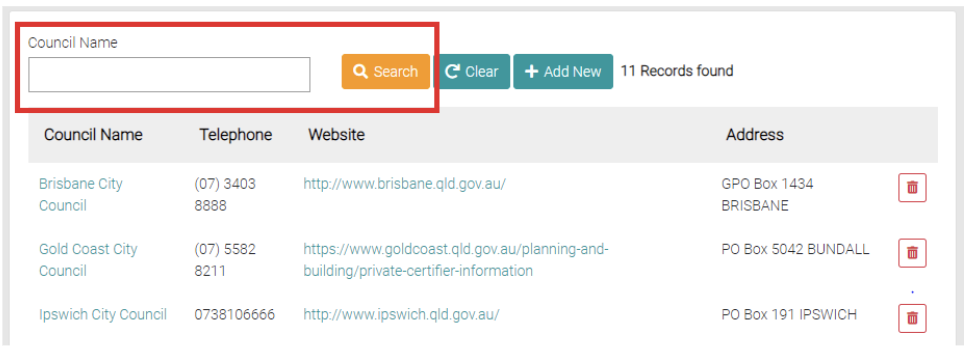
Use the Clear button to remove any filters on the search.
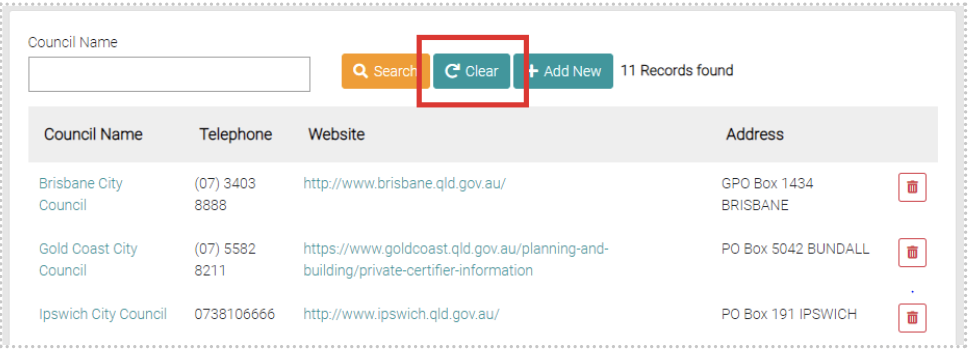
Add New
Use the Add New button to create a new Council.
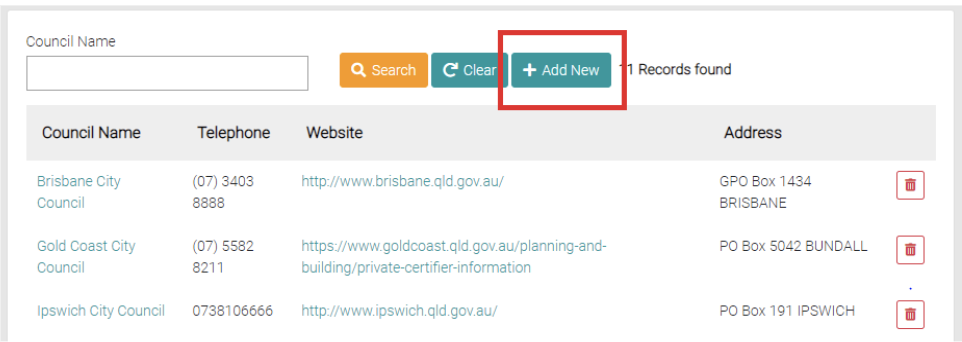
This will open a page where all the council details are to be filled out, all fields with the * symbol are required.
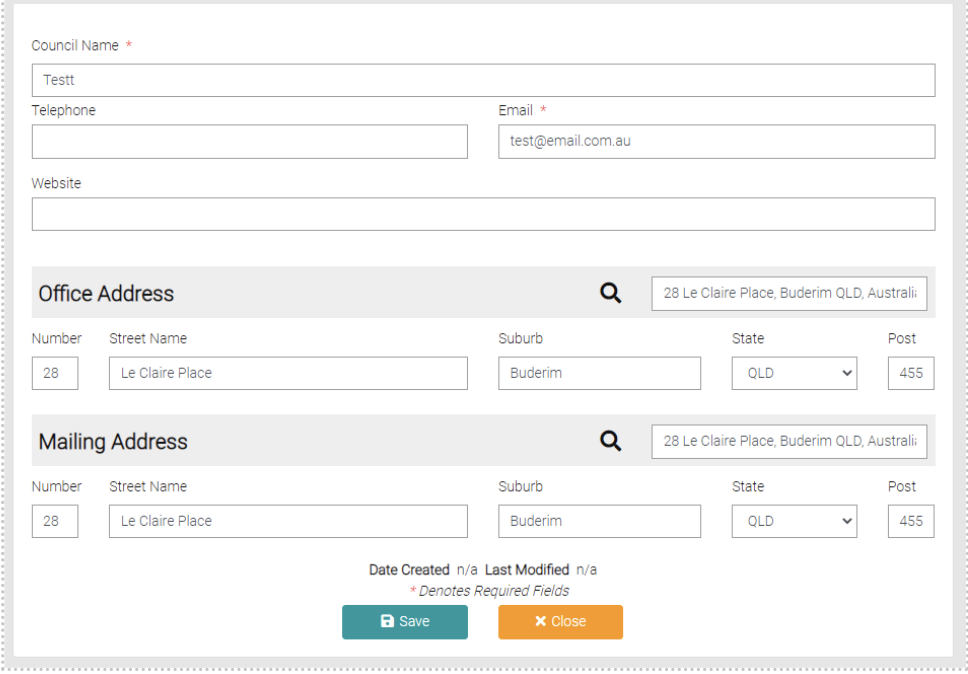
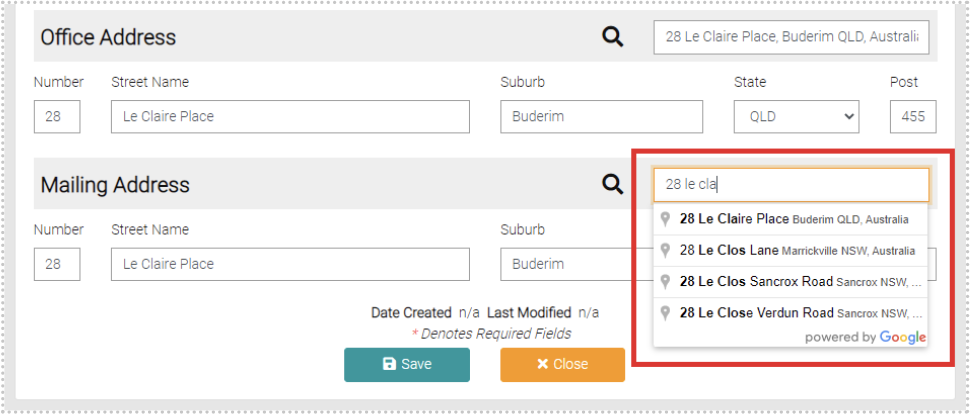
A Council will need an office address and a mailing address, these can be difficult. Use the Find Address text field to automatically fill in the address, start typing the address and it will suggest addresses, select the correct one.
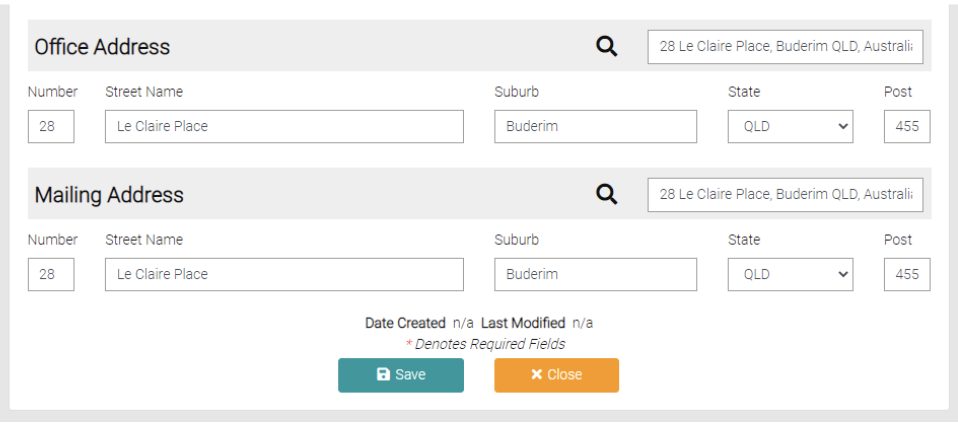
Once all information is added use the Save button to save the New Certifier or uses Close to go back to the list of Certifiers.
