
To edit an existing Customer, click on the Customer Name.
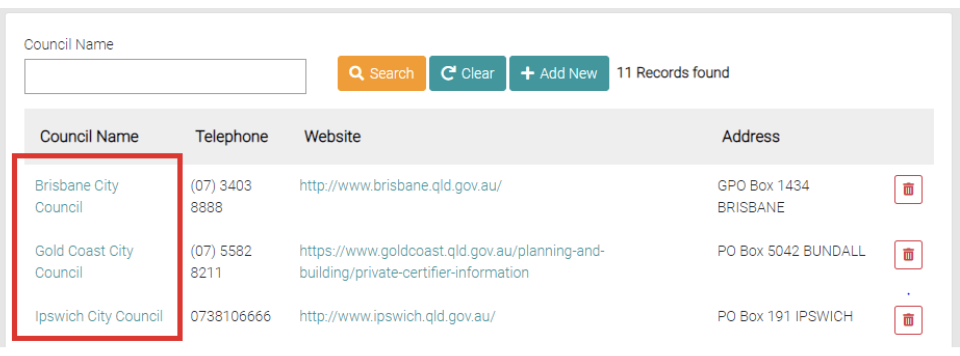
This will open the customer on the Details page, all text fields are editable and all fields with the * symbol are required before saving.
Details
Change or add any details if needed, all fields with the * symbol are required to complete the details.
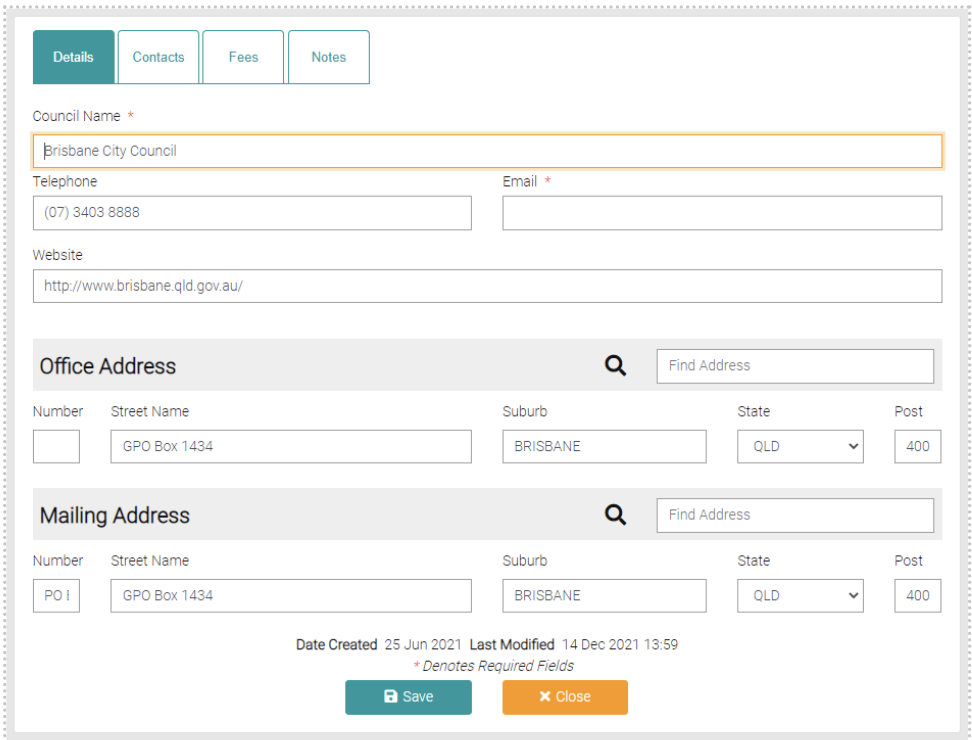
Use the Save button to save any new changes to the Council details.
