The Address Book Contact is a compilation of Contacts.
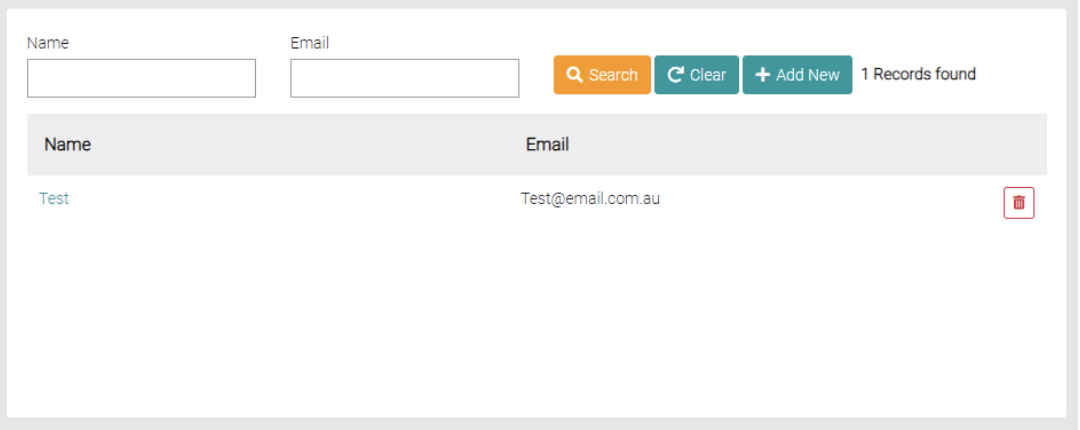
Search
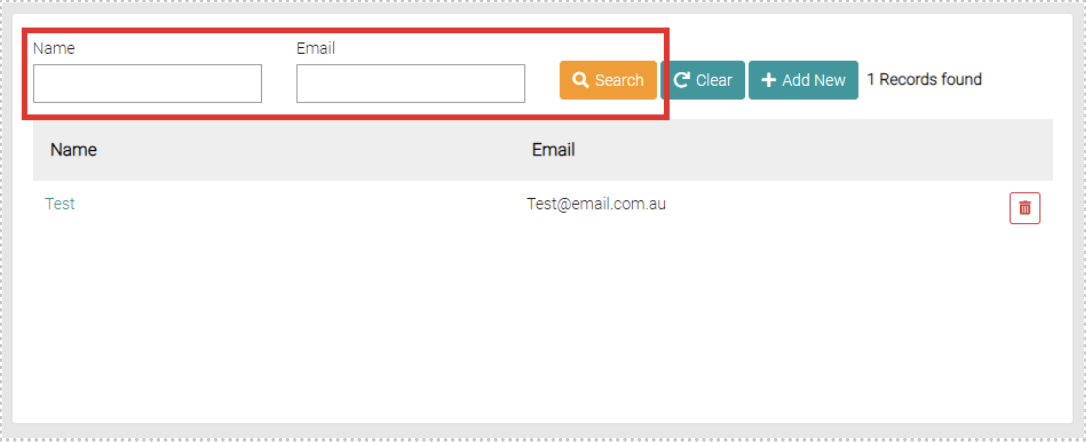
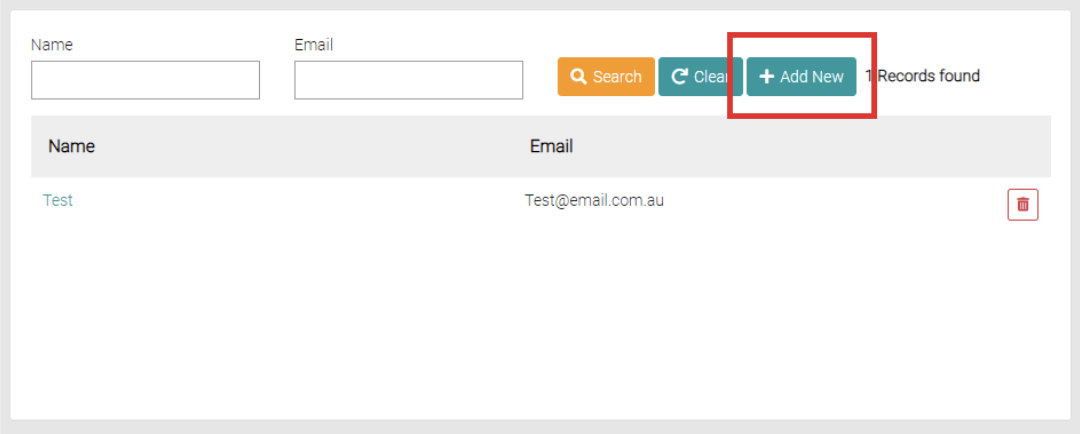
Use the Name and Email text fields to apply filters to the search.
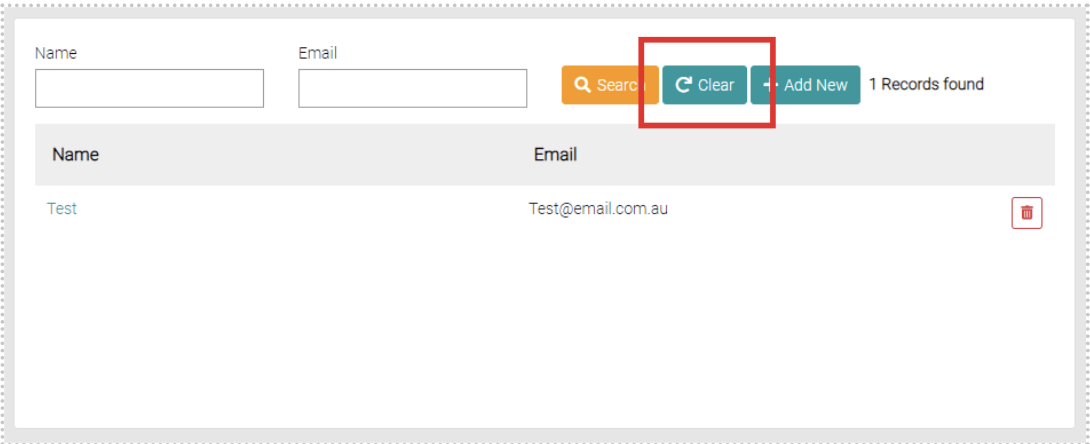
Use the Clear button to erase the filters on the search.
Add New
To add new Address Book Contacts use the Add New button
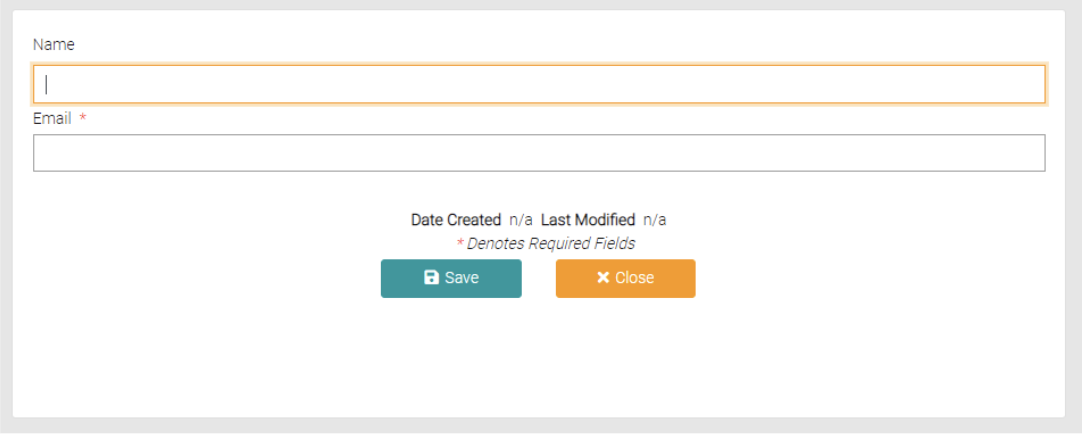
Fill out the Contact’s Name and Email, all of the fields with the * symbol are required.
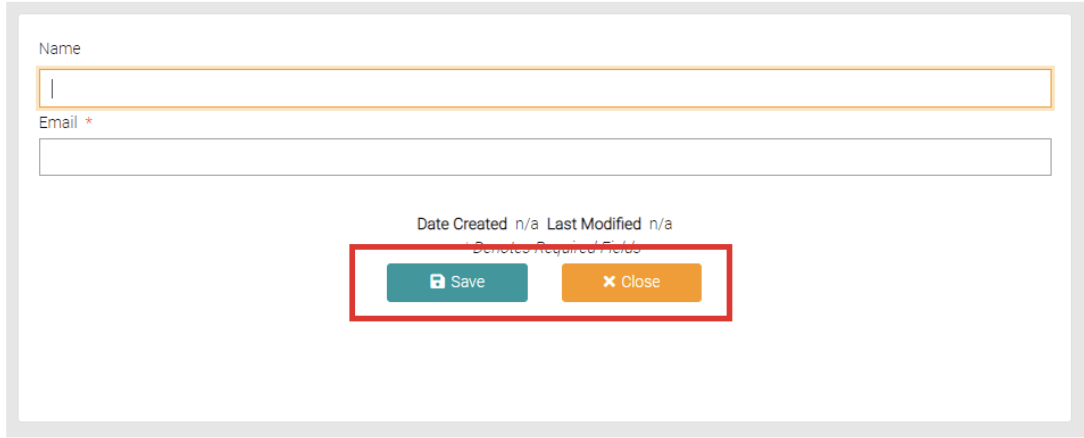
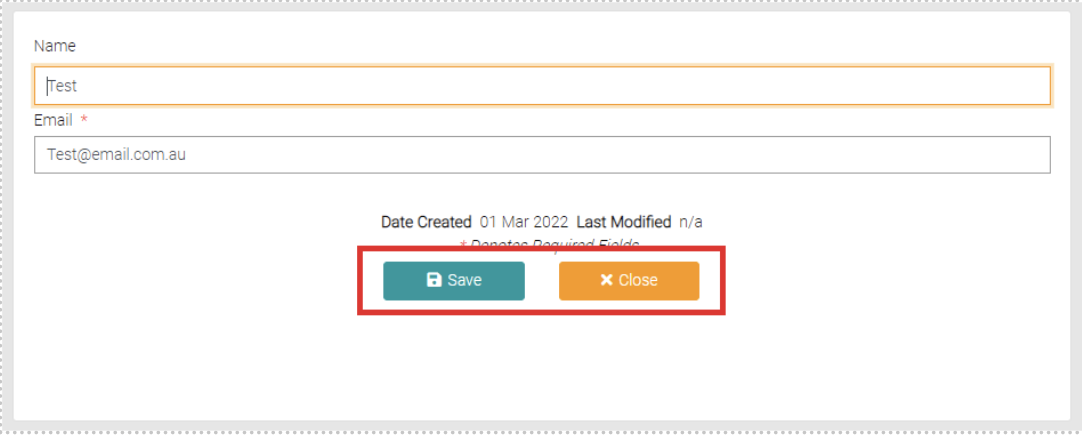
Once all the required fields are complete, click Save to save the new contact or Close to back out of the creation.
Edit
Click on the Name of the Contact that you want to edit.
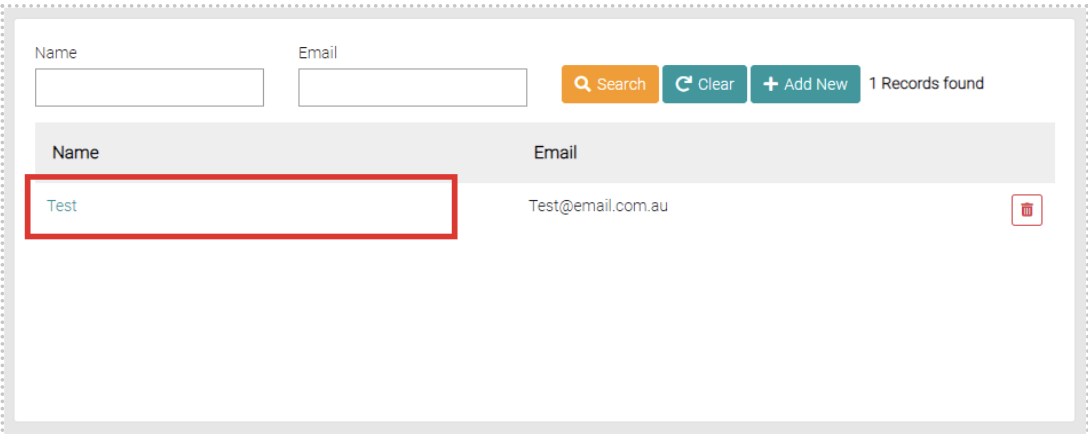
This will open a page similar to the add new page but the text fields are already filled out, edit the fields as seen fit.
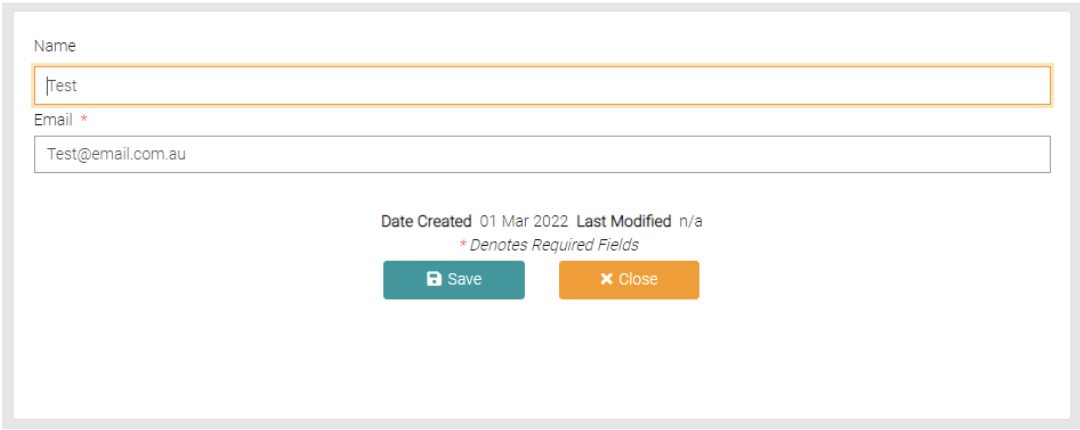
Use the Save button to apply changes or Close to back out of the editing.
Delete
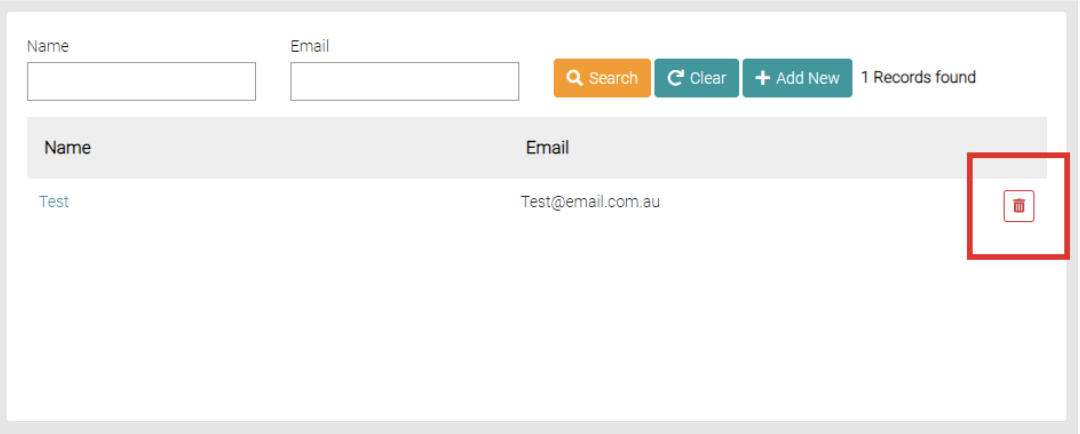
Click on the red trash-can to delete the Address Book Contact.