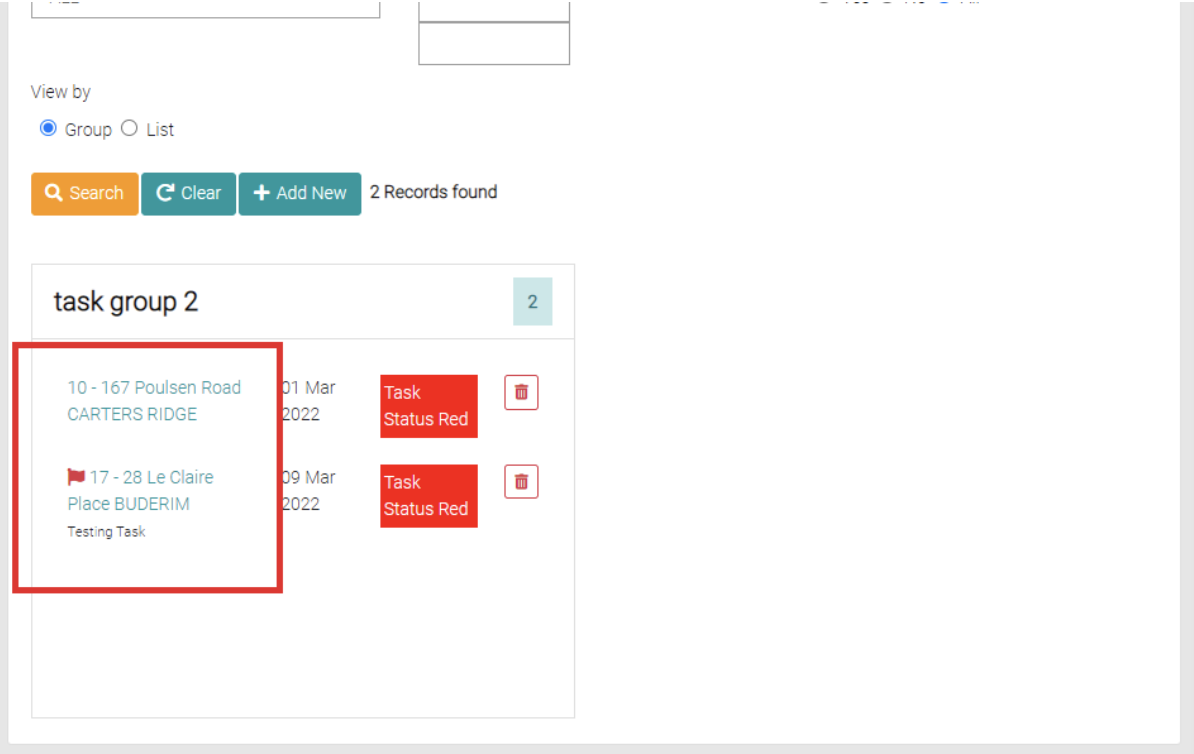
To edit the existing Task click on the BA Number of the task to be edited.
This will open a page like add new but with the fields already filled out.
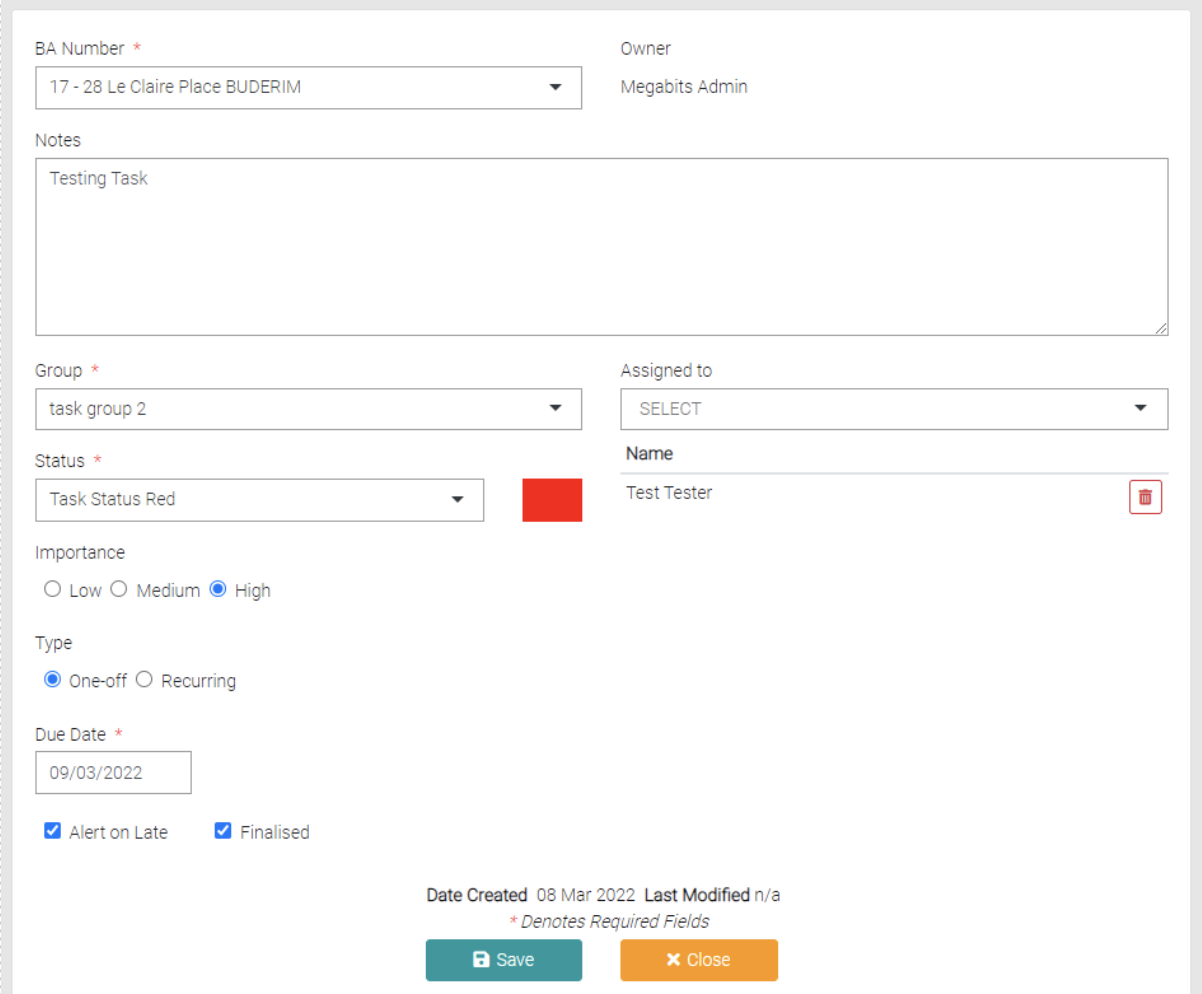
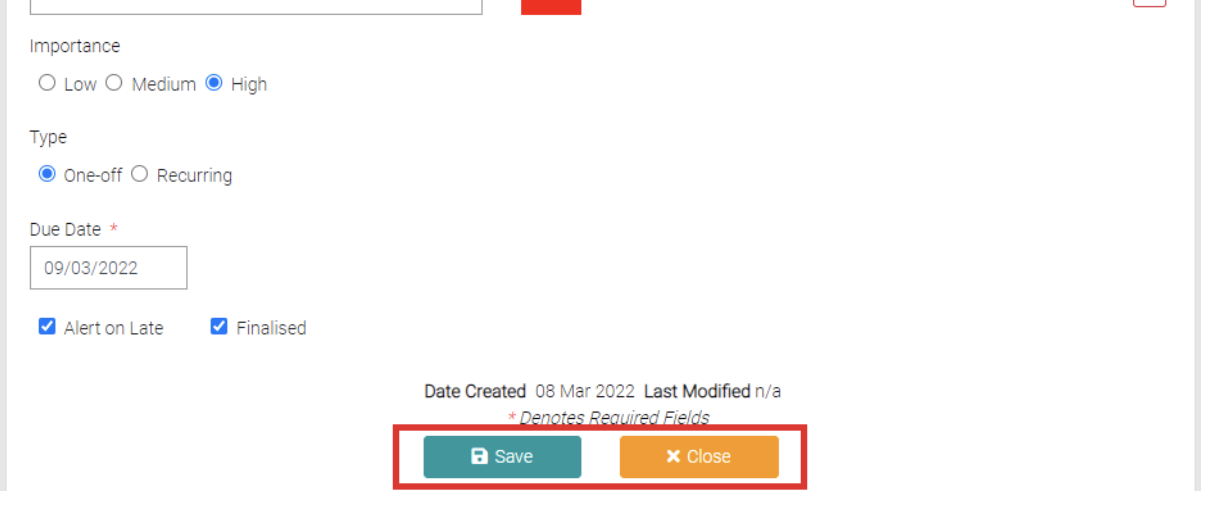
Edit the details as needed, remember all fields with the * symbol is required. Use the Save button to save the changes or use Close to back out of editing.
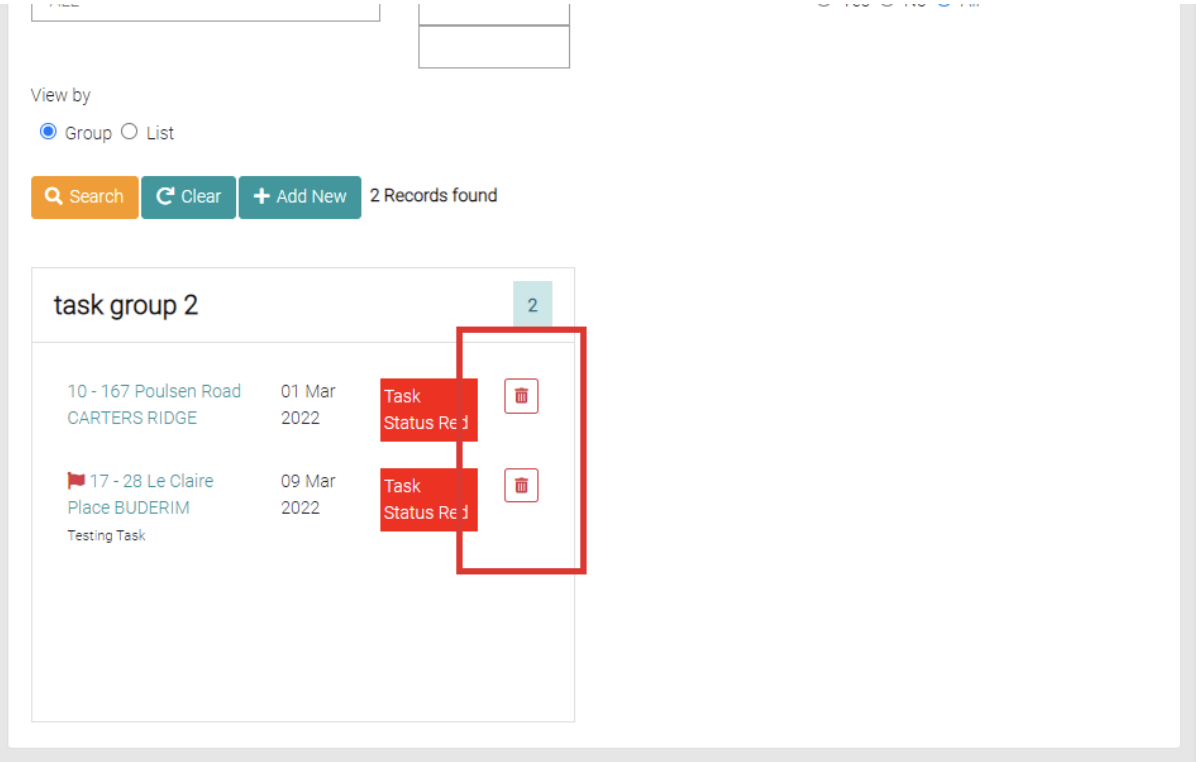
Delete
The red trash-can is used to delete the task.