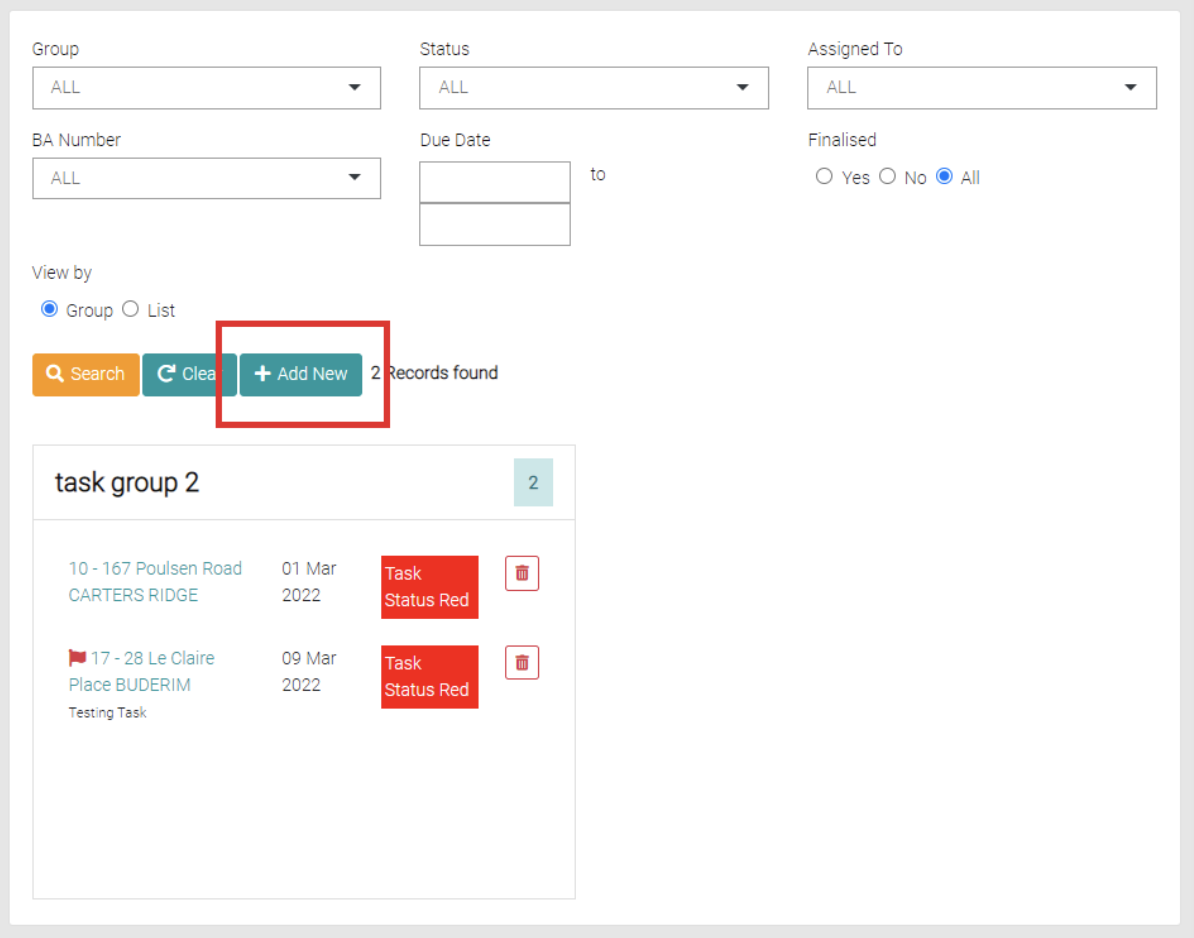
Use the Add New button to create a new Task.
This will open a page to be filled with the tasks information including the BA Number, Notes, Group, Assigned Member, Status, Importance, Type, Due Date and checkboxes for if the task needs an Alert on Late or if Finalised.
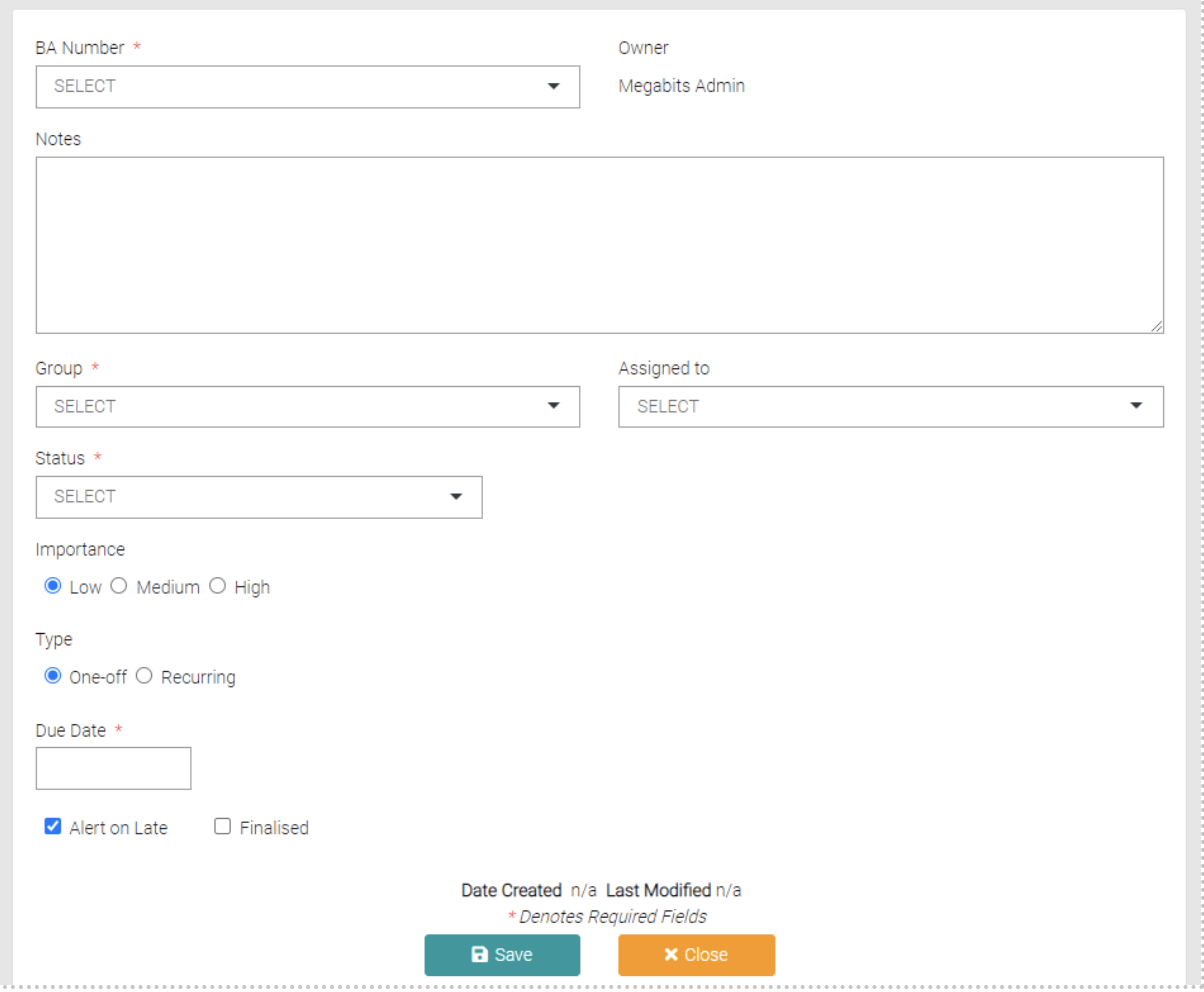
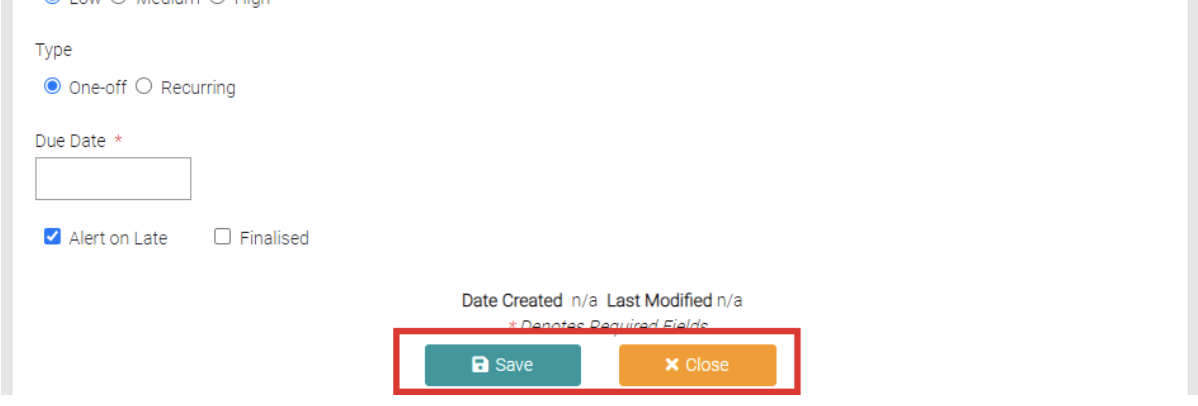
All fields with the * symbol are mandatory before being able to save with the Save button or use Close to back out of the creation.