
Edit
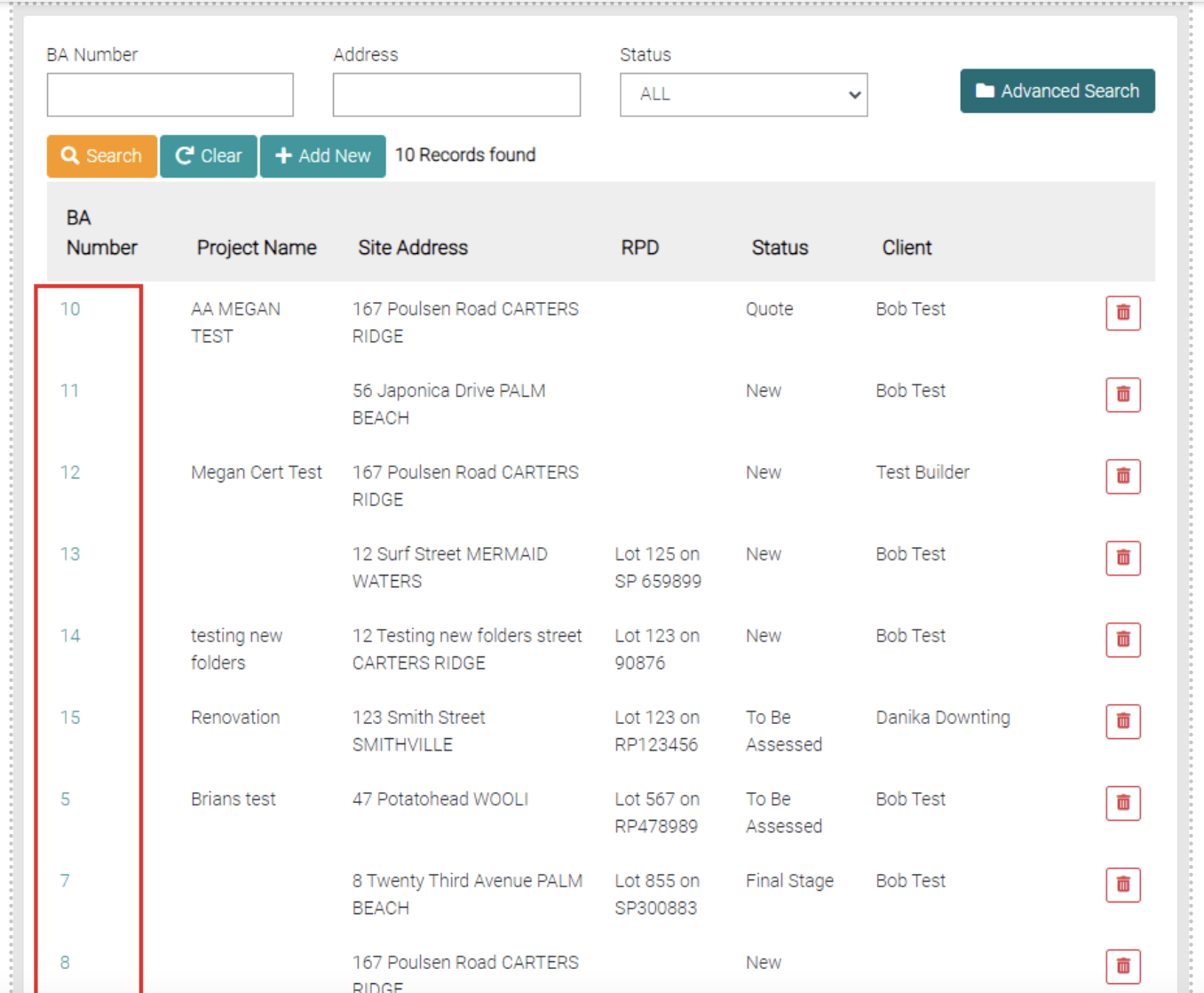
Click on the BA Number of the Job to edit the details.
Job Tabs
When looking at the Job there are a variety of tabs that encompass the information related to the Job.

Details
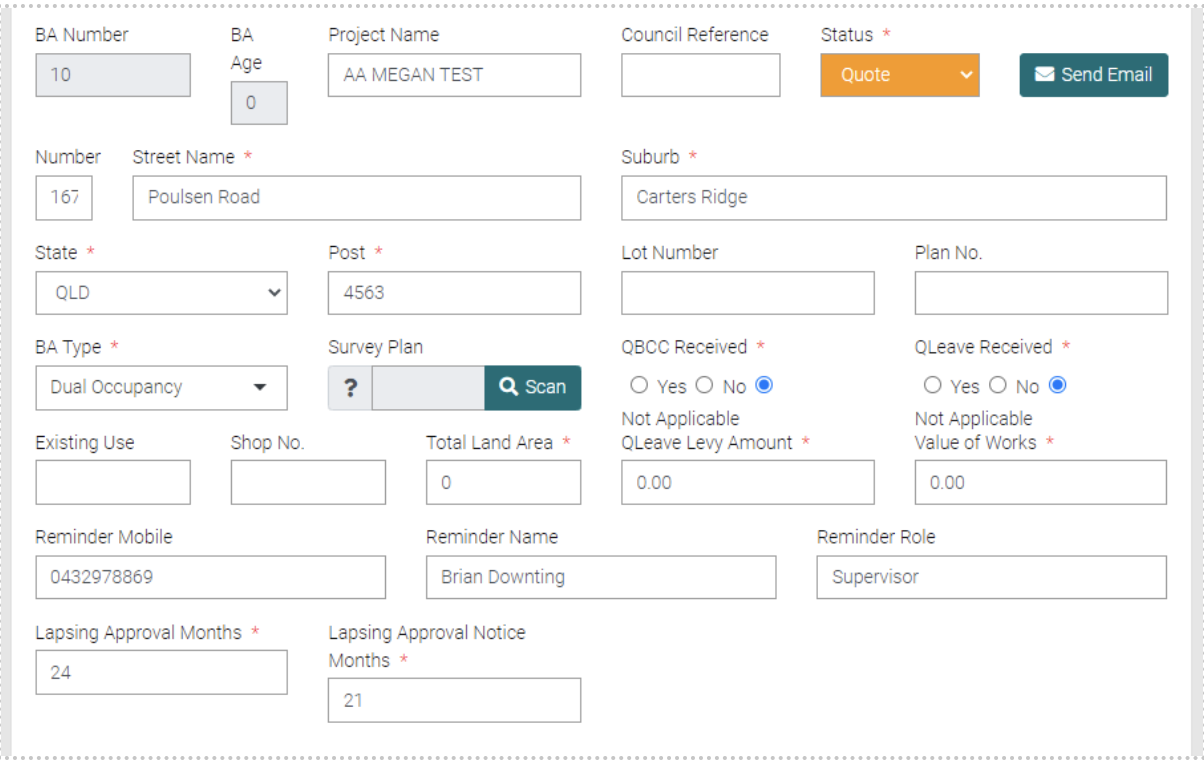
This tab holds the details of the job, this shows the address Project Name, Status, BA Number, QBCC/QLeave Received, Land Ara, Existing use, Levy Amount, Value of Works, Reminder Phone Number/Name/Role. Lapsing Approval Months and Lapsing Approval Notice Months.
All text fields with the * are mandatory to save but as many details are preferred.
There is also a Building Description with the mandatory information to fill out. You can save new Building Descriptions with the Green Save Button.
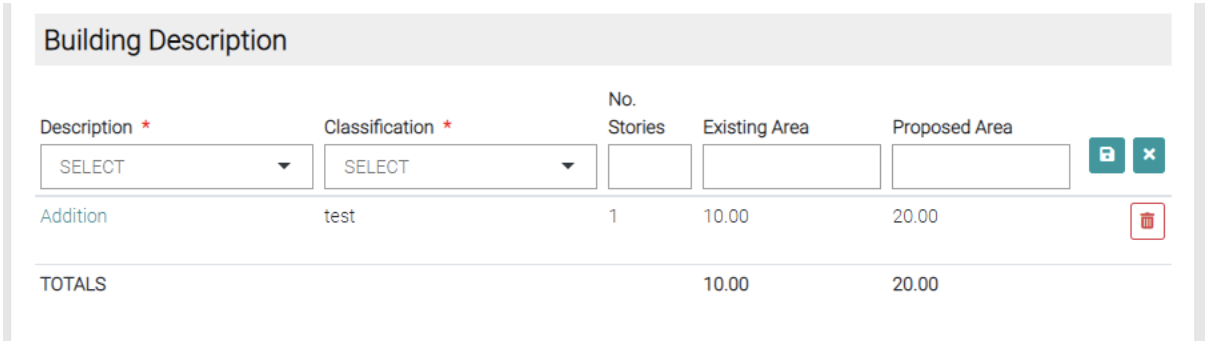
The red trash button will also delete the Building Description.
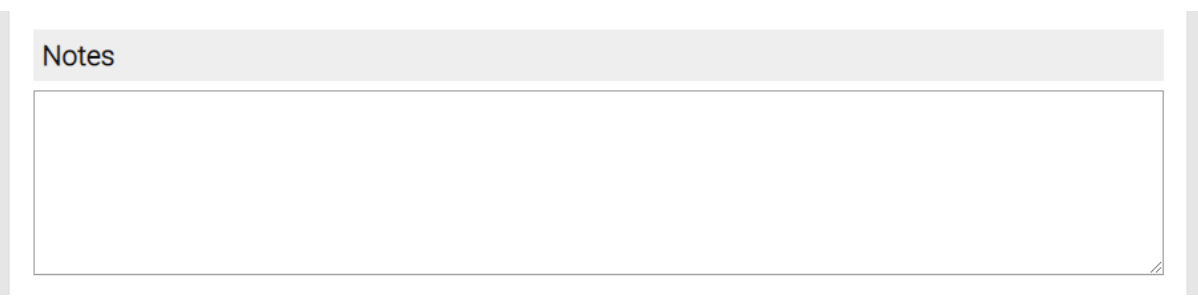
Finally, you can add Notes to the Detail page for information also needed.
When all mandatory fields are completed use the Save button or go back to the Jobs page with the Close button.
