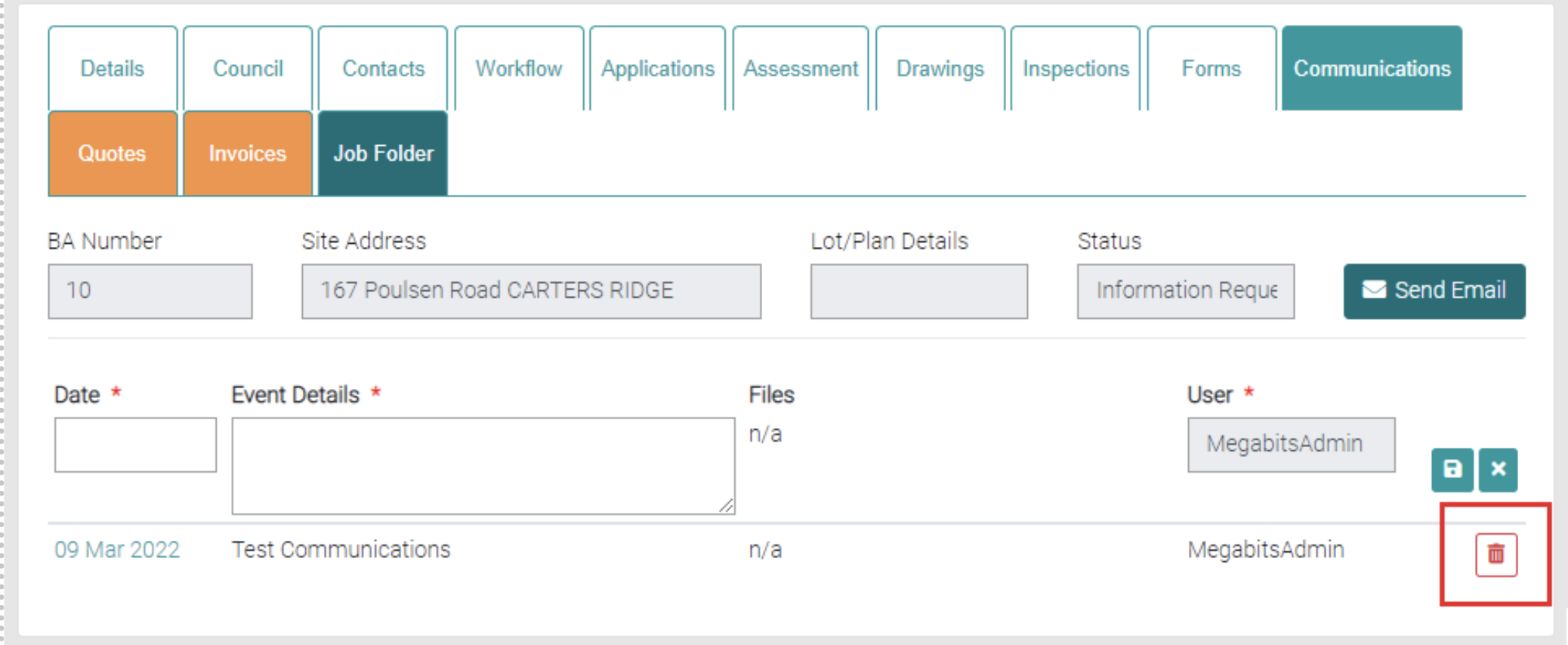
The Communication tab is used to record communications regarding the Job.
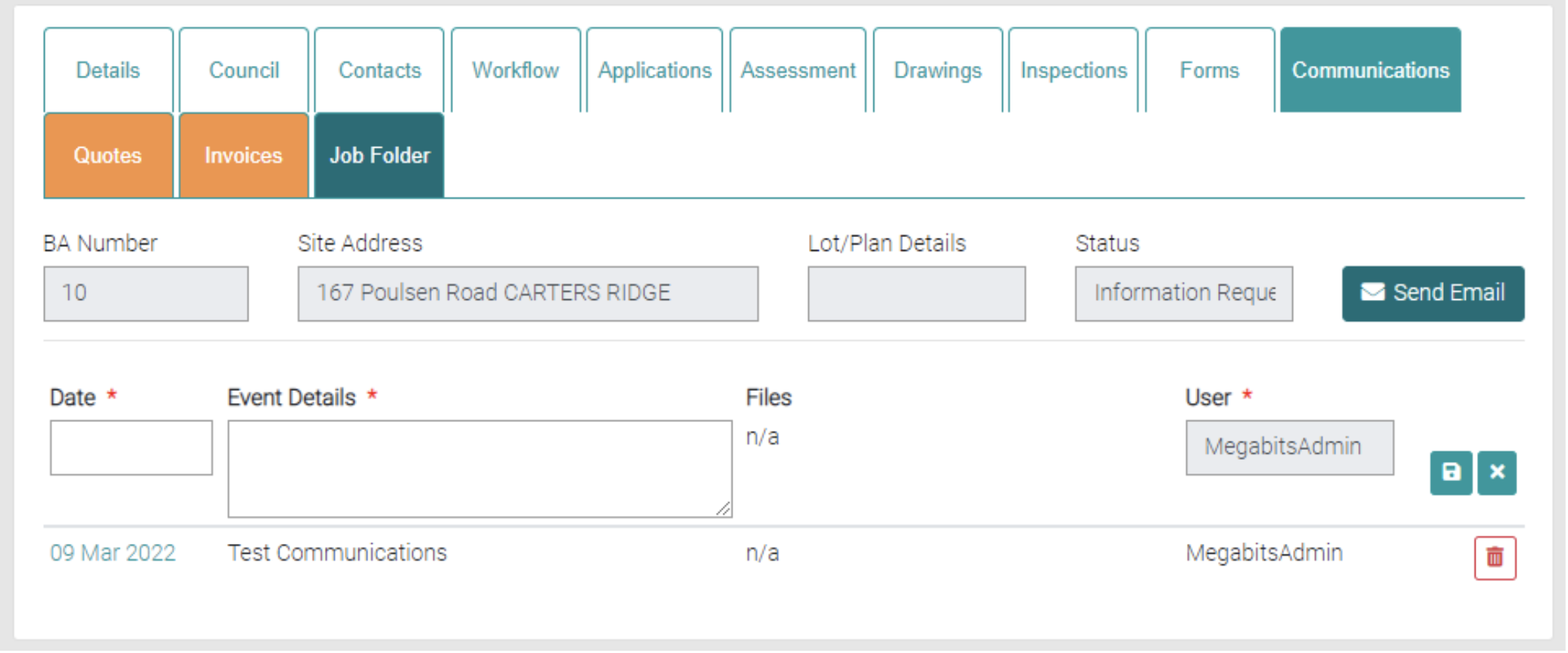
Add
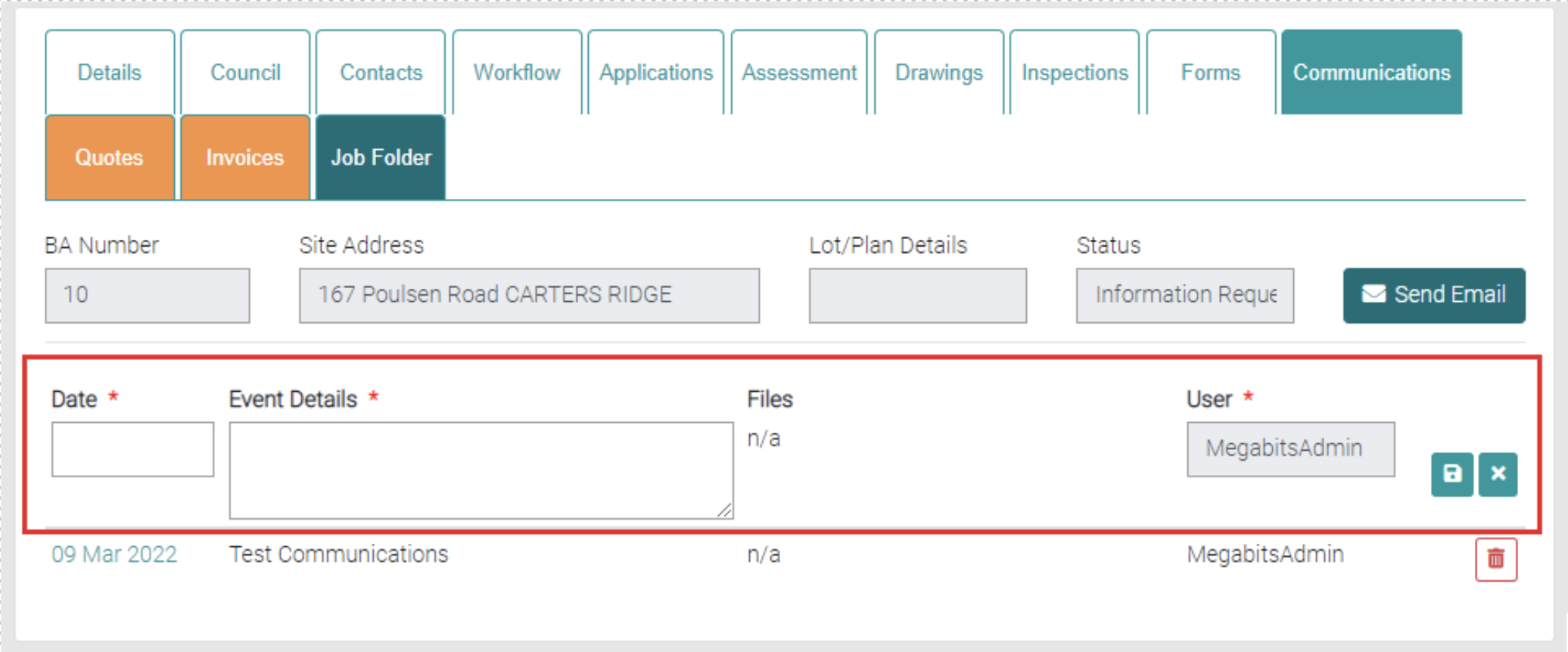
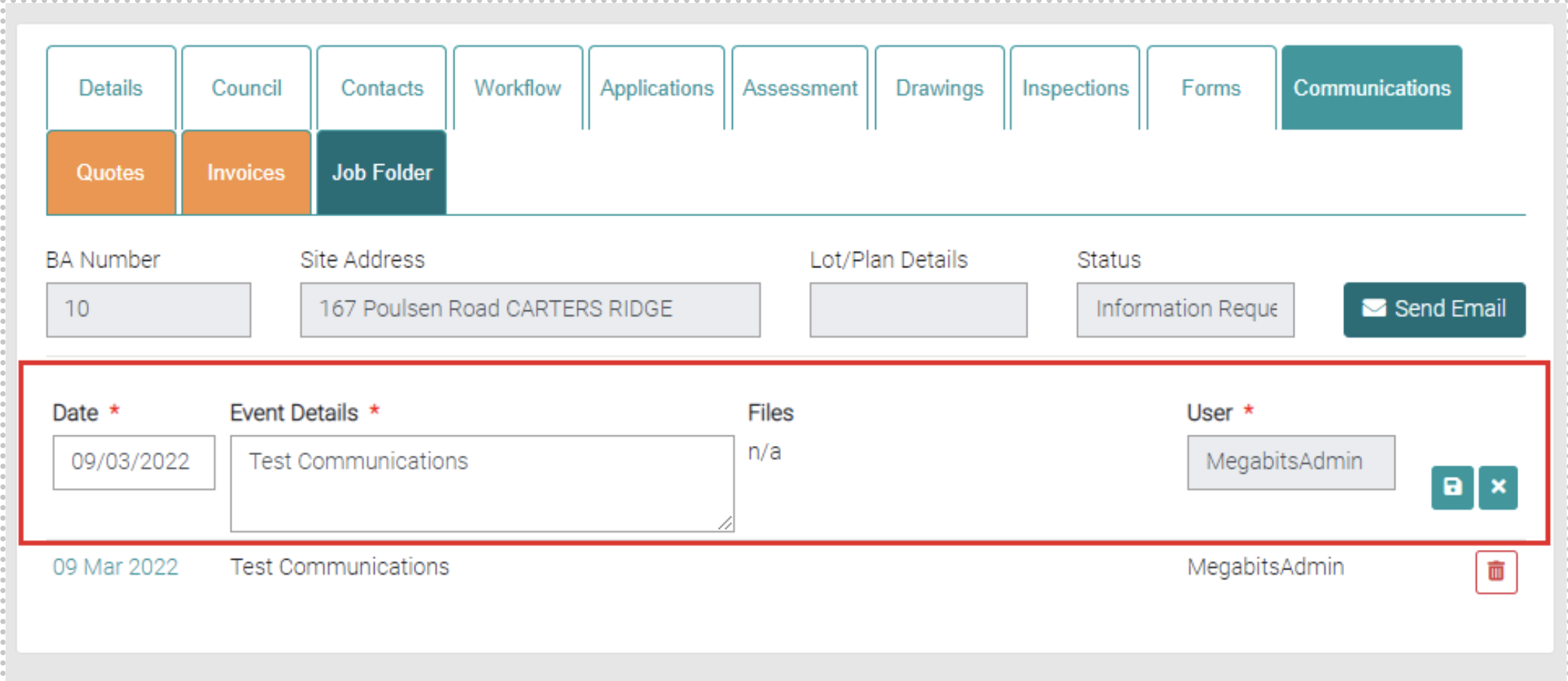
New Communications can be created here, fill out the text fields marked with * are mandatory. Add the Date of the Communication and add any details about the communication that should be added to the Event Details for future reference. Use the green save icon to save the new Communication.
Edit
Existing Communications can be edited by selecting the date of the Communication.
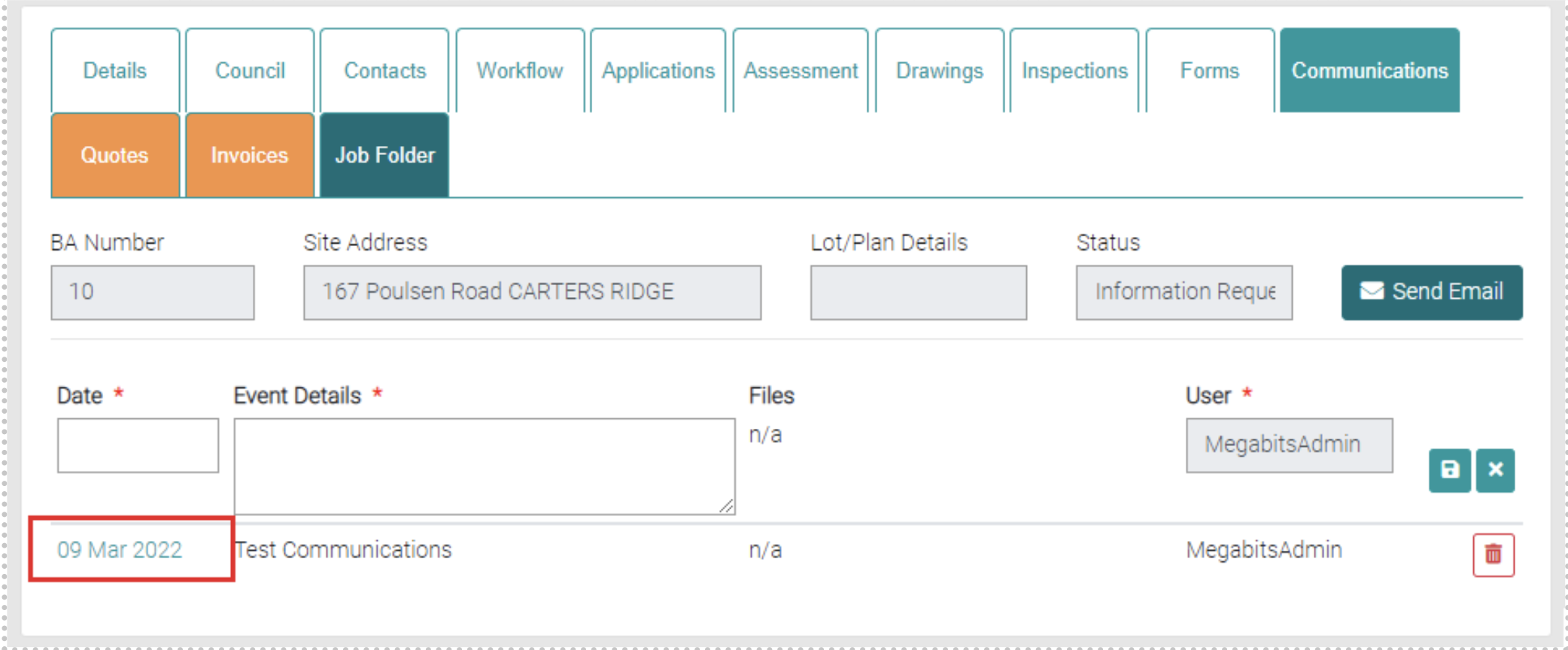
This loads the existing Communication into the text fields and can be edited. Use the green Save button to save changes or the green cross to back out of making changes.
Delete
Use the red trash can button to delete existing Communication.