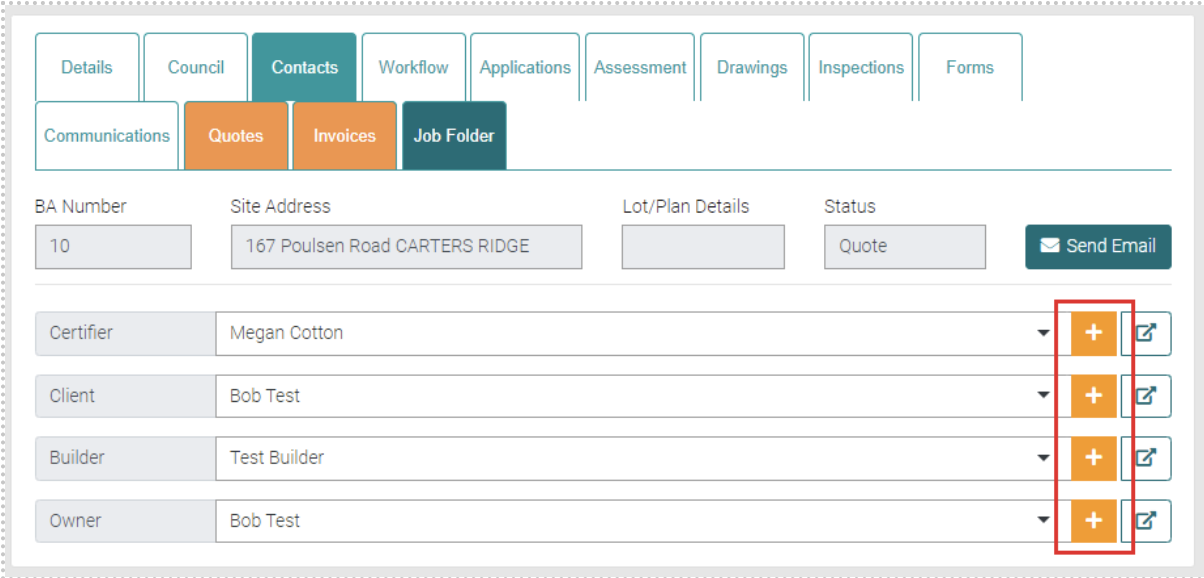
Contacts are the list of all people related to the Job including the Certifier, Client, Builder and Owner. Each is a drop-down menu that allows the change of each contact to a different user.
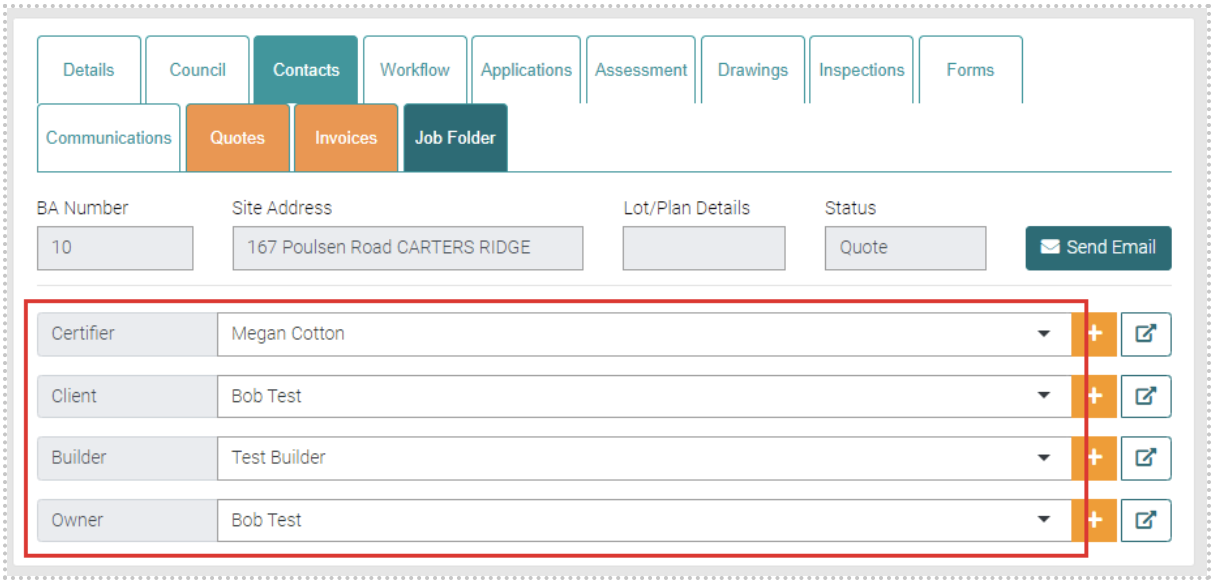
There is an Add New option that allows the creation of a new contact on the same page. All text with the * is mandatory. Once all Mandatory fields are complete select the Save button to create a new contact. 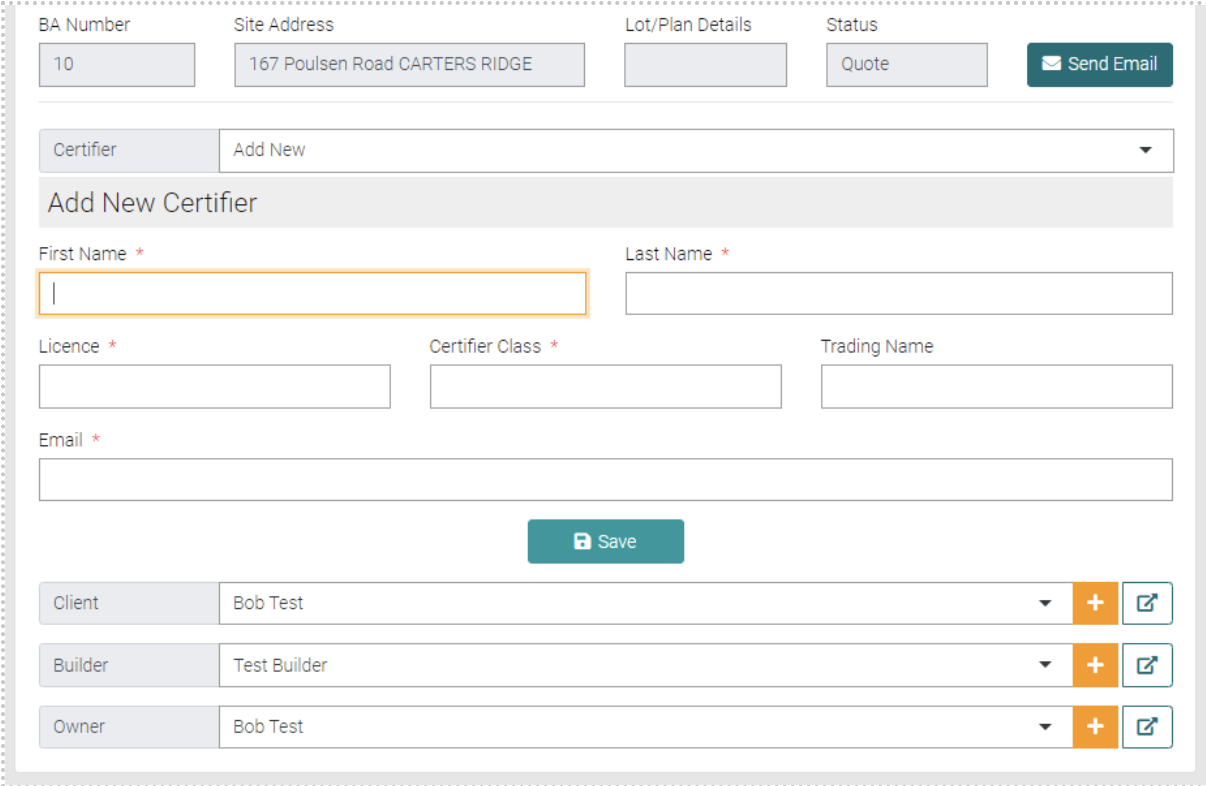
The plus button to the right shows more details of the contact.
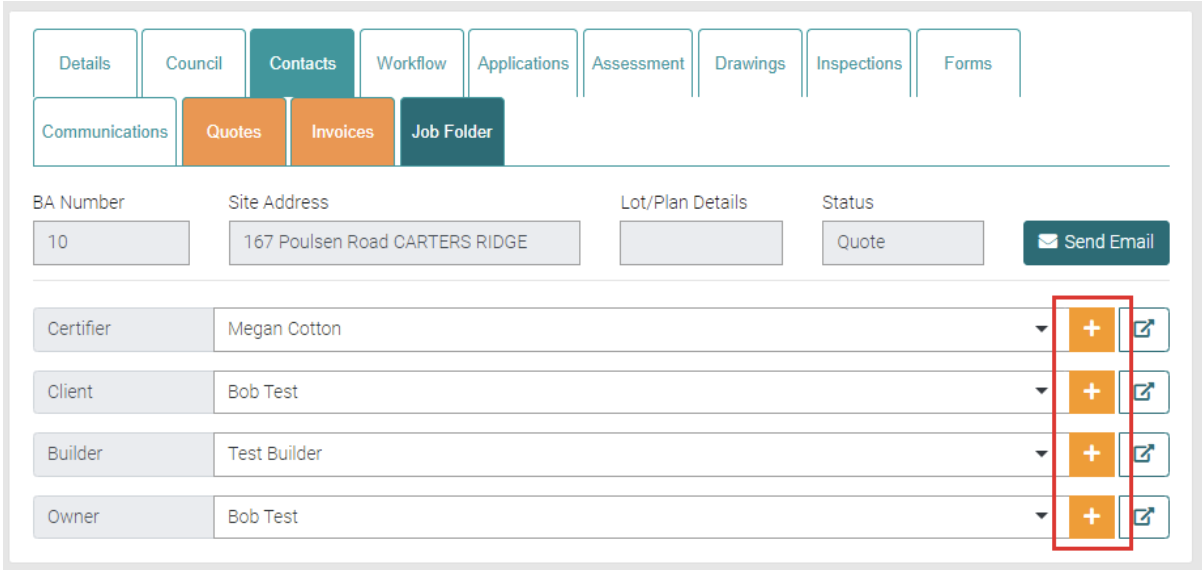
The Arrow button takes you to the Contact’s User profile.