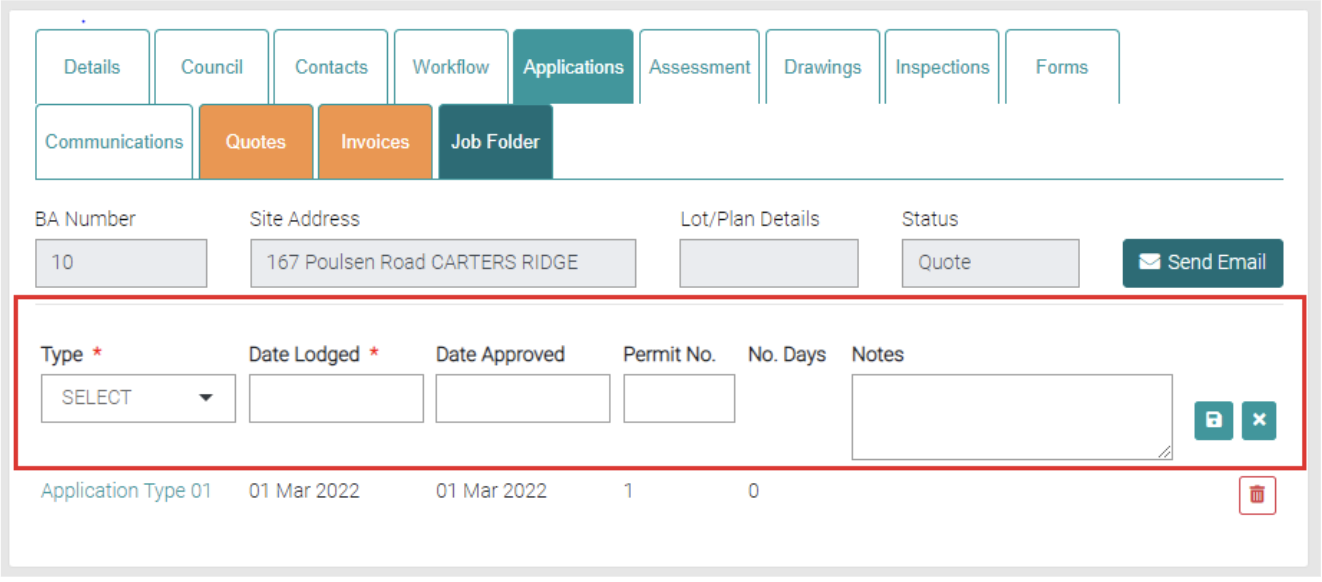
Applications show the related Applications on this page.
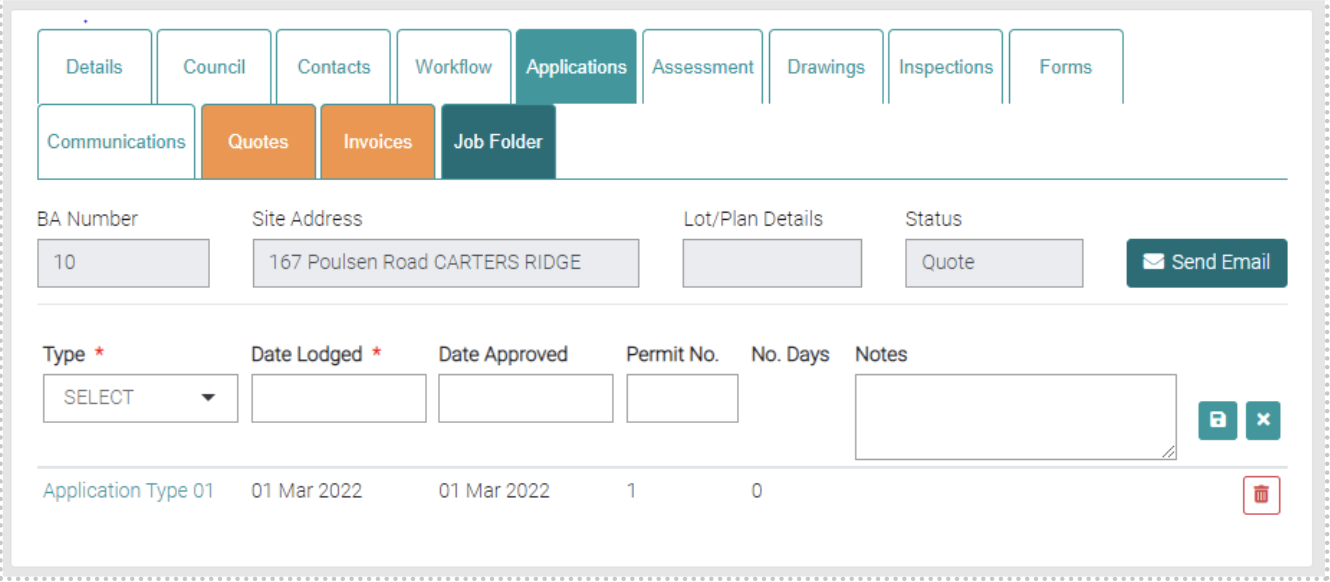
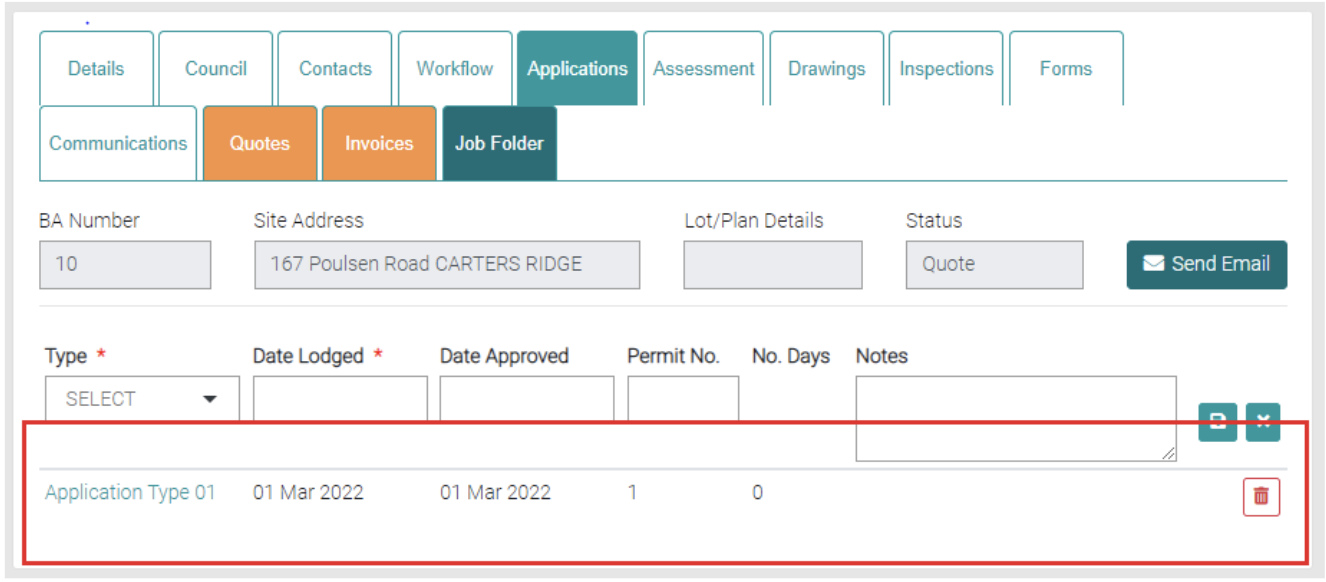
Existing Applications are located below, the information displayed goes in order of Type, Date Lodged, Date Approved (if available), Permit No. (if available), No. Days and Notes (if available). Types can be managed in Lookup > Application Type.
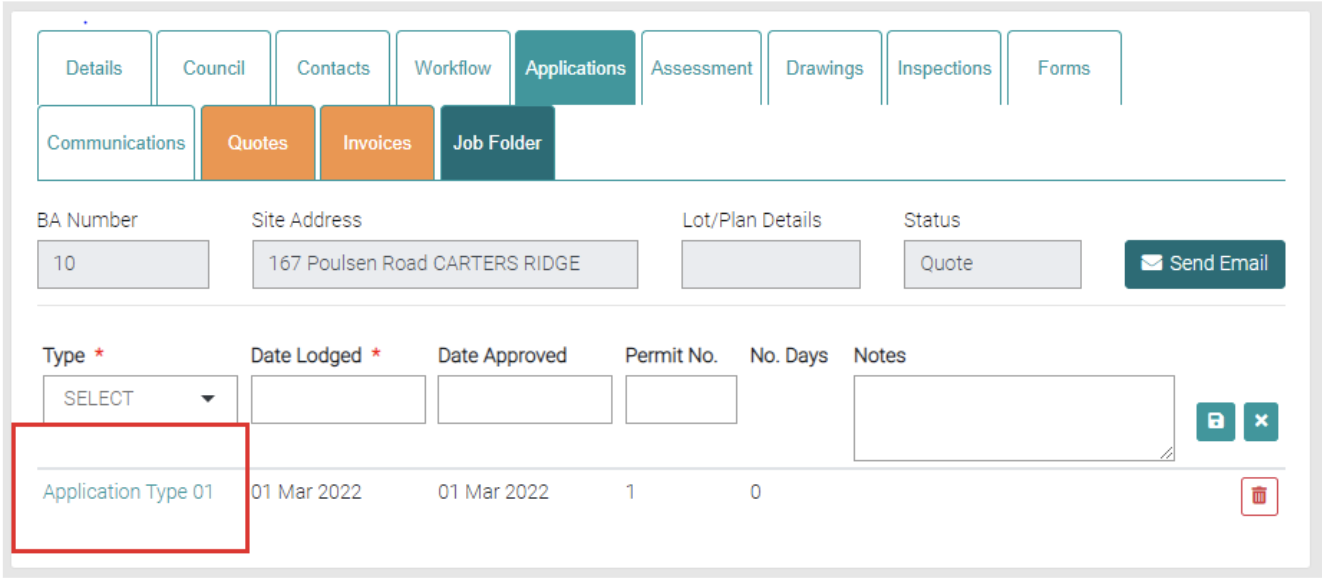
By clicking on the Type, you can edit the Application.
Using the red trash can you can delete existing Applications.
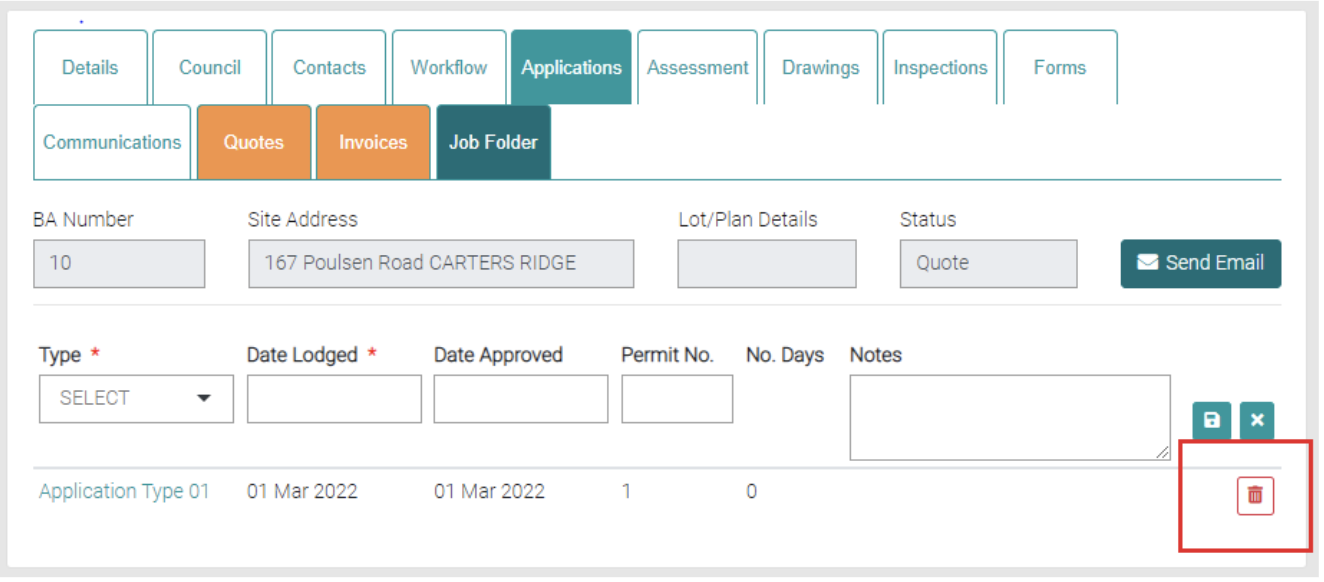
New Applications can be added via the highlighted section. The Mandatory information is marked by * and needs to be filled in before it can be saved with the green save button. Date Lodged and Date Approved open a calendar to select a date.