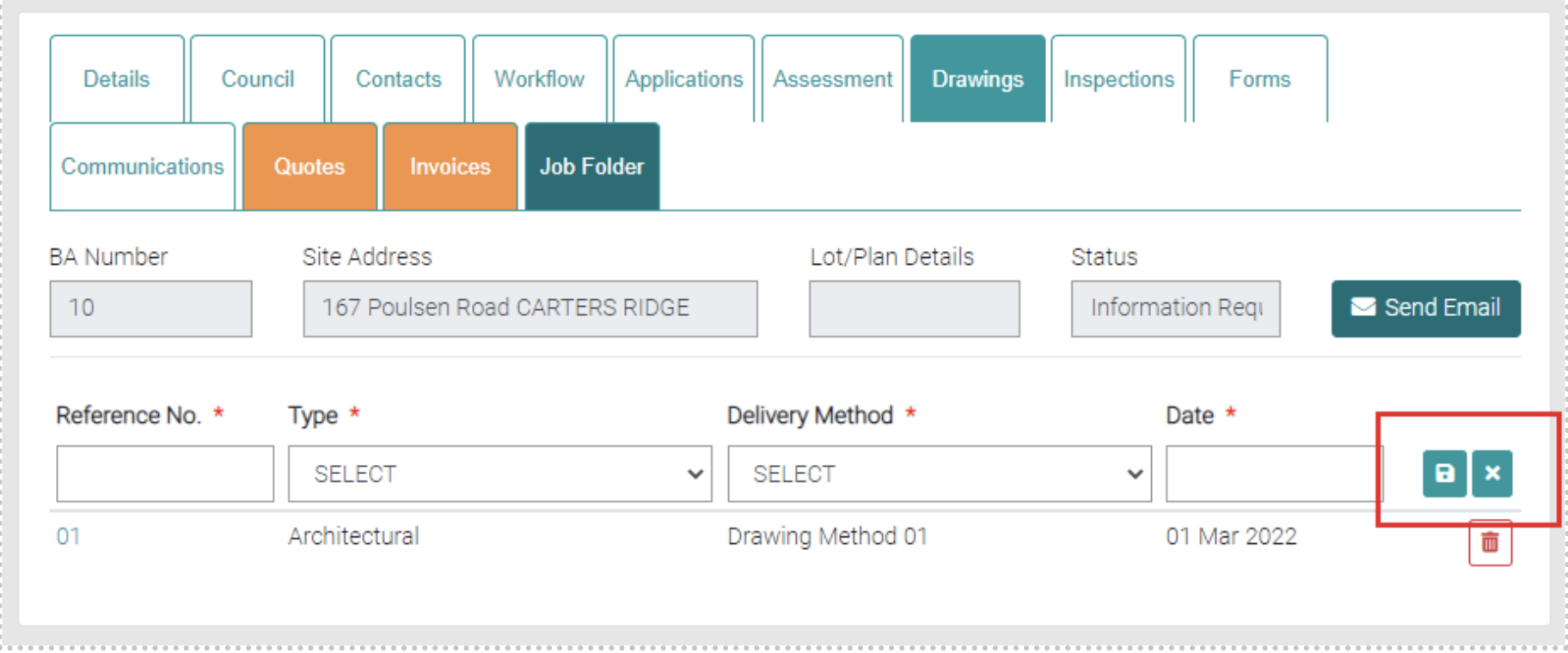
The Drawings tab shows the Drawings associated with the job. There is a list of existing drawings.
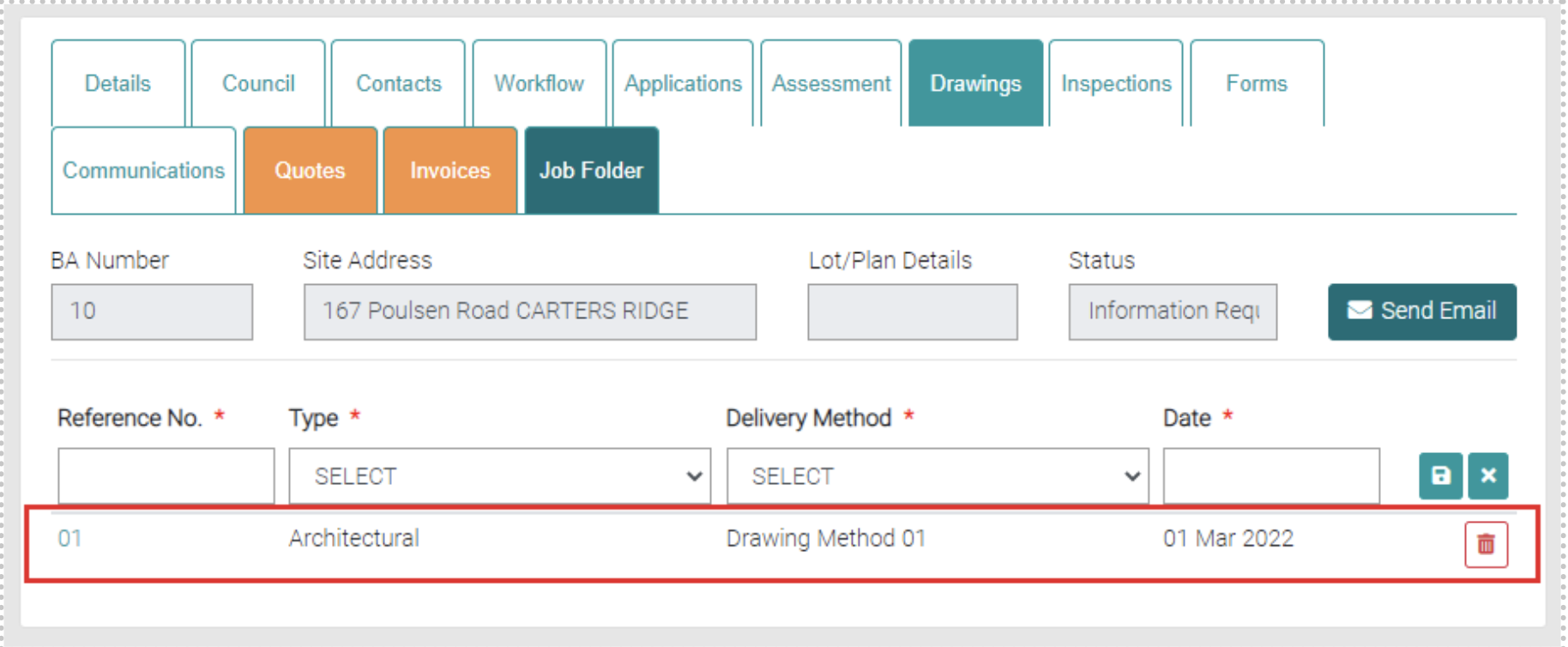
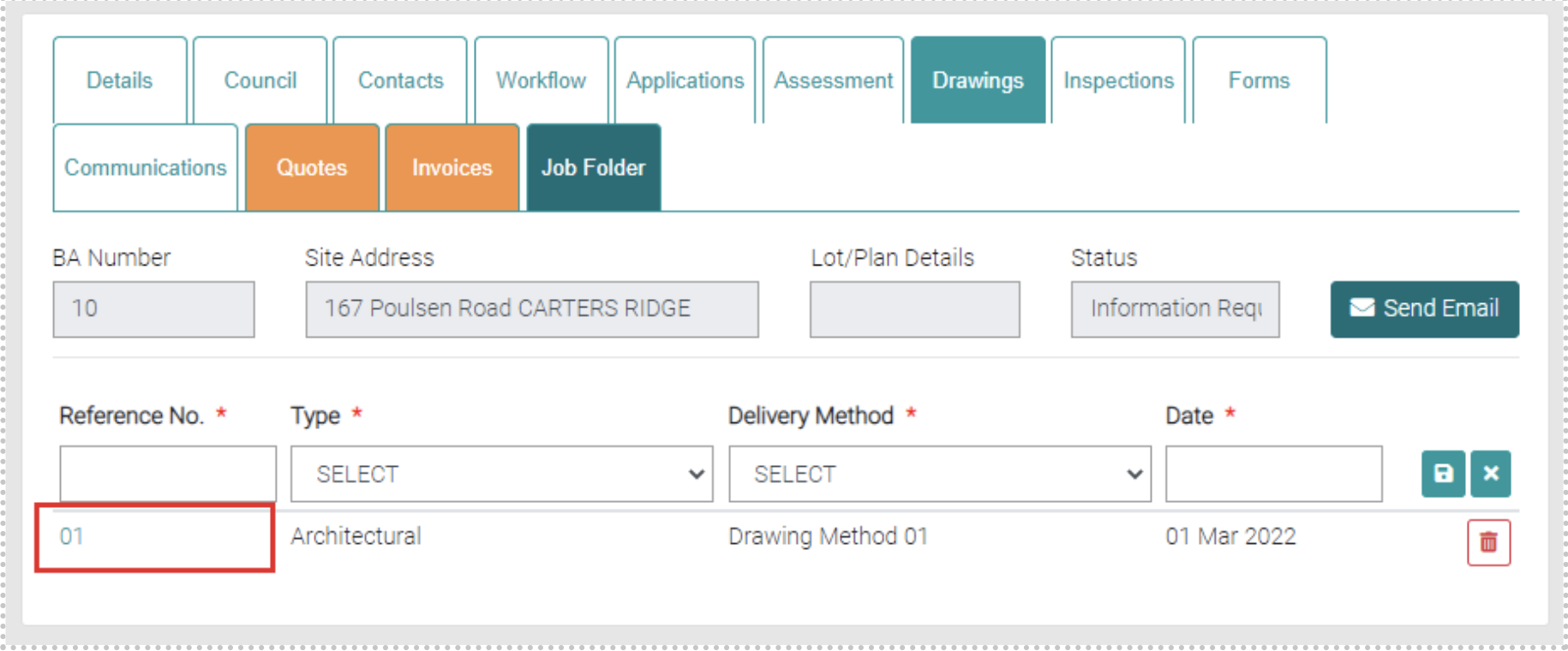
By clicking on the Reference No. you can edit the Drawing.
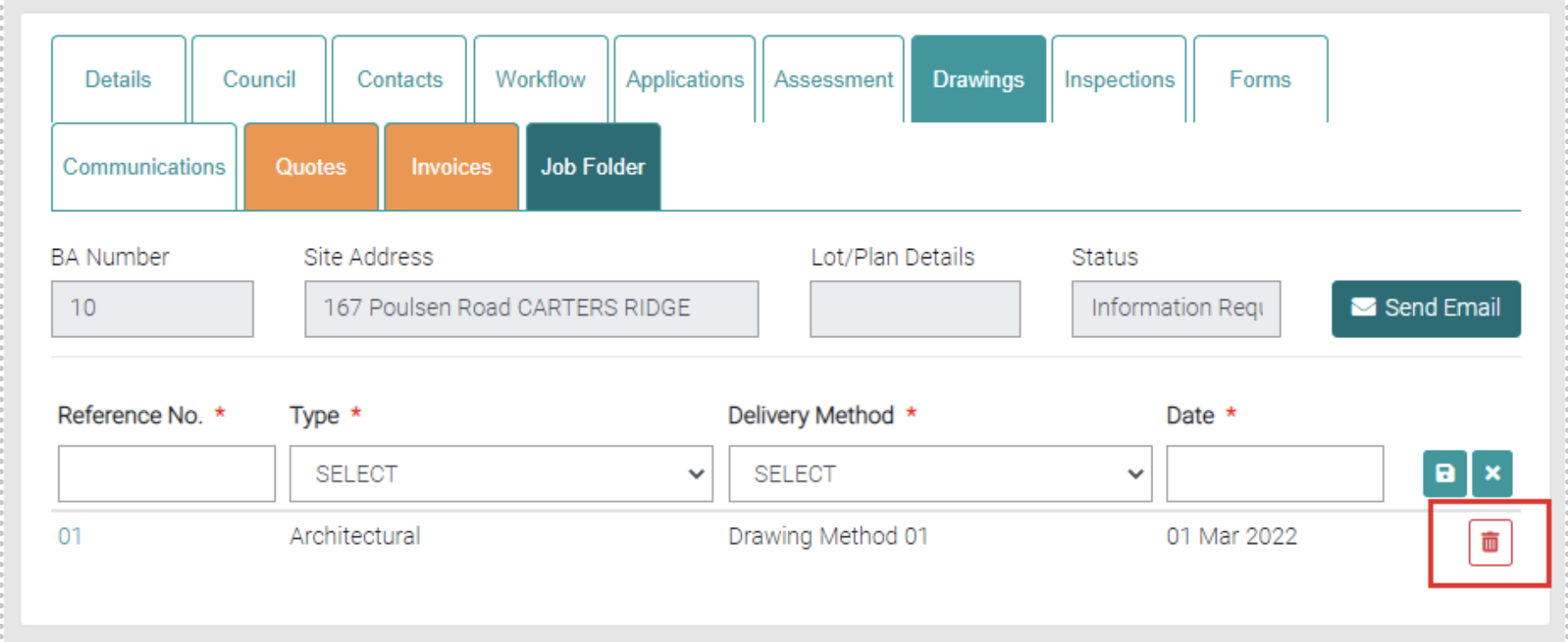
Delete
The red trash can will delete existing Drawings.
Add
Add new Drawings by using the highlighted area, each field with * marked are mandatory. The Reference No. is the Reference Number to identify the drawing. The Type is a drop-down menu for different Drawing Types which can be managed at Lookup > Drawing Types. Delivery Method is a drop-down menu for different Delivery Methods which can be managed at Lookup > Drawing Method. The Date shows a calendar so the date can be selected.
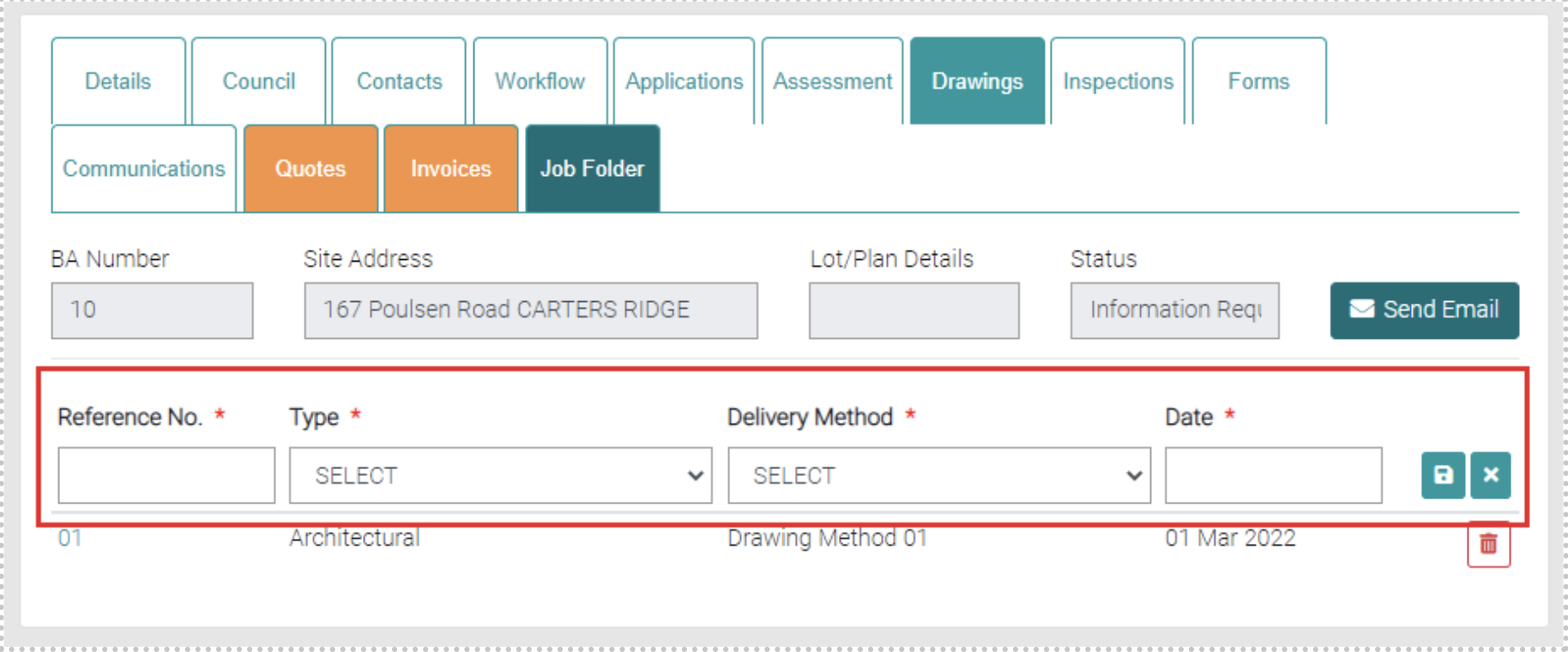
Use the Save icon to save new Drawings or close with the cross icons.