
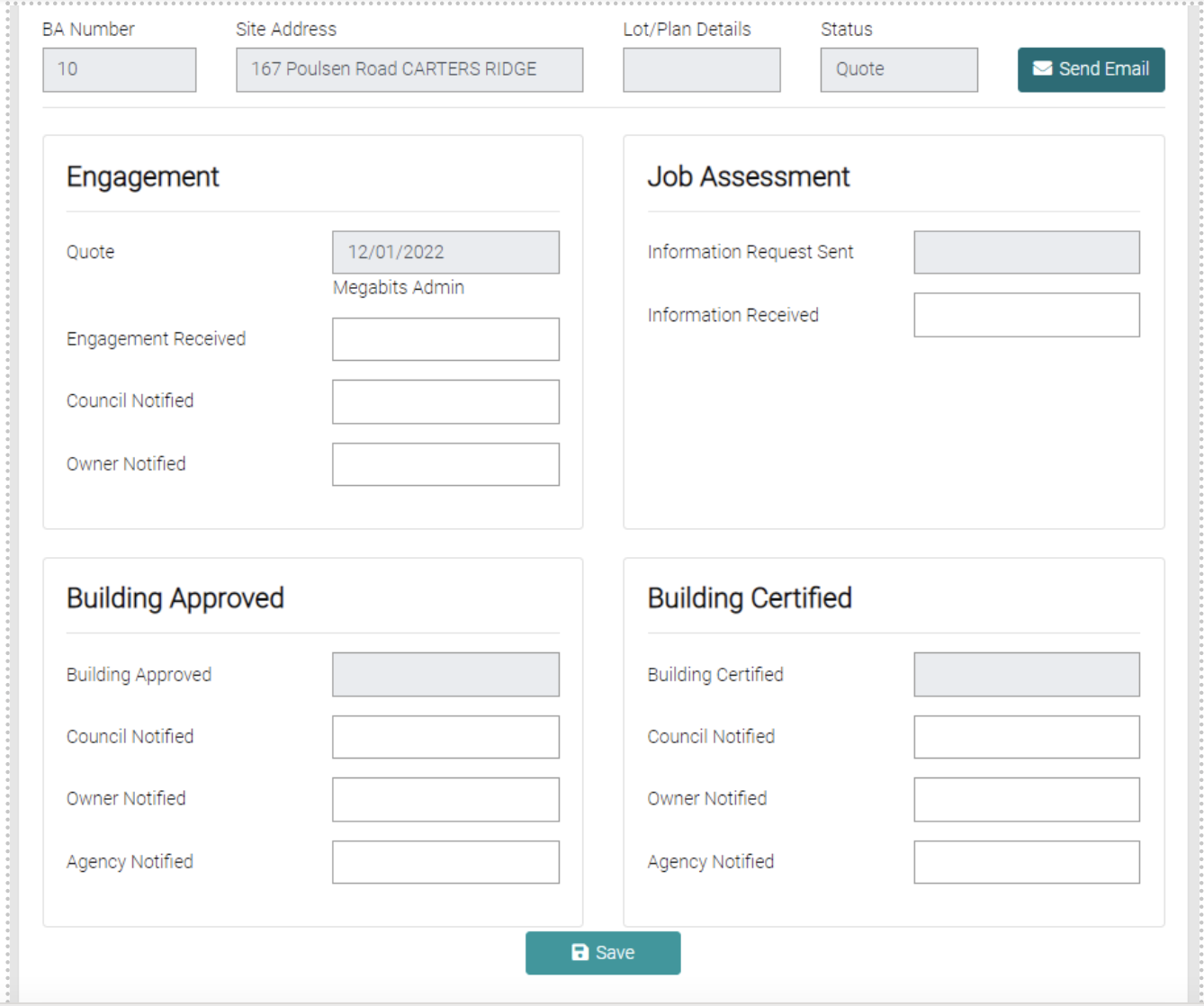
The workflow shows the progression of the job. It shows the Engagement, Job Assessment, Building Approval and Building Certified, each text field will open a calendar, to date each subtask is completed. Once the latest update has been entered click on the green Save button below.
Below the Workflow is the list of Tasks associated with the Job, this displays the name, due date, status, importance and if the task has been finalised. The red trash can icon can be used to delete a task.
