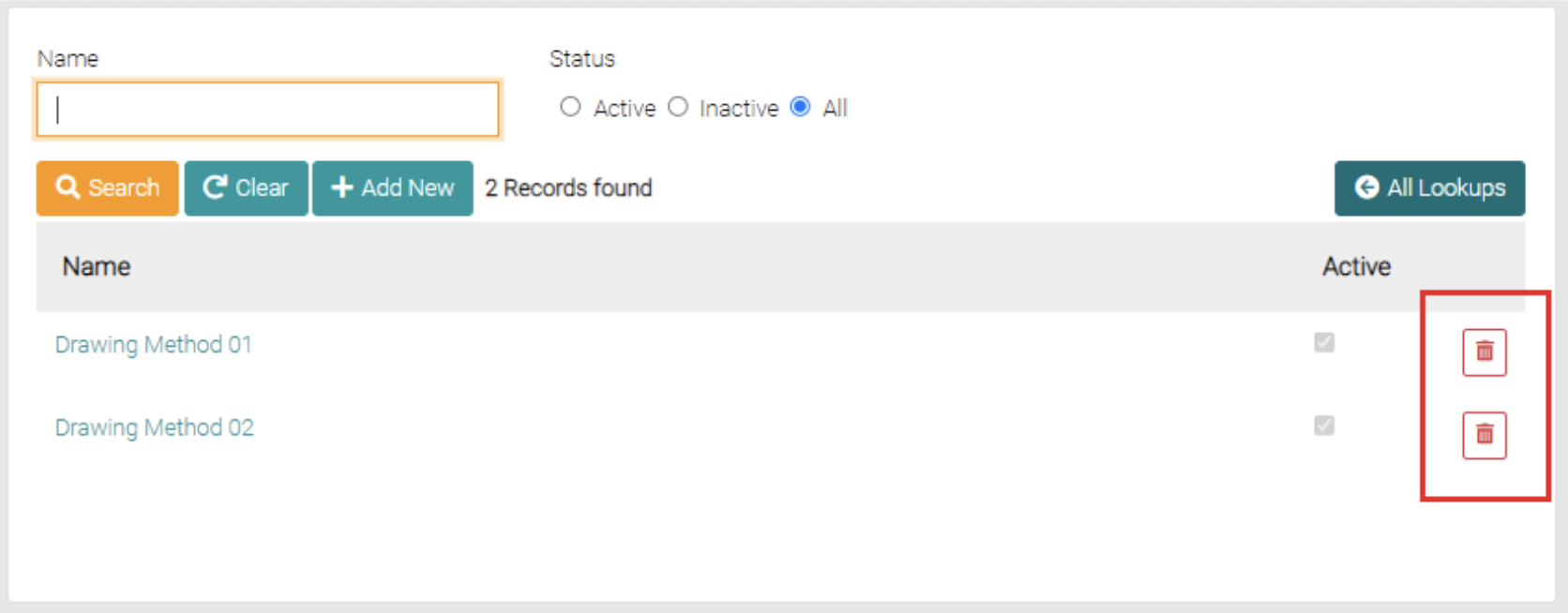
This is where the Drawing Methods are managed.
Search
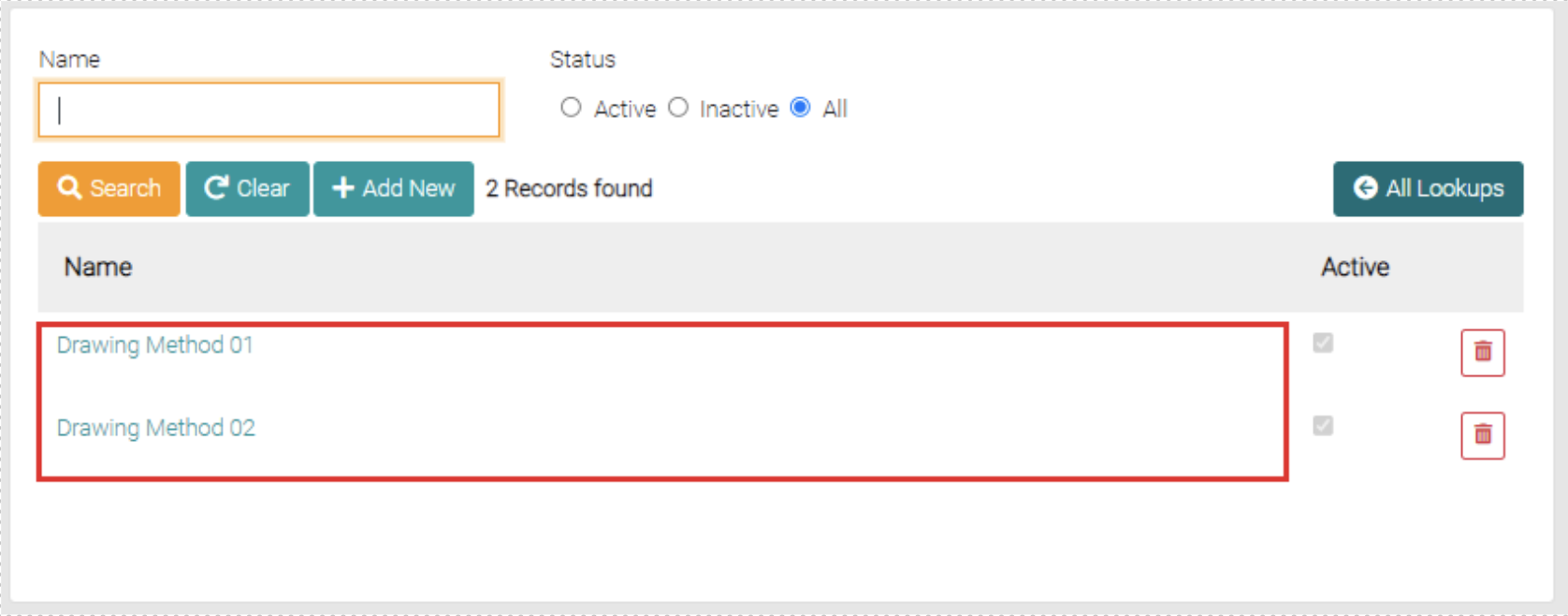
On the Drawing Method page, you can search for different requirements in the name text field, you can use partial names in the text field or complete titles. You can further narrow this search through the status of the items by selecting Active, Inactive and All, by default the search is set to All.
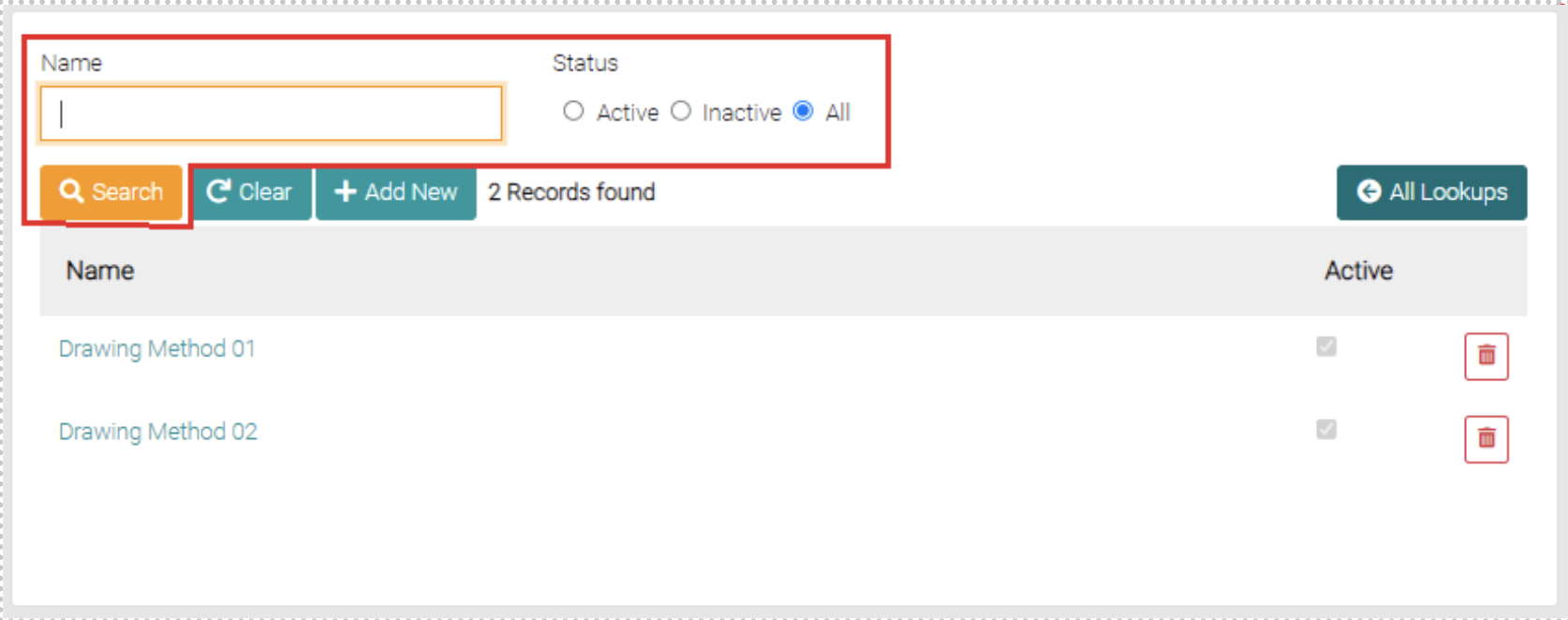
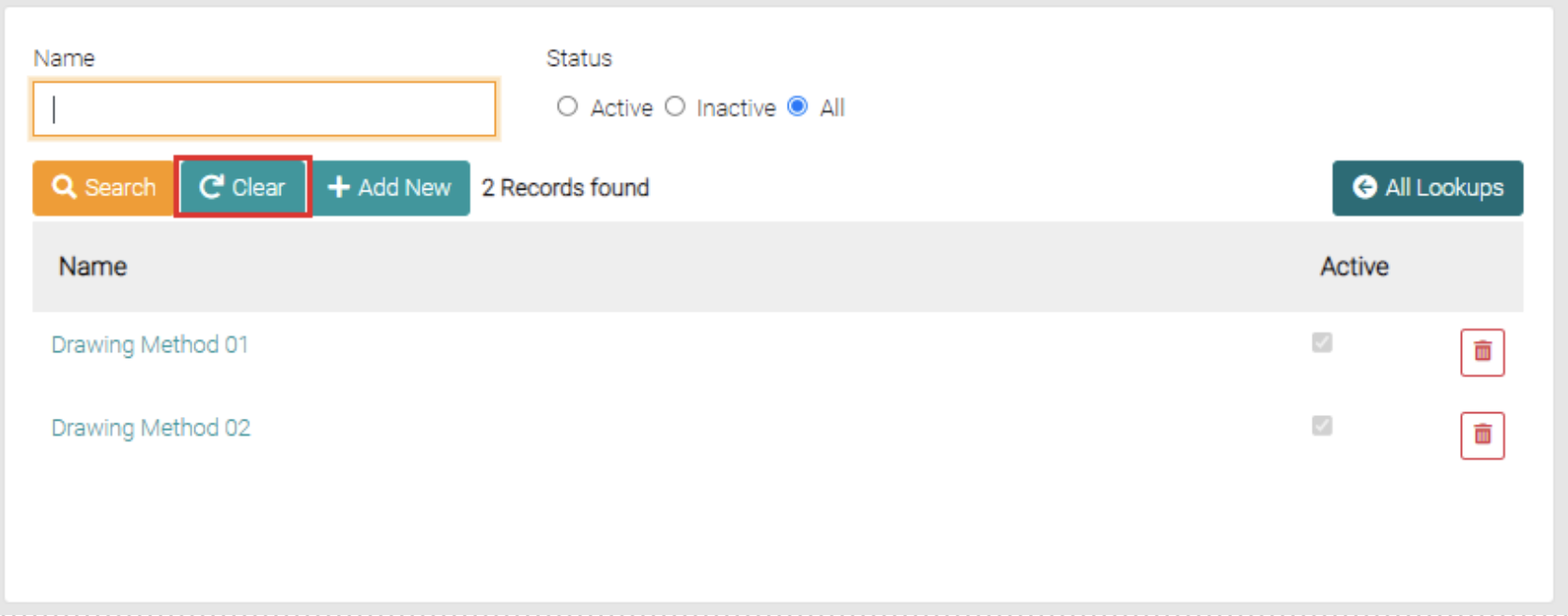
Besides the Search button, there is a Clear button that removes any filters on the search such as name or status.
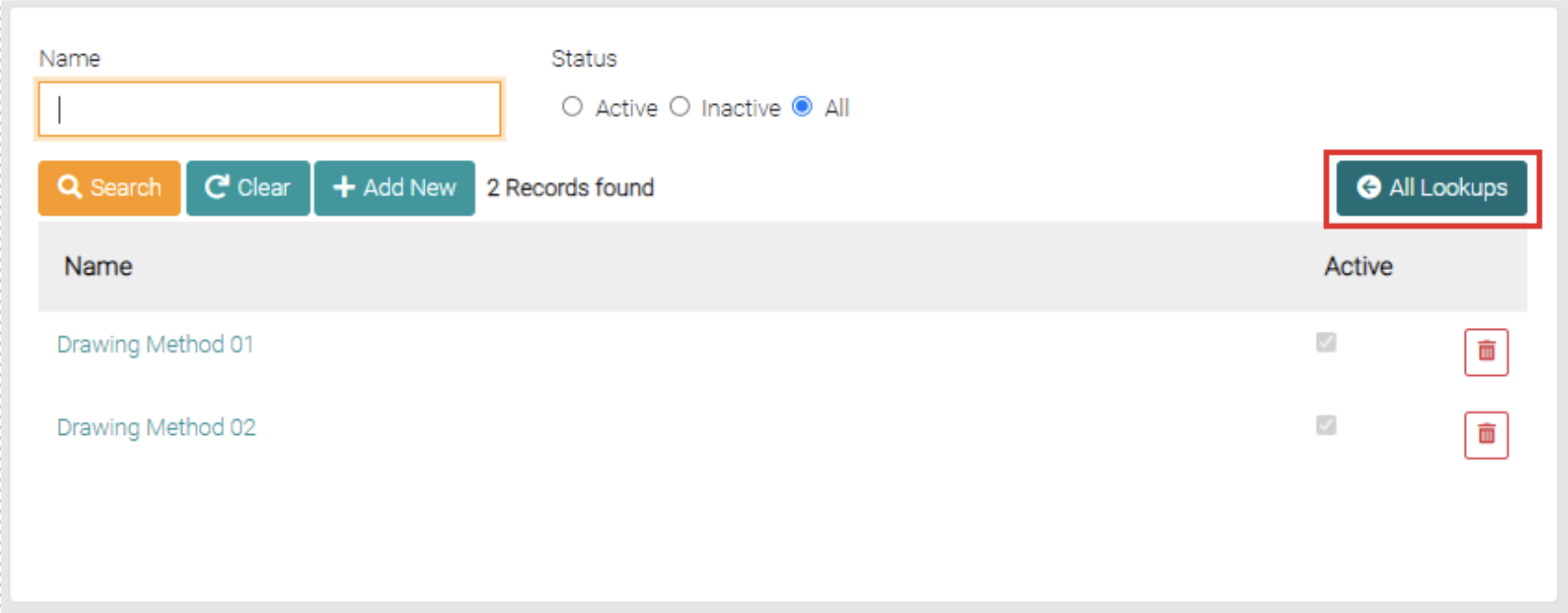
The All Lookups button will take you back to the Lookups.
Add
The Add New button is found on the search page beside the Clear and Search Button.
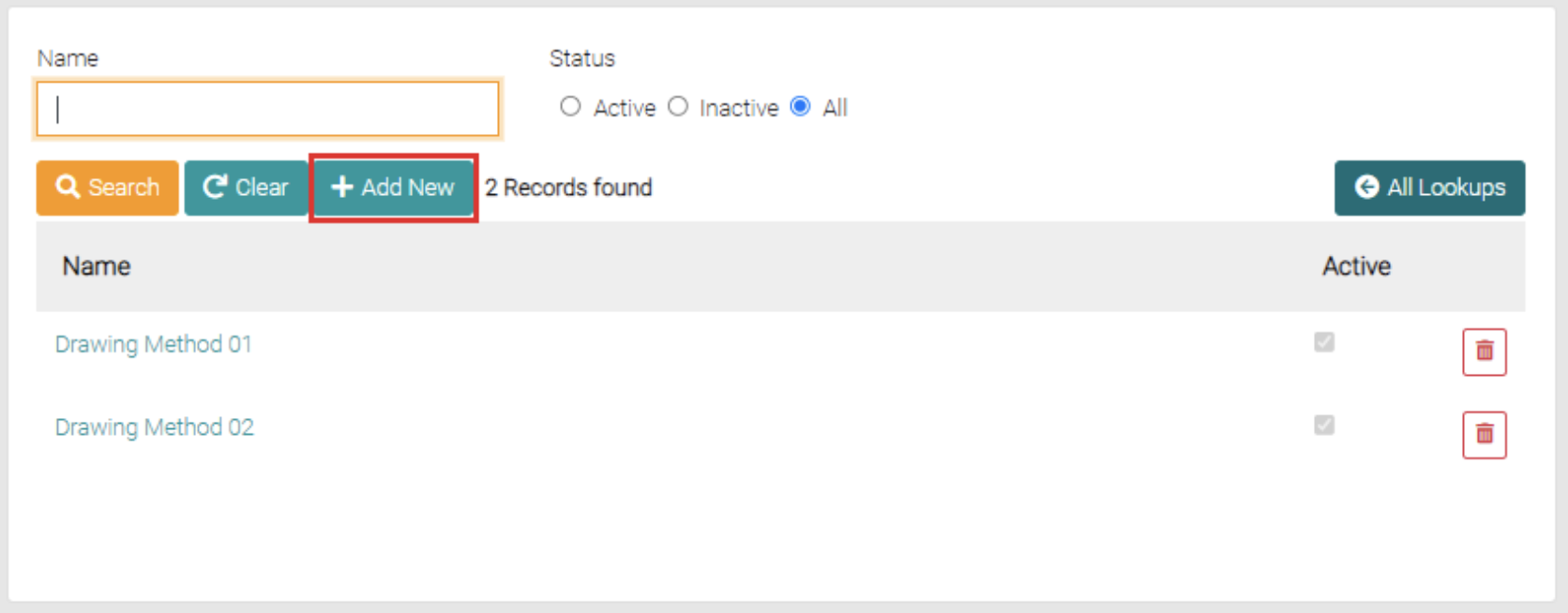
The Add New button opens a new page that allows the user to create a new Drawing Method, required spaces to be filled are marked with *.
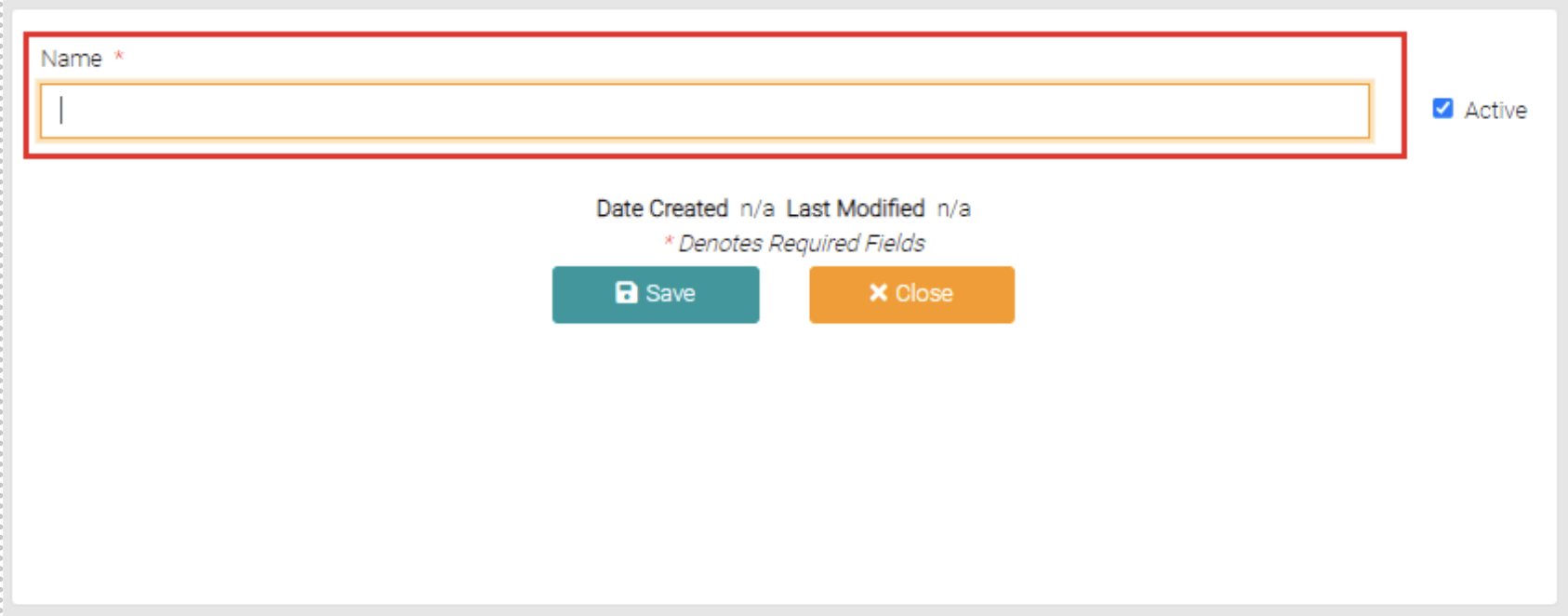
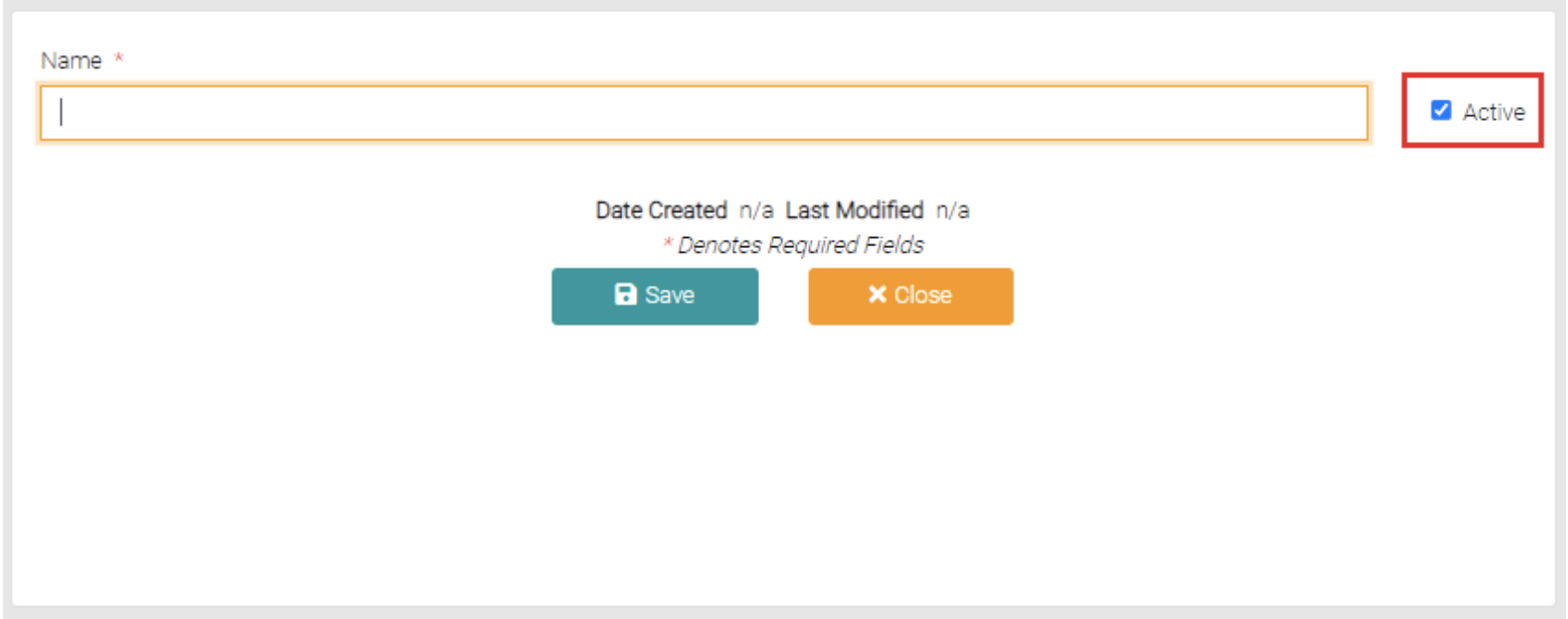
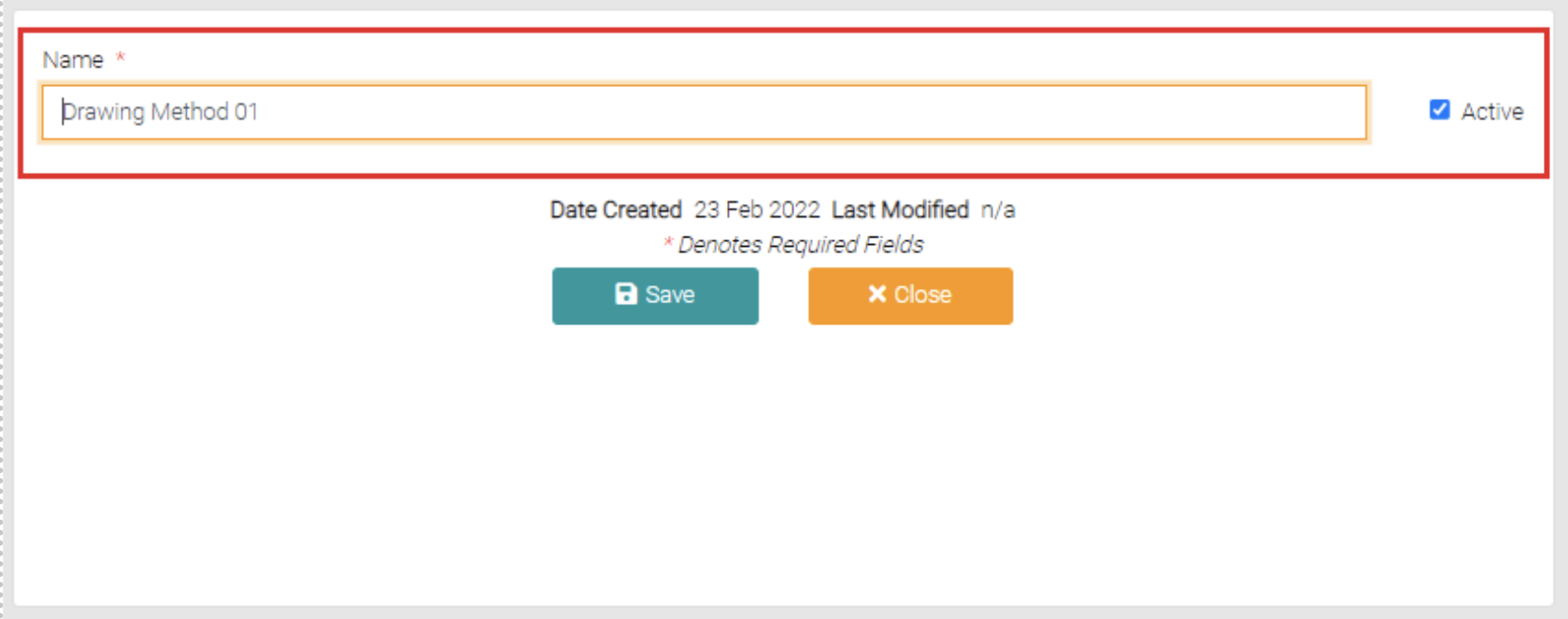
Besides the Name field, there is a checkbox that when checked makes the Drawing Method to be Active or Inactive.
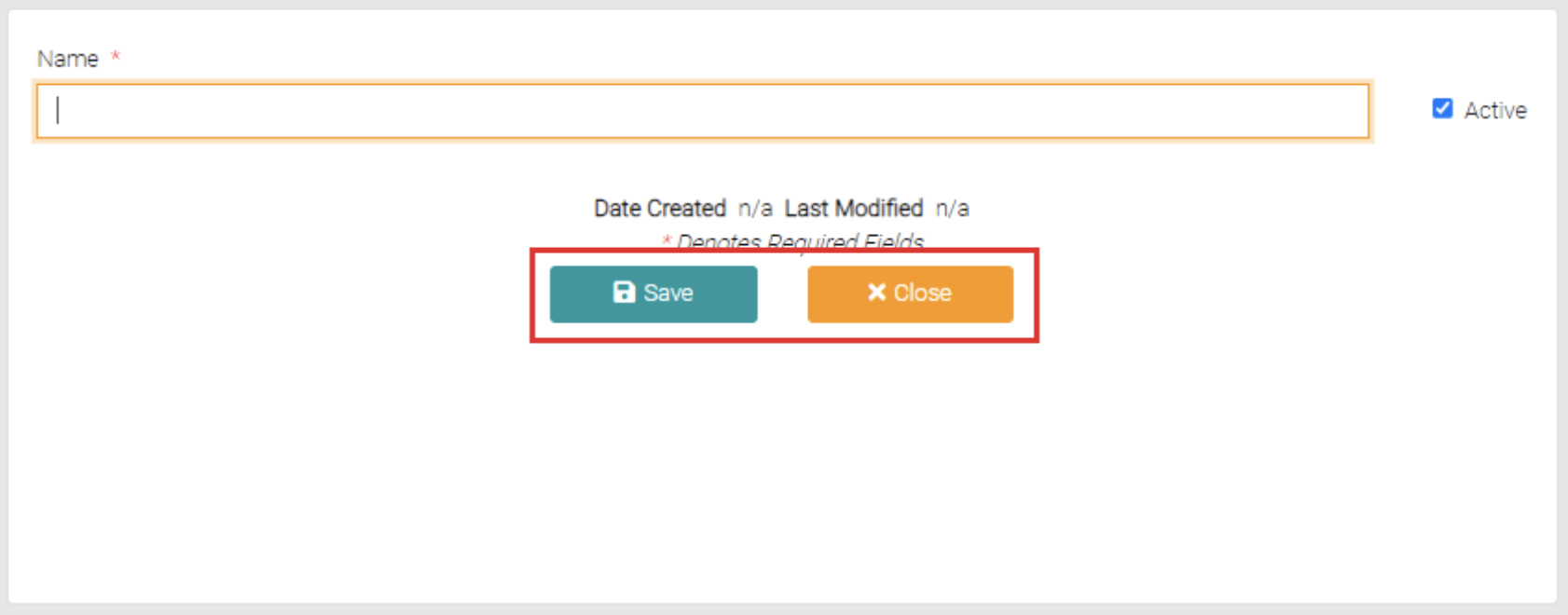
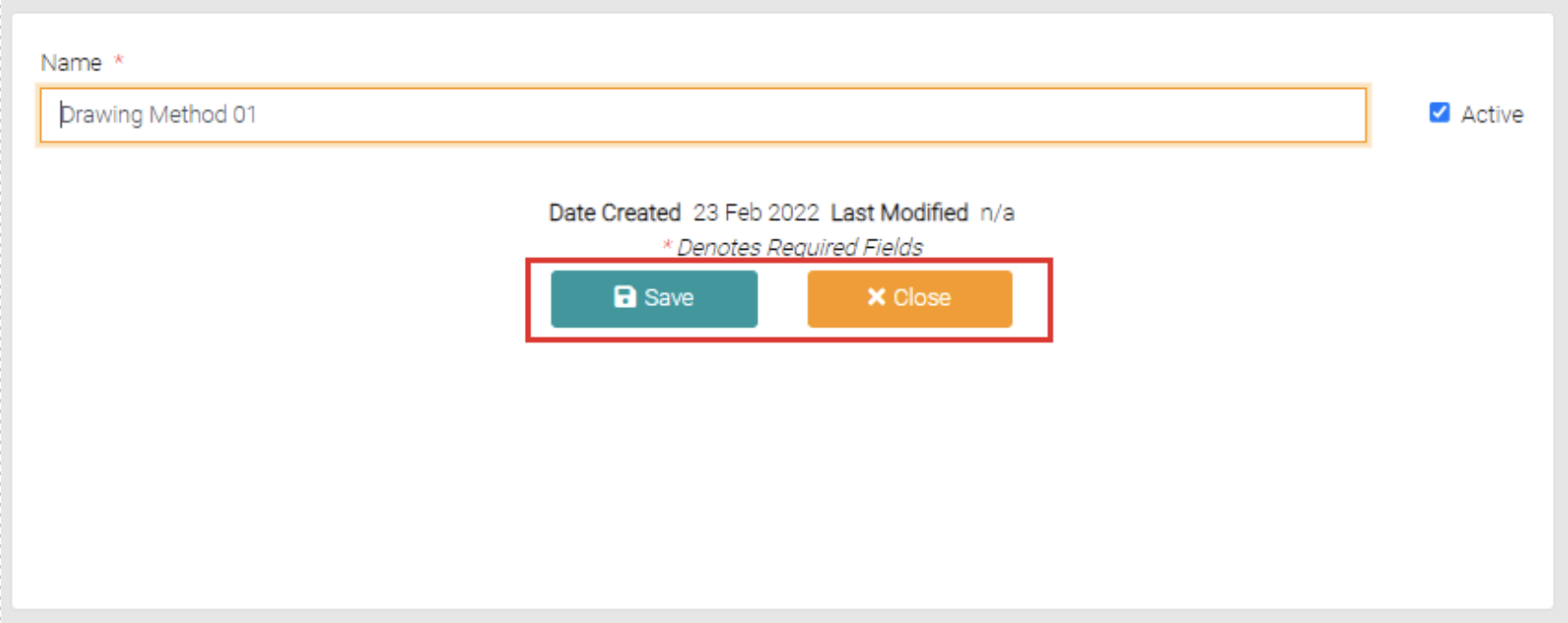
Once mandatory fields are complete you can click Save to complete the creation or Close which takes the user back to the Drawing Method page.
Edit
To edit the already created Drawing Method click on the name of the Drawing Method to be edited.
This will open a page similar to the Add New page, here the Name and Status can be altered.
Once editing is complete click on Save to apply changes or Close to not apply changes and go back to the Drawing Method page.
Delete
On the Drawing Method page on each row, there is a red trash can button, clicking on it will delete the Drawing Method on the same row.