Edit
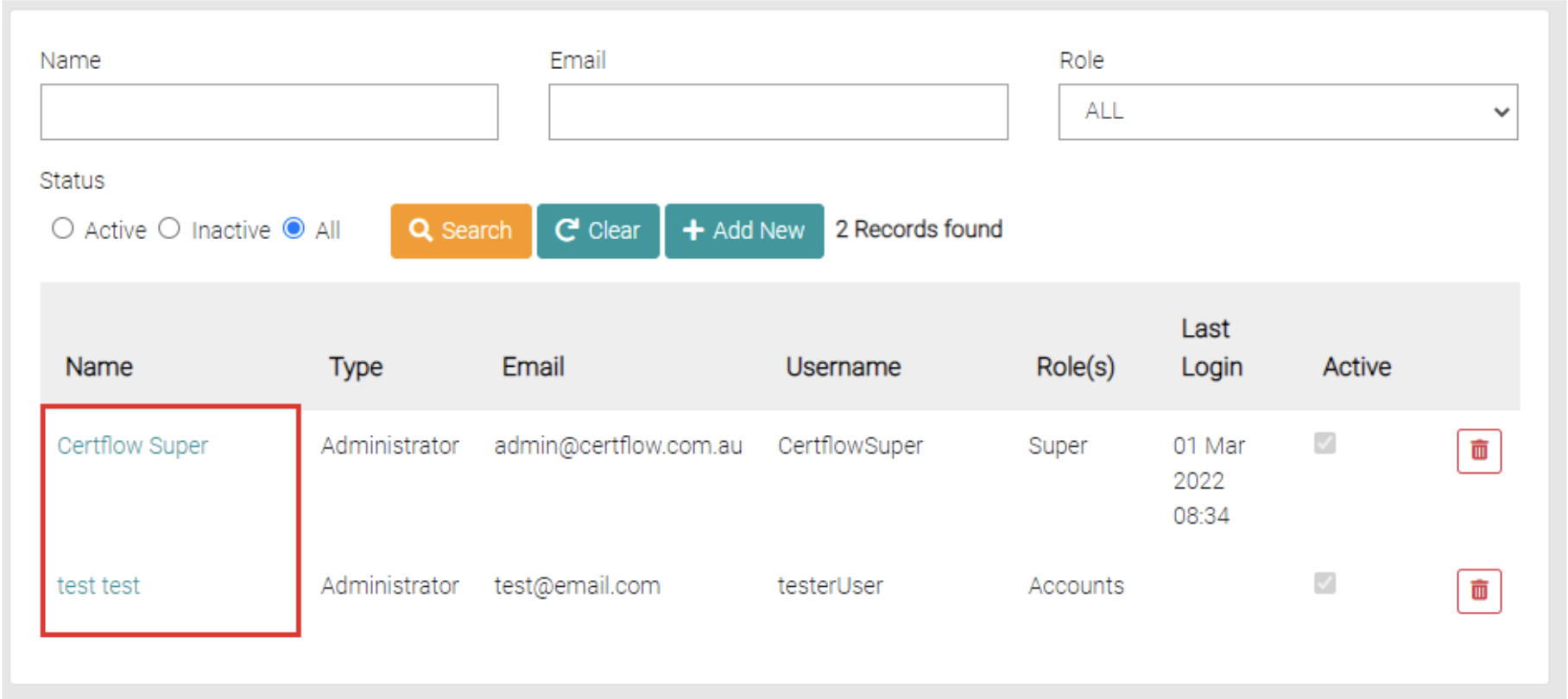
To edit already created Users click on the name of the User to be edited.
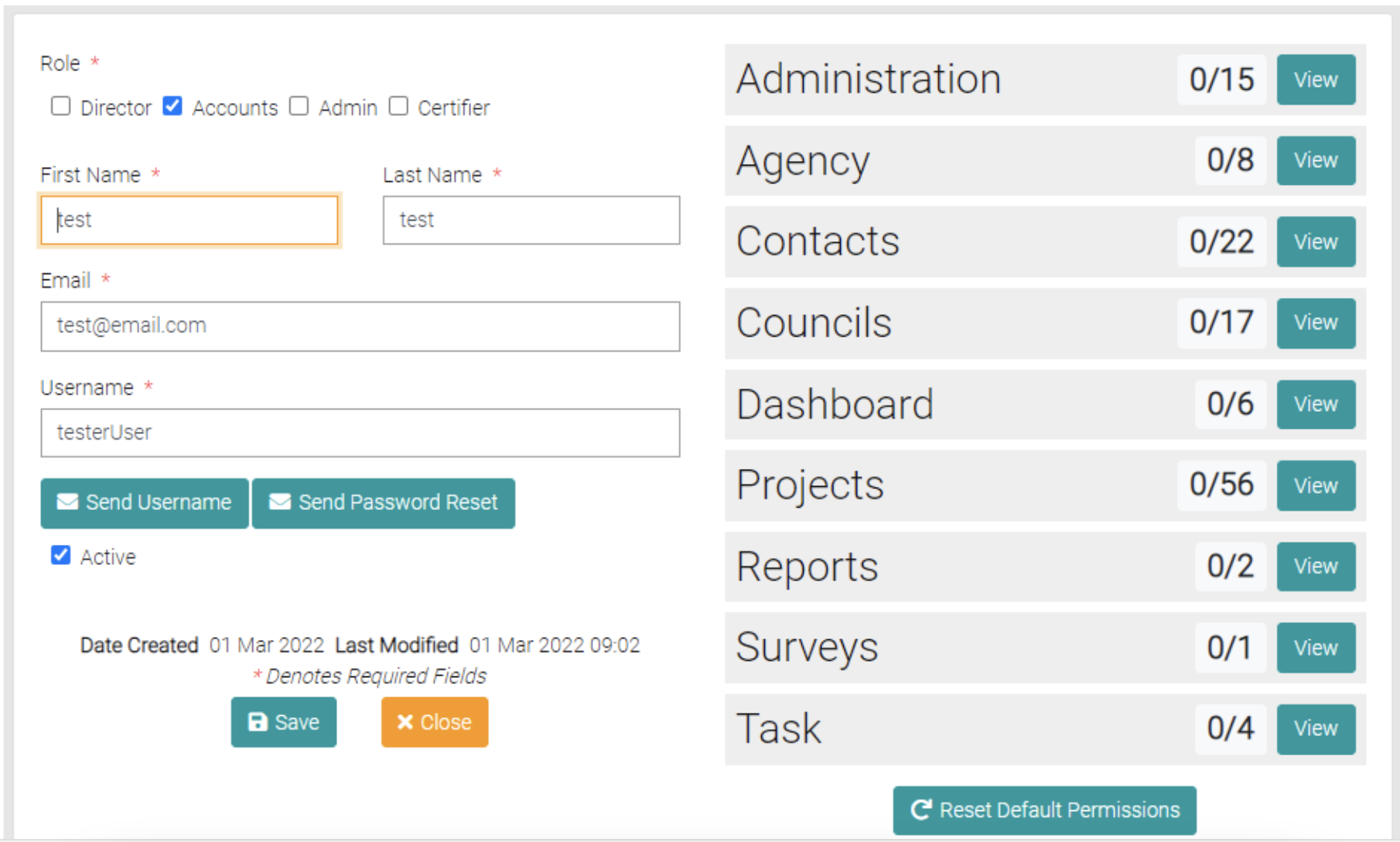
This will open a page similar to the Details page, here the Role, Name, Email, Username and Permissions can be altered.
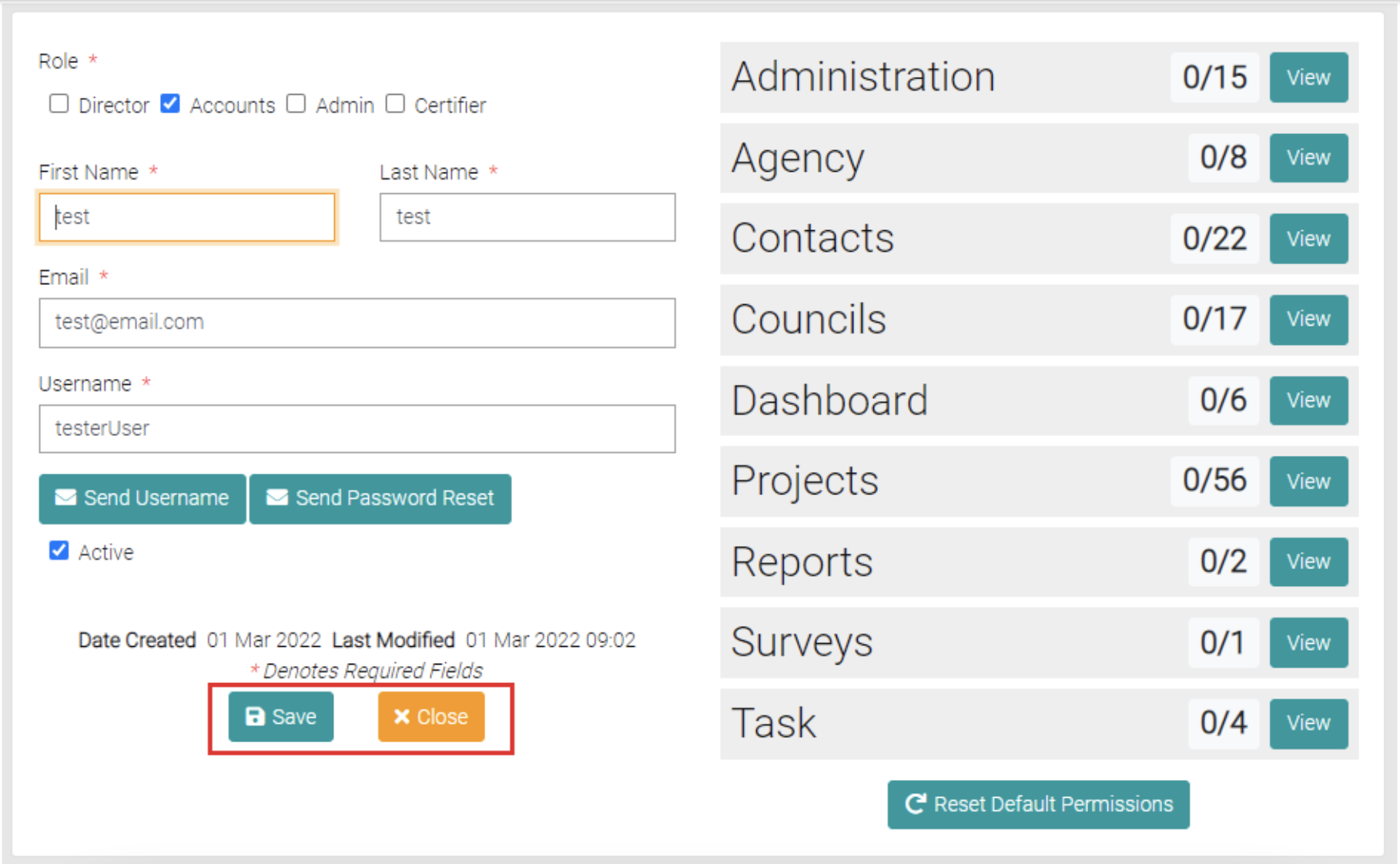
Any changes can be applied by clicking the Save button or using the Close button to go back to the Users page.
Delete
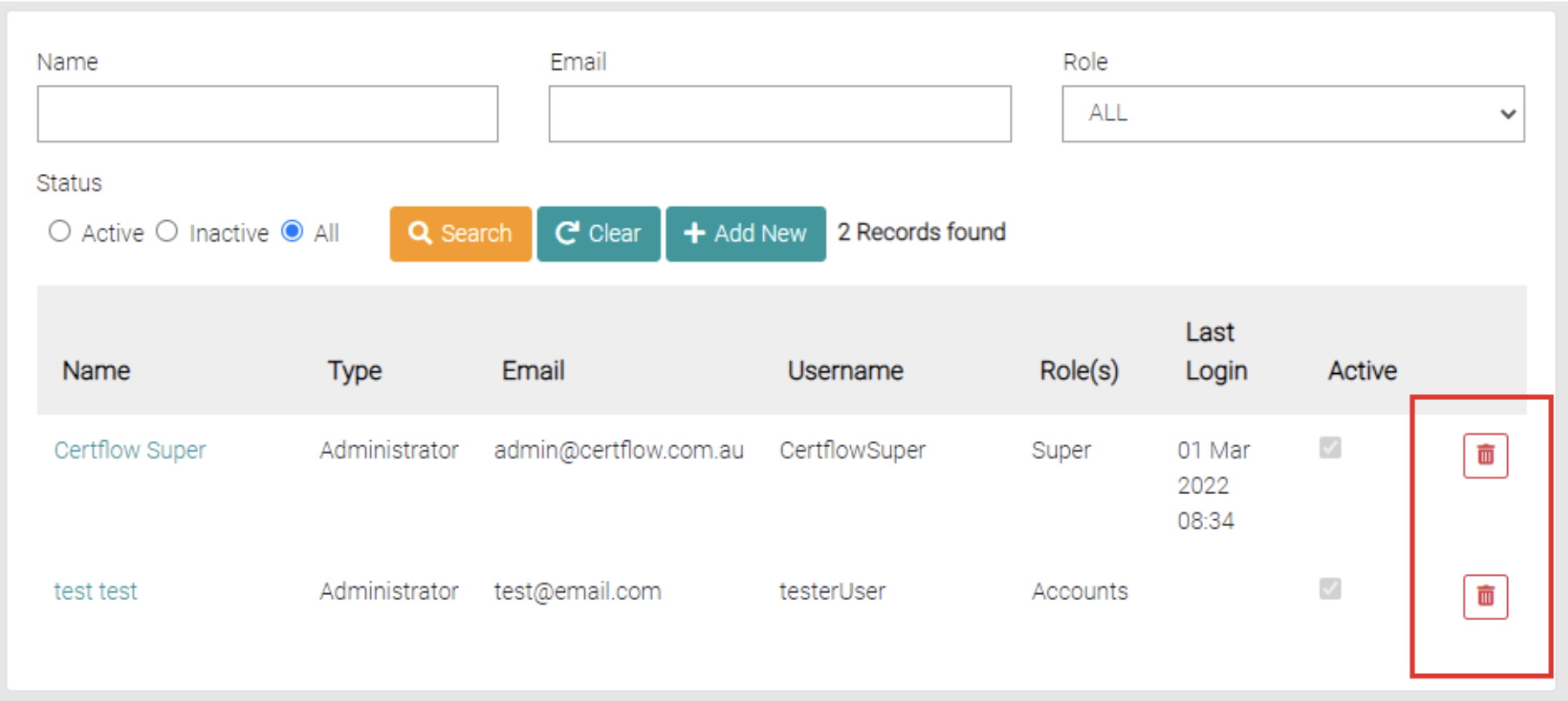
On the User page on each row, there is a red trash can button, clicking on it will delete the User on the same row.