This is where the Users can be altered.
Search
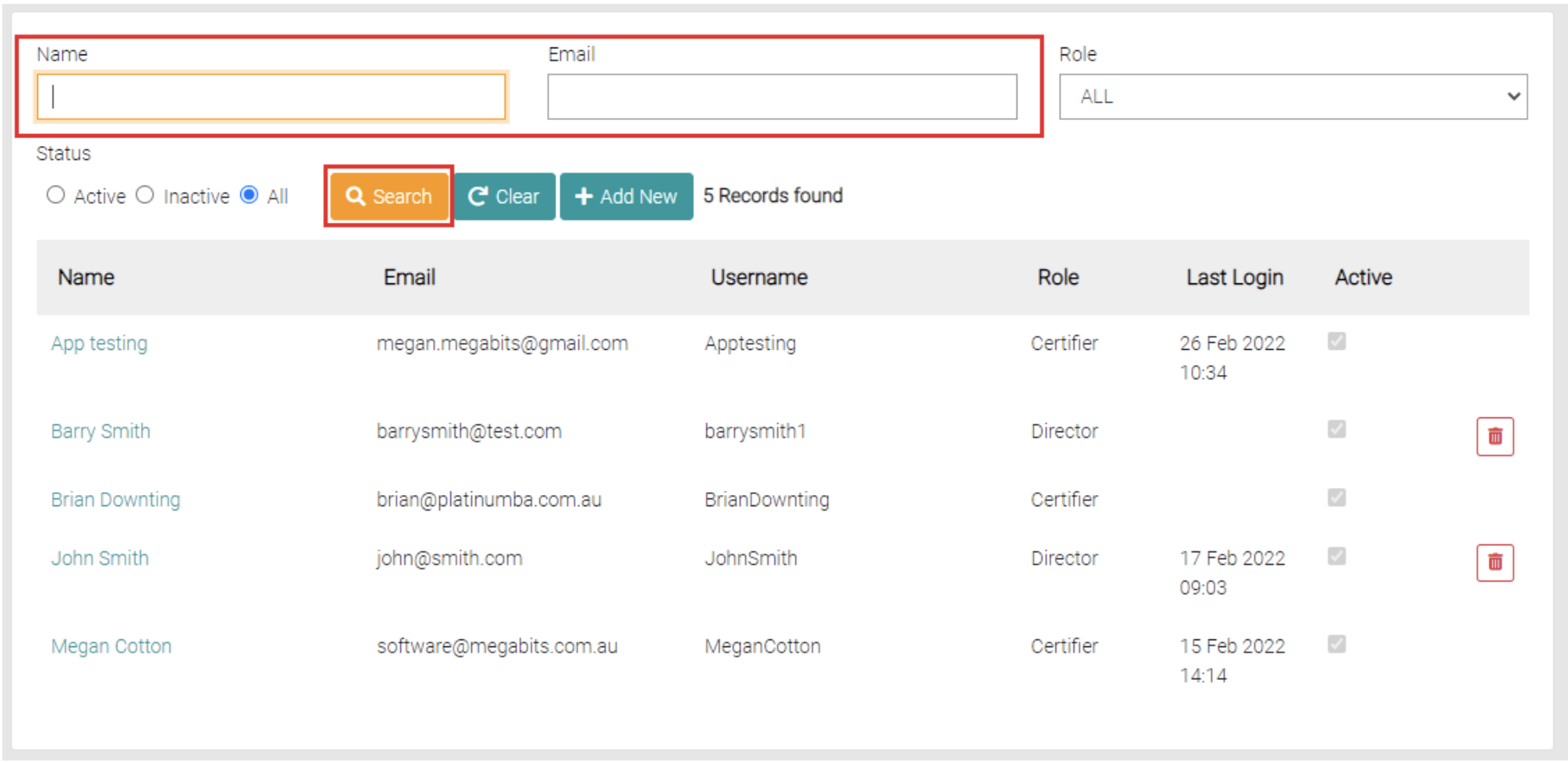
Use the text field Name and Email to search for partial or full names and emails in the list.
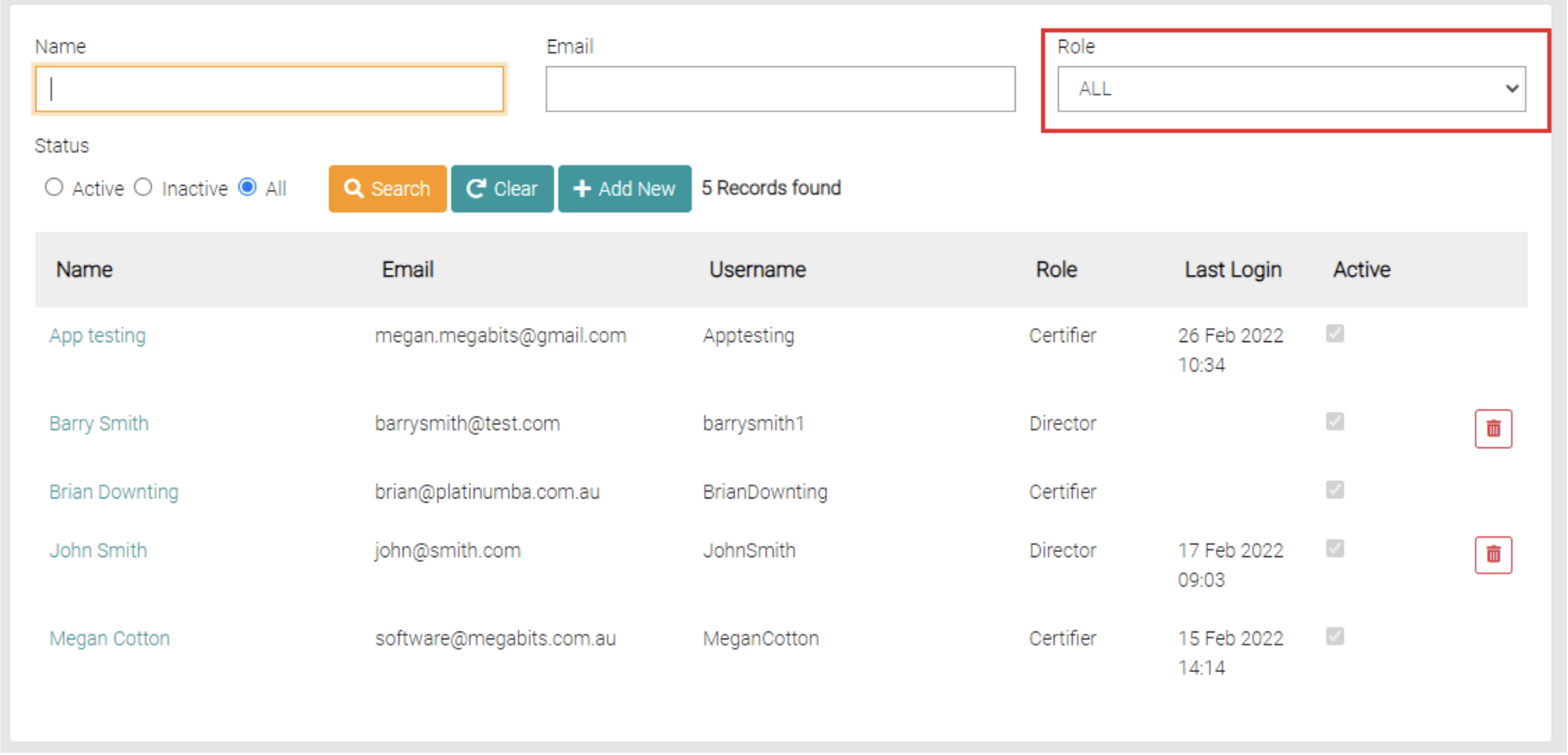
This list can be filtered as well for the Roles of each User.
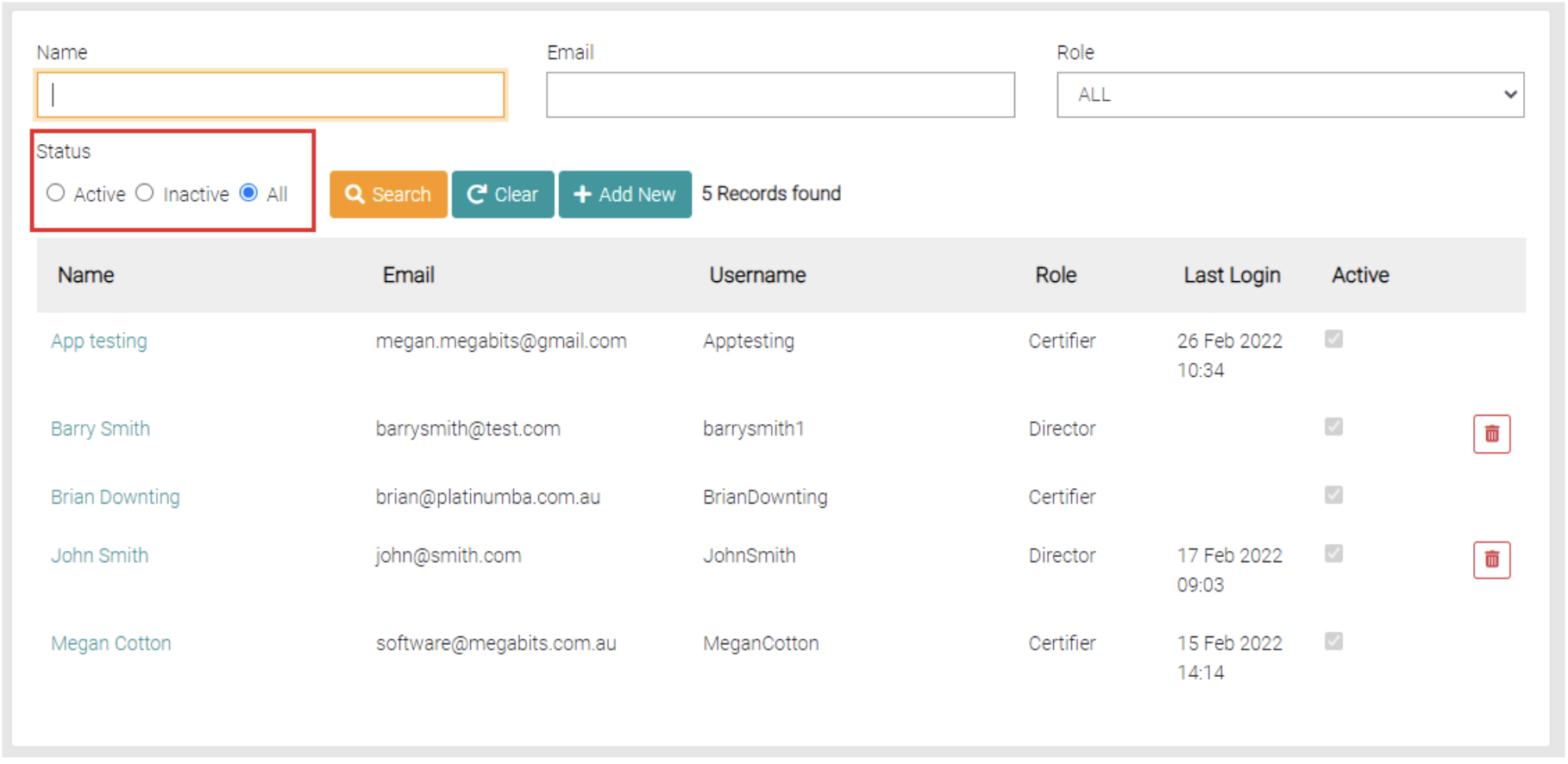
The Status of the User can be searched, by default this is set to All, but can also be set to Active or Inactive.
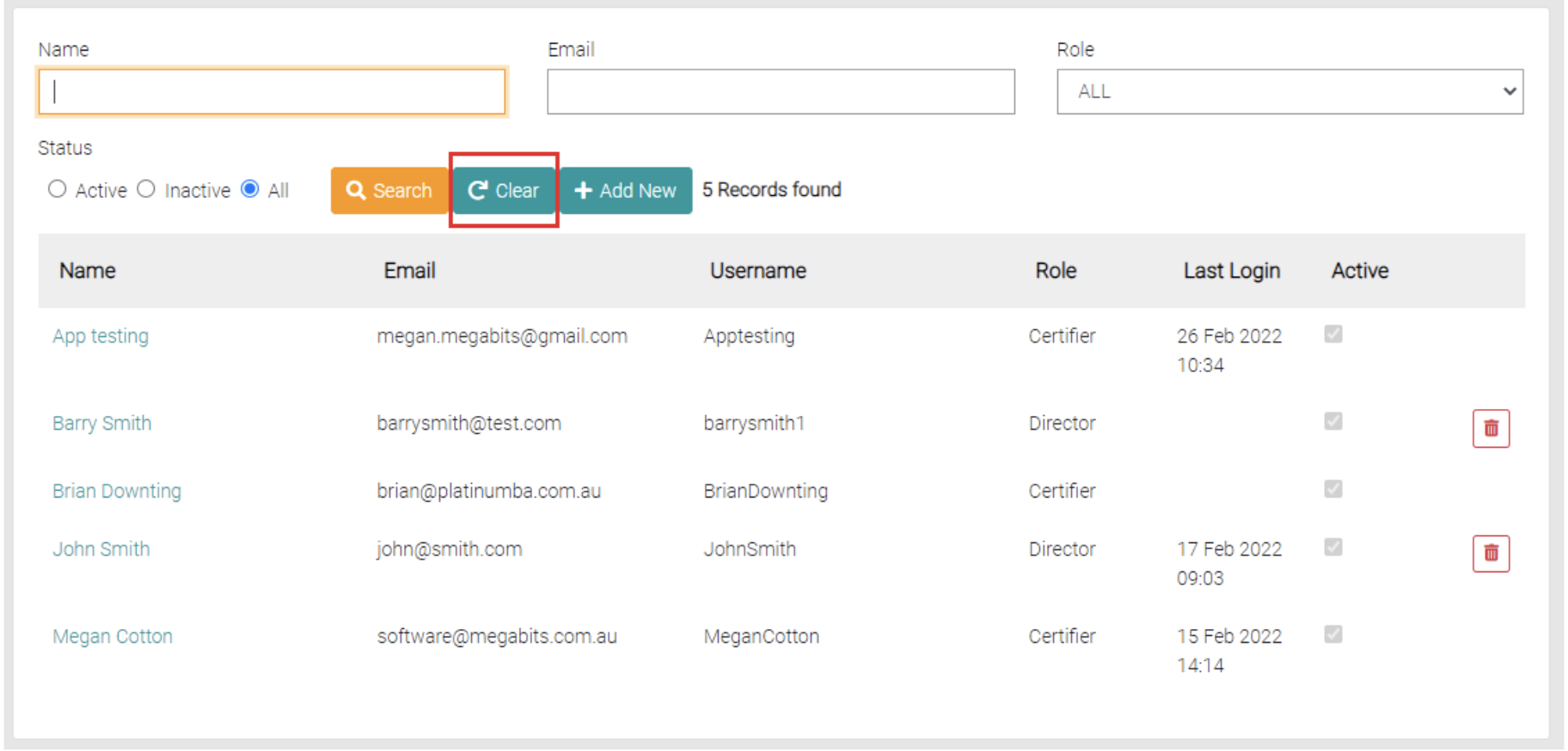
Use the Clear button to remove all filters on the search.