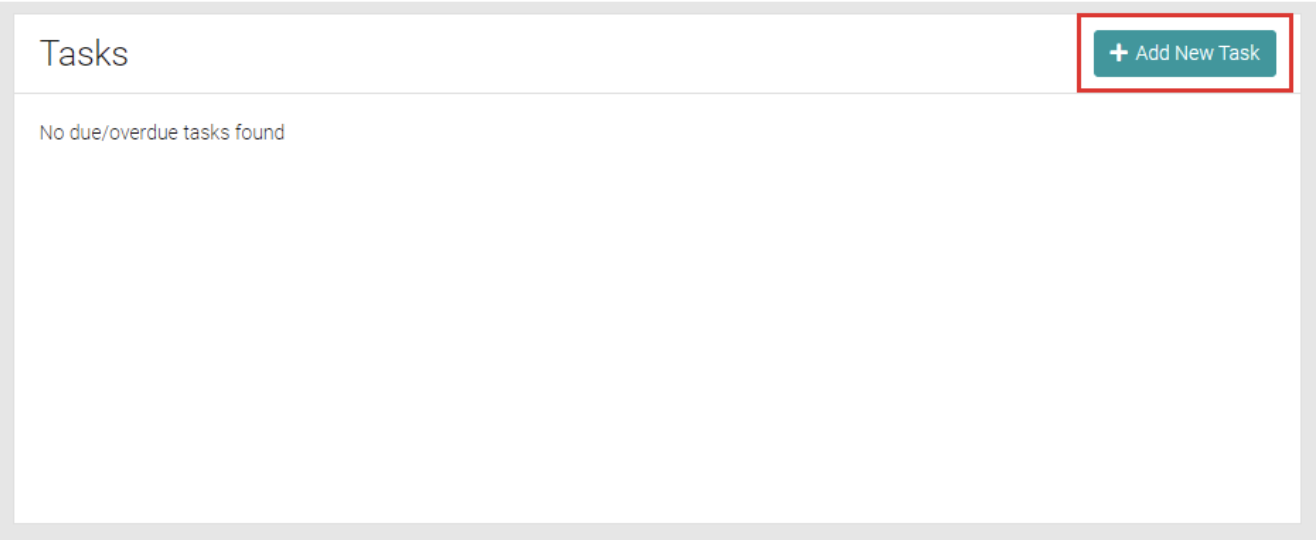
Due or overdue tasks can be found in this location. Click on Add New Task to create a new Task.
Add
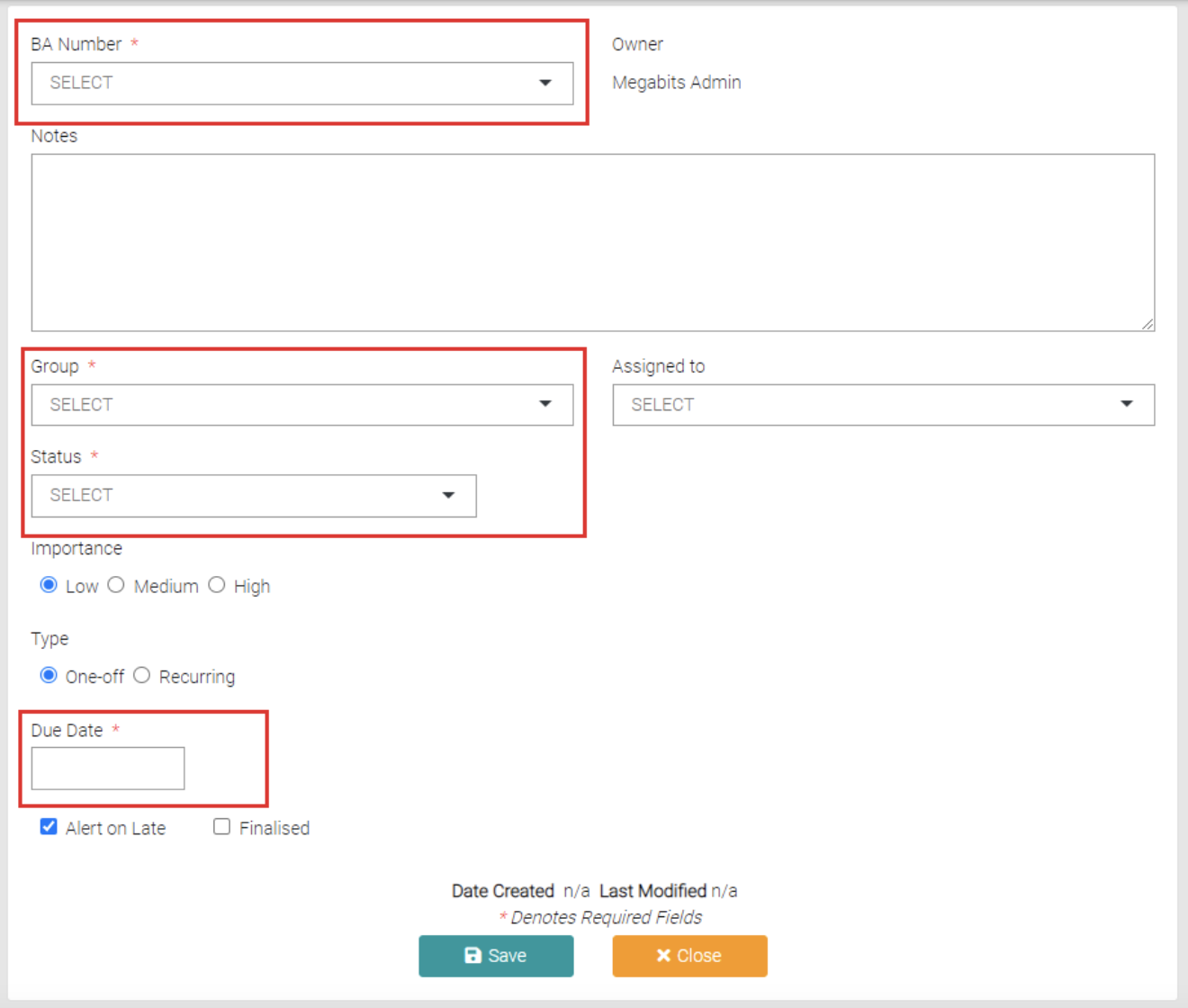
All text fields marked with a * are mandatory, these are the BA Number, Group, Status and Due Date. BA Numbers can be created or managed on the Building Approvals > Jobs page, Groups can be created or managed in Lookups > Task Groups and the Status can be managed on Lookups > Task Status.
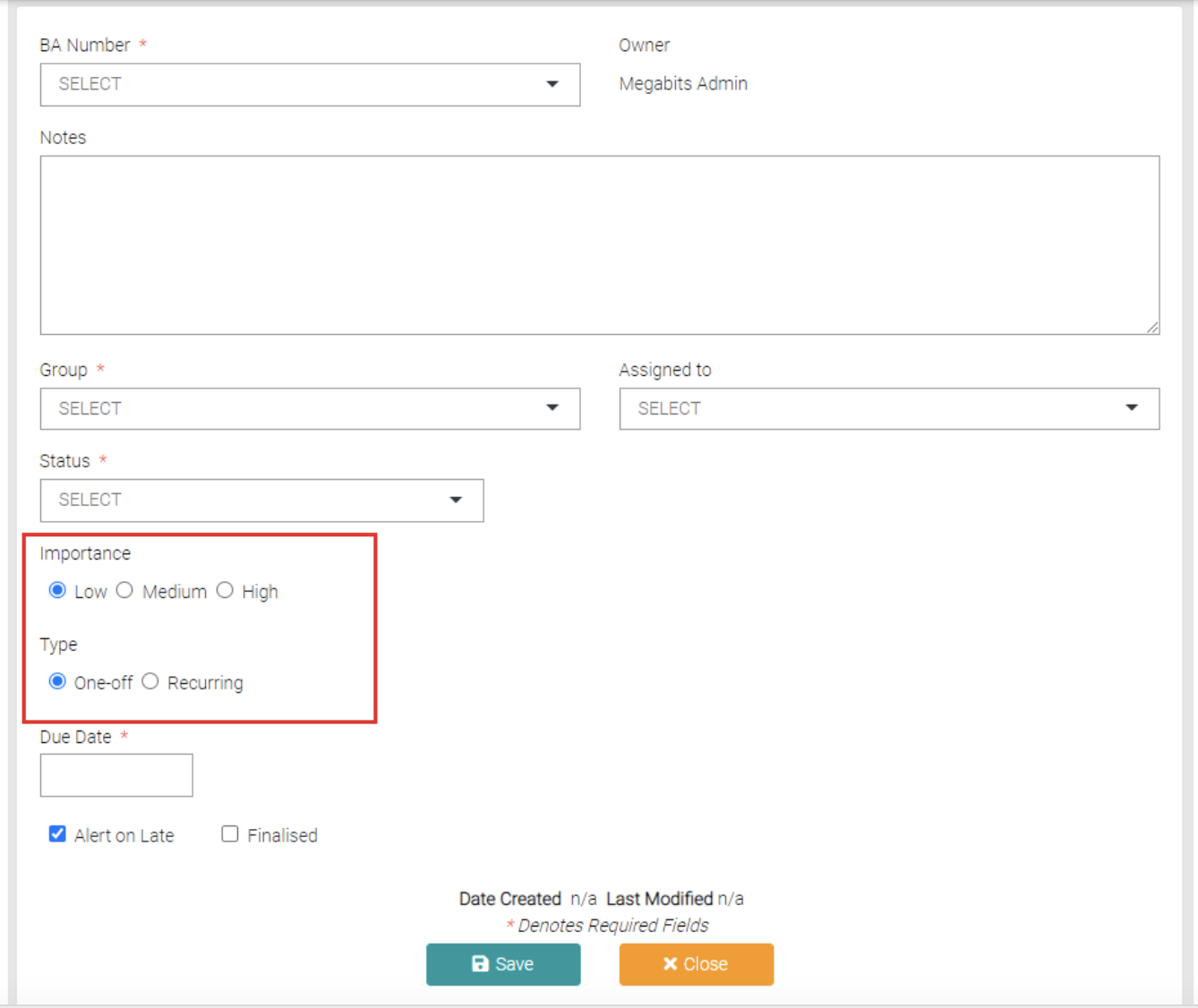
The Importance and Type are by default set to Low and One-off. By Selecting Recurring the user can set up a recurring task rather than add each one individually.
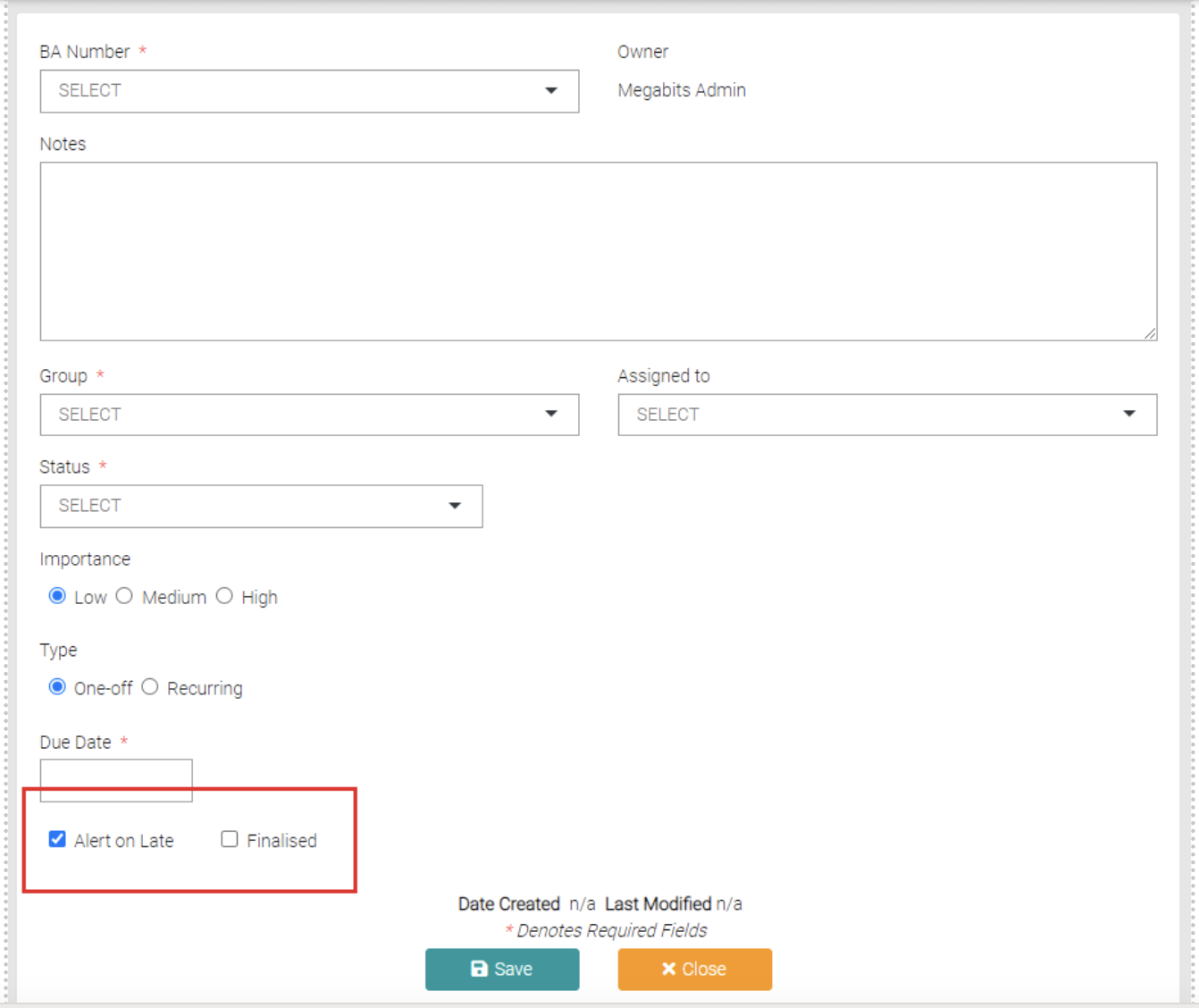
You can also choose to create an alert for the User when the Task is past its due date or can check it off as a task that has been Finalised, Finalised Tasks don’t show up immediately and have to be added into the search.
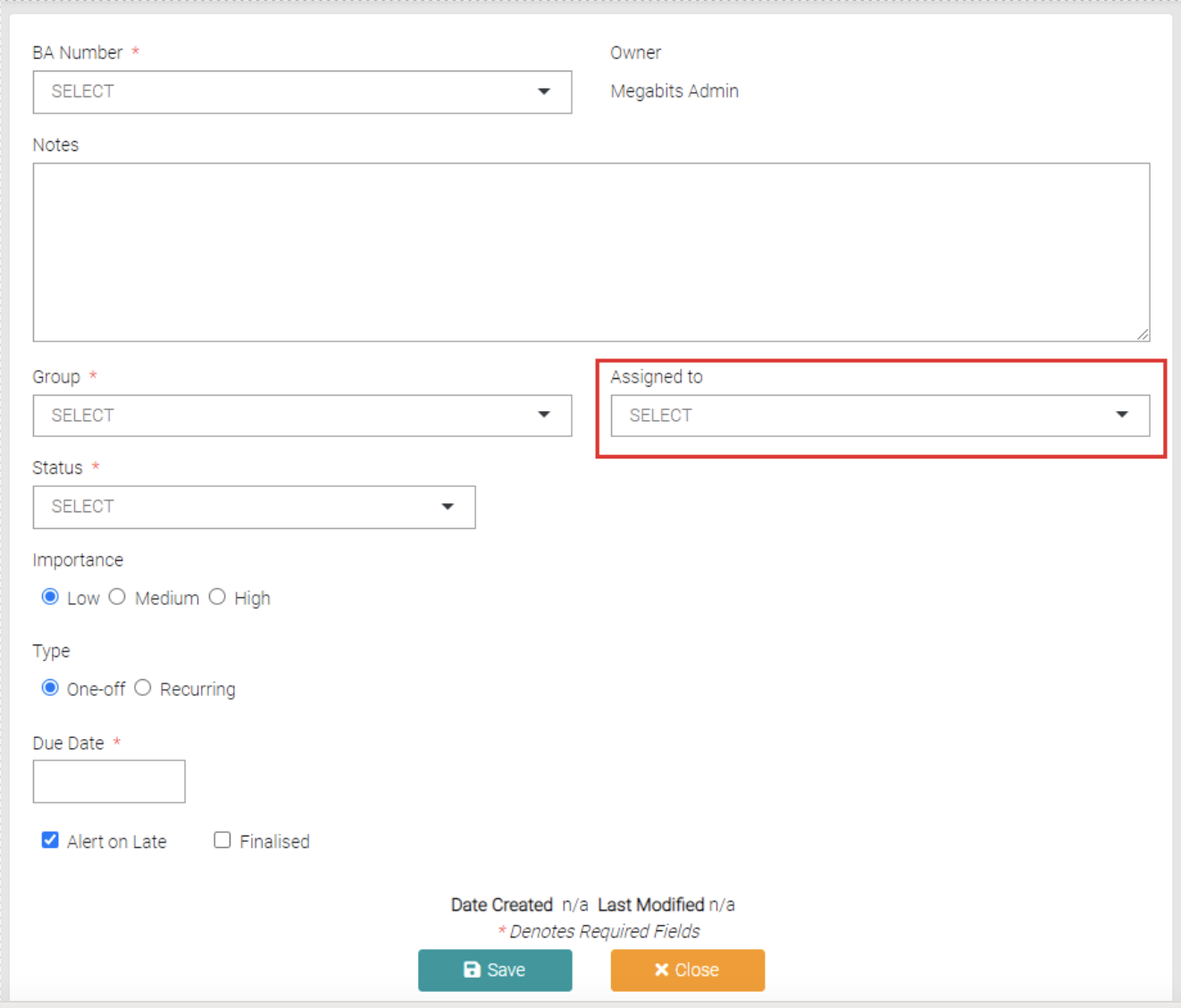
The User can also choose who to Assign the Task to. These Users are created on the System User page.
Once complete click on the Save button to save the new creation or Close to go back to the Task page.
Edit
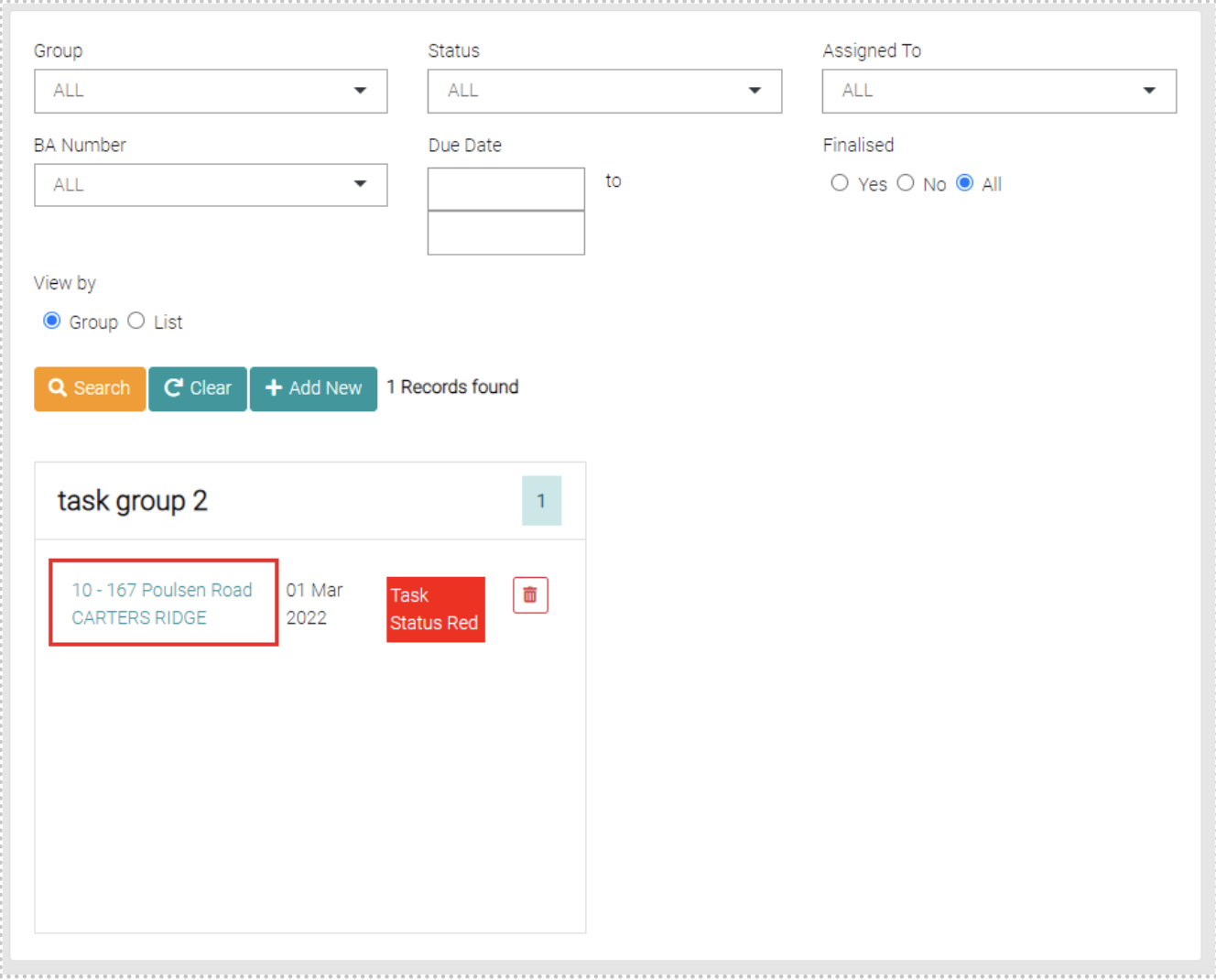
To Edit Tasks go into the Task page and click on the name of the Task you wish to edit.
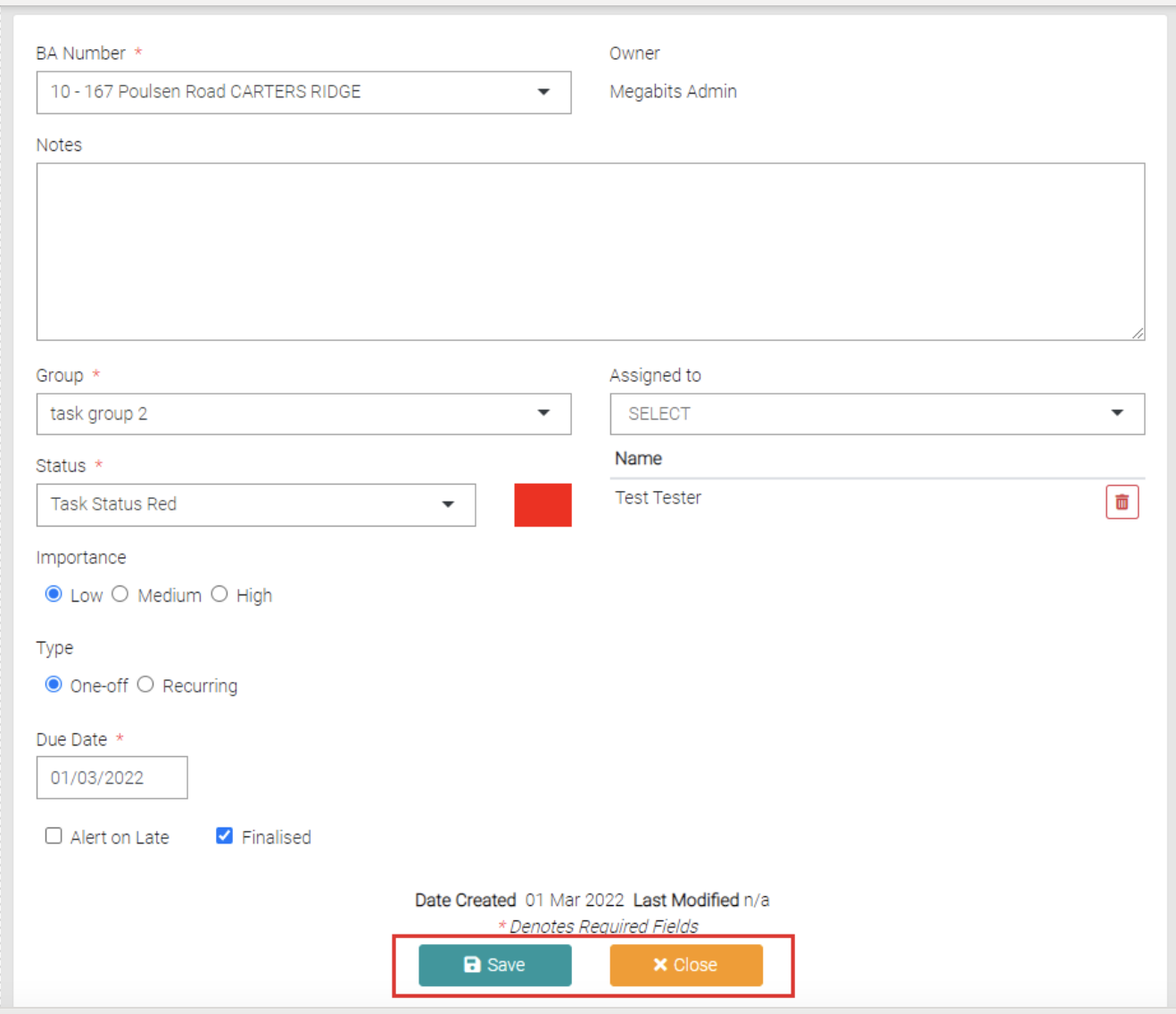
This is will open a page similar to the Add New page. Change any details needed and use the Save button to save the changes or Close to go back to the Task page.
Delete
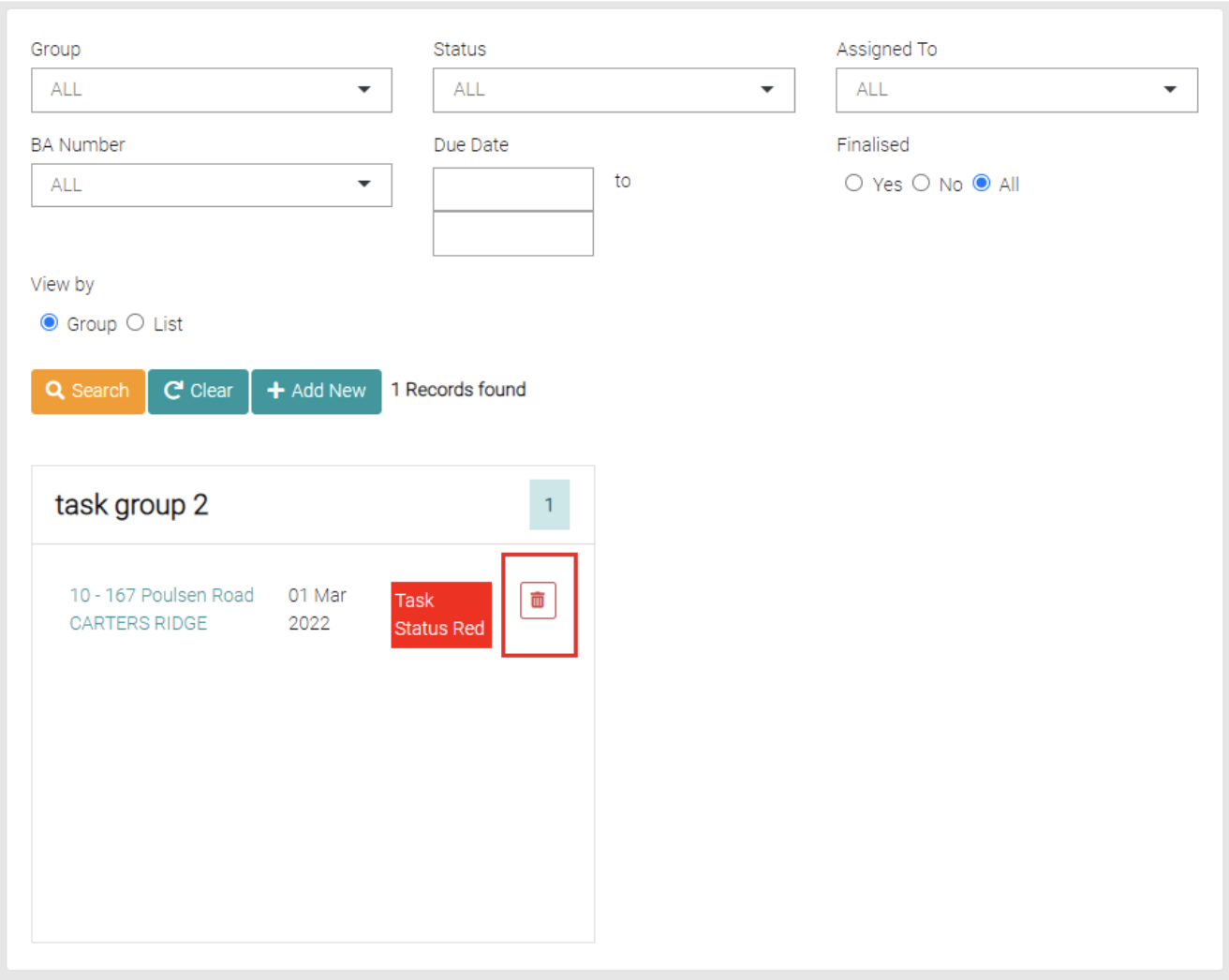
To Delete Tasks search for the Task and click on the red trash can symbol.