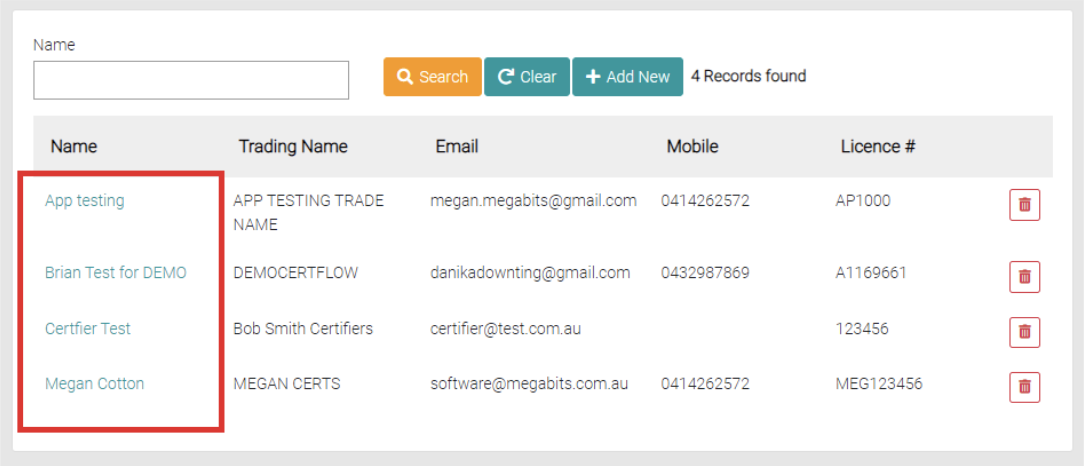
To edit an existing Certifier, click on the Certifier Name.
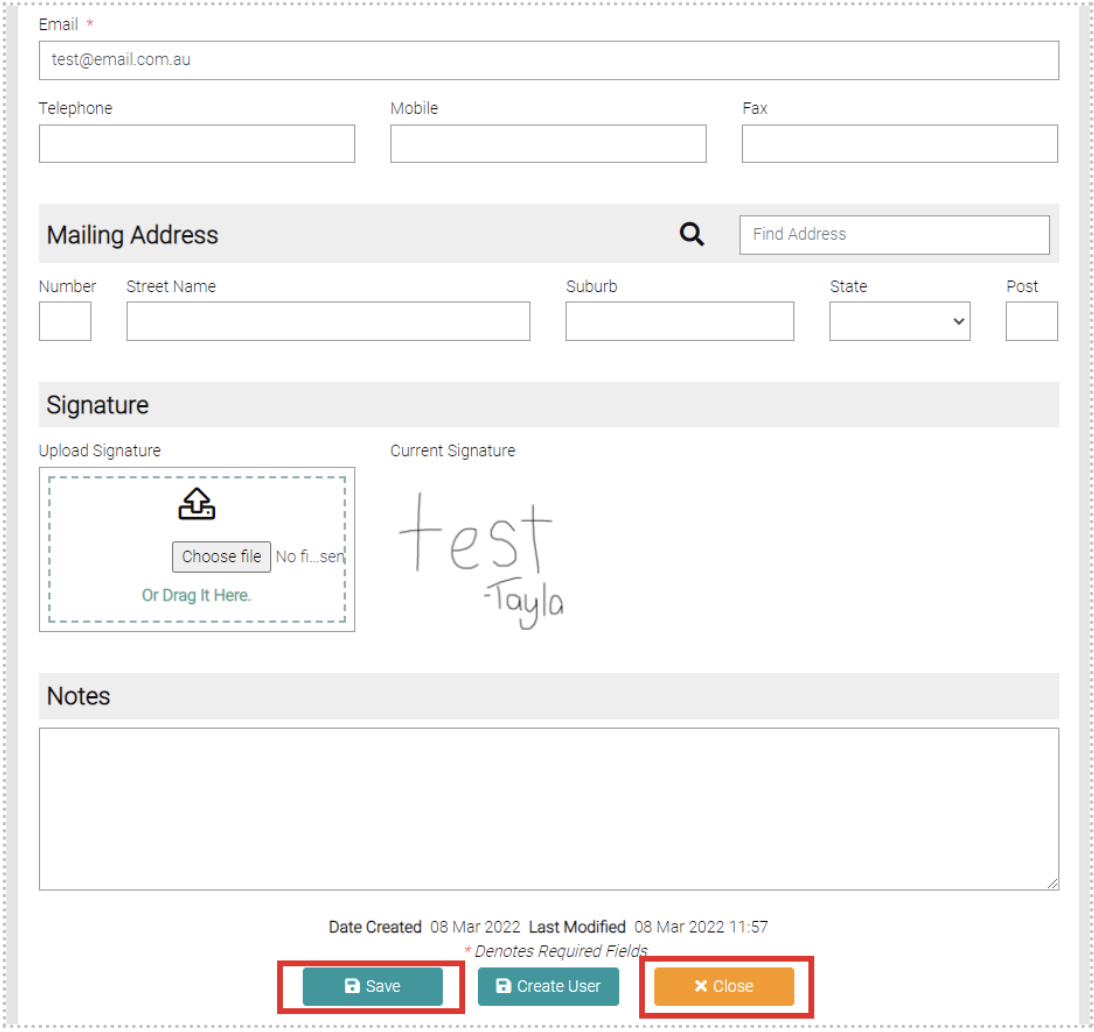
Edit any details needed, any text fields marked with the * symbol need to be completed. Use the Save button to save the changes or use Close to exit out of editing.
Create User
While editing you can click on Create User, this will create a certifier user with the details on the certifier.

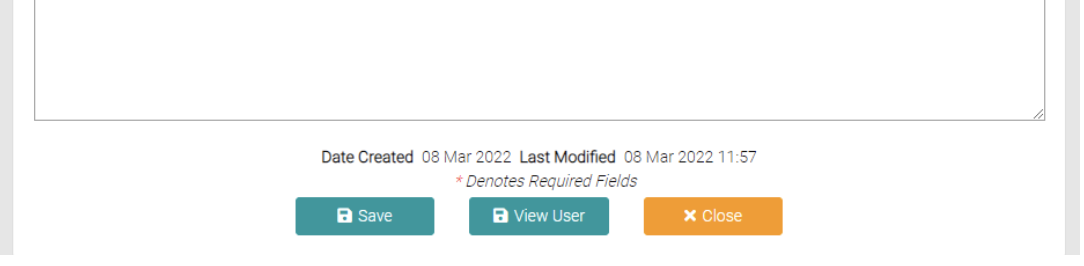
Click on the View User button that replaces the Create User button to view the User otherwise it is accessible through Lookups > System Users.
On the User page, you can manage the User profile including roles and permissions. All fields with the * symbol are required before saving. 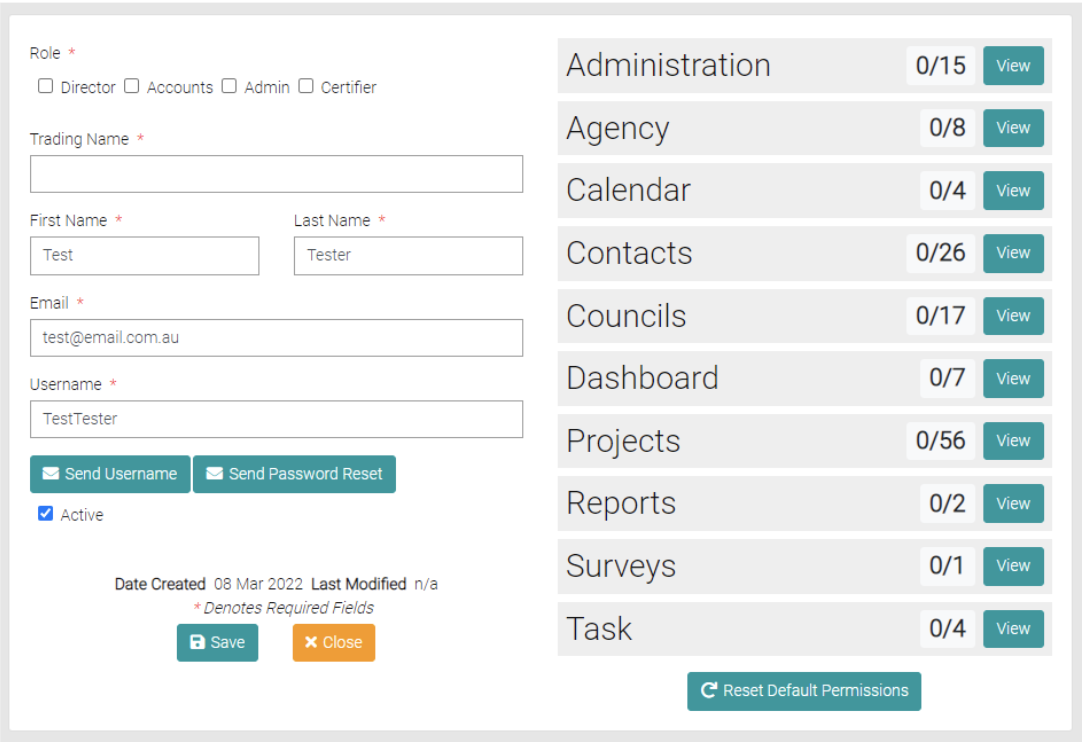
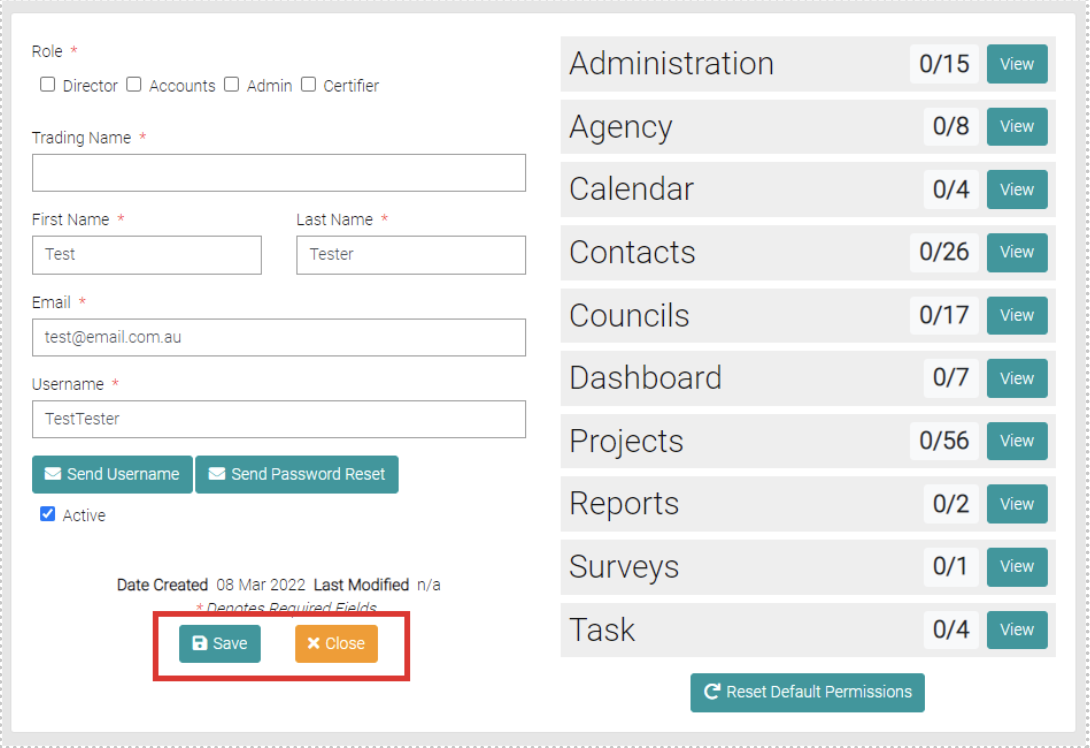
Once the User profile has been completed use the Save button to save the User or Close to exit out of the User profile.
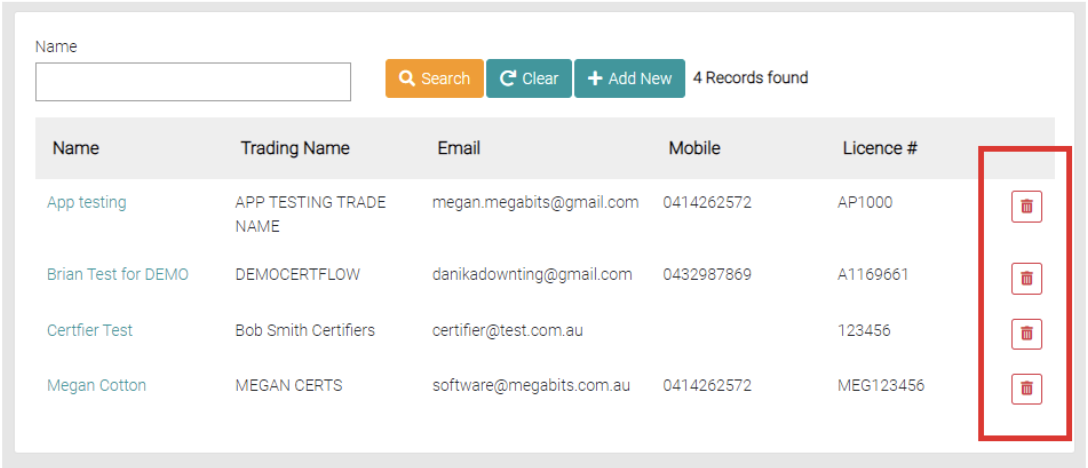
Delete
To delete a Certifier use the red trash can button.