Edit
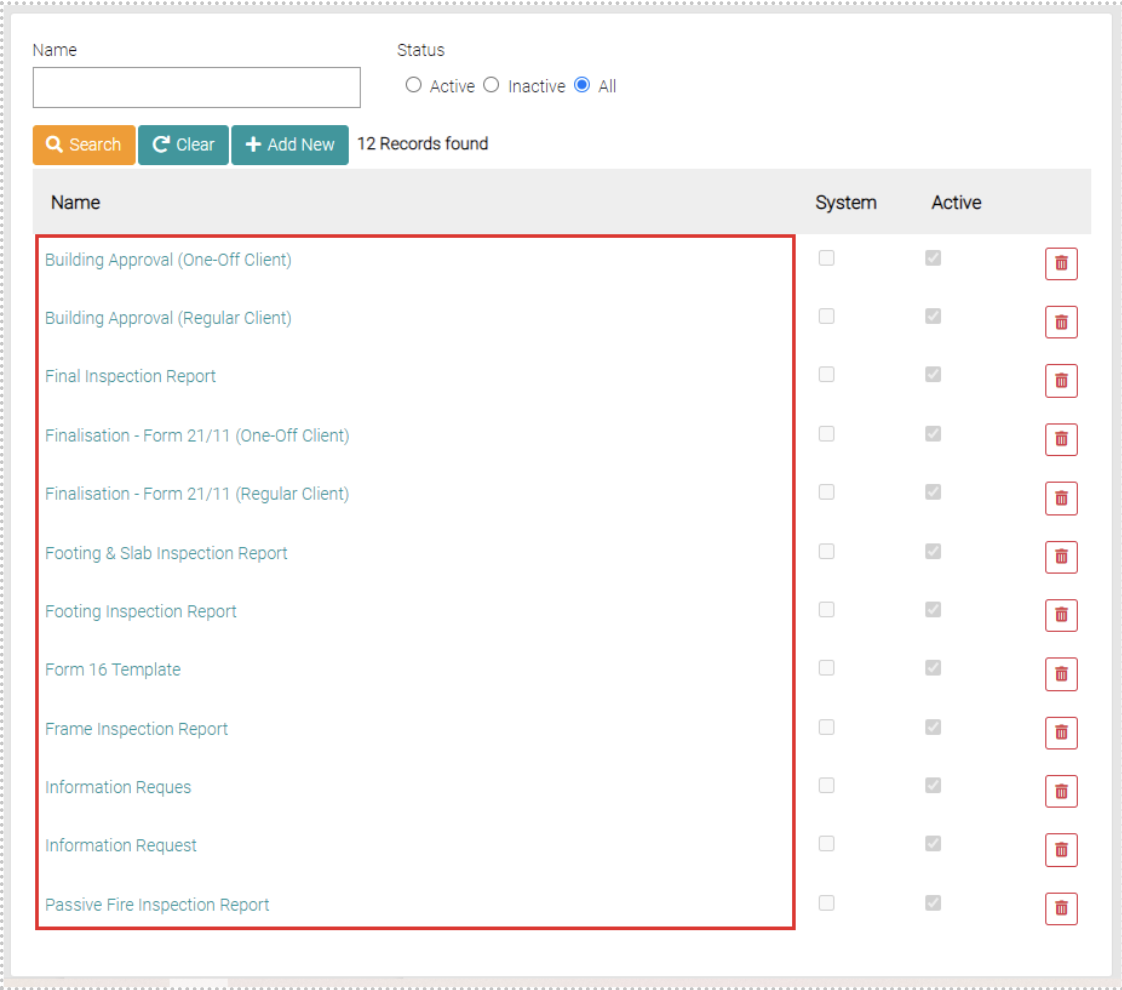
To edit already created Email Templates click on the name of the Email Template to be edited.
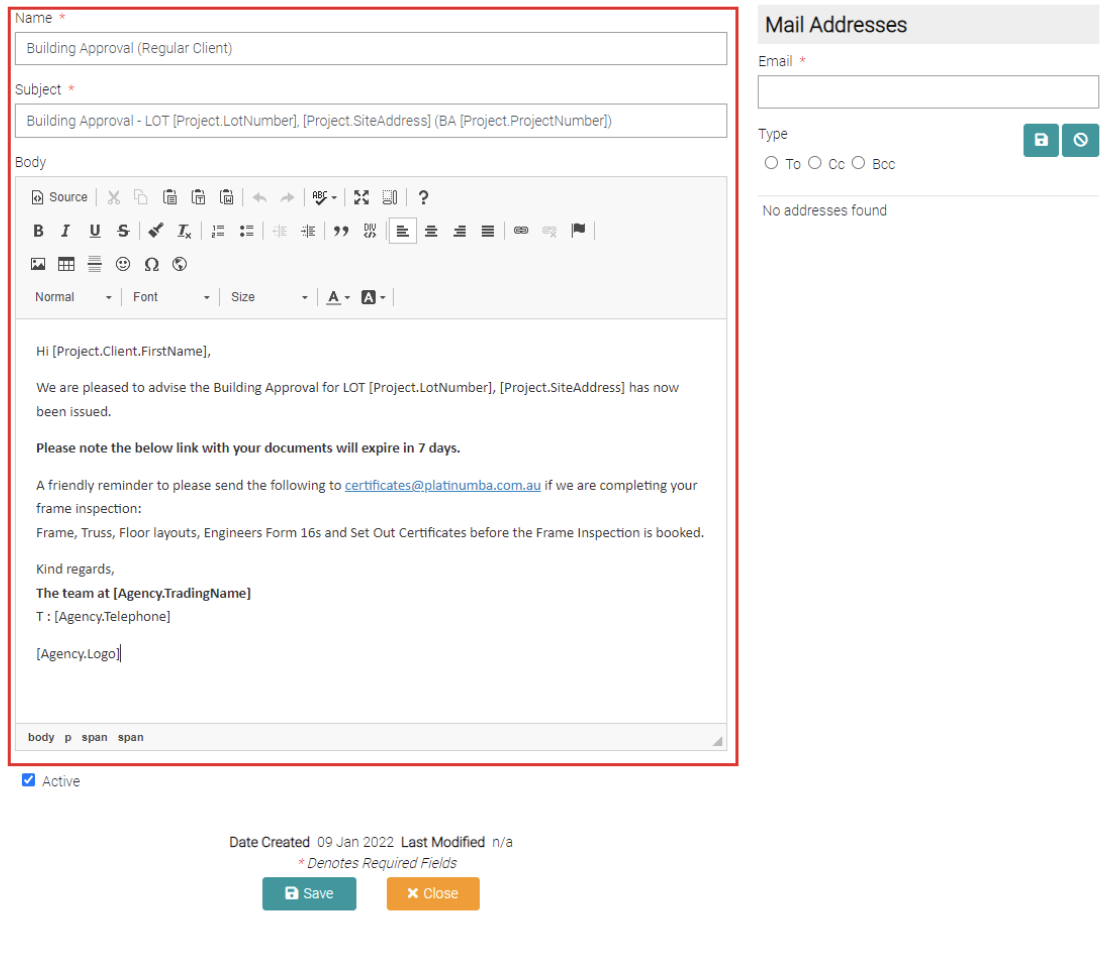
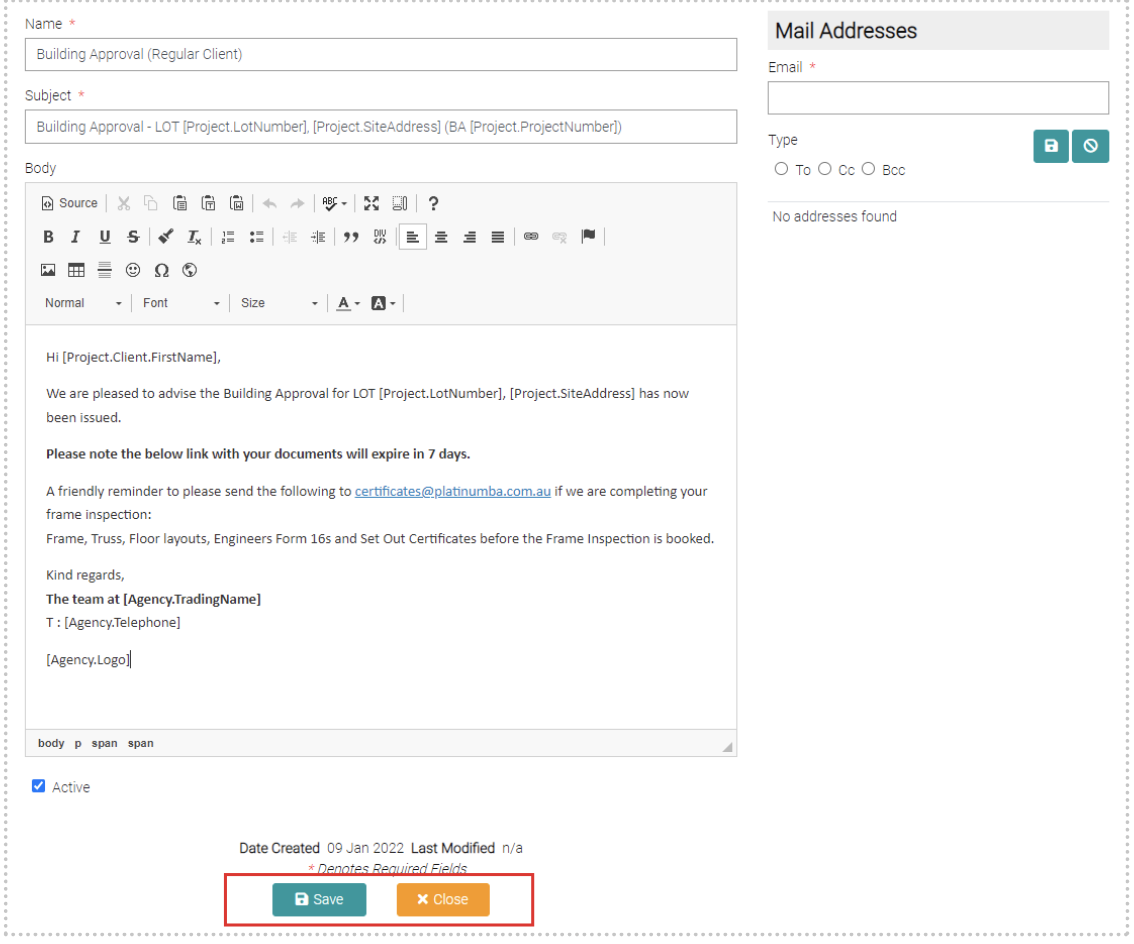
This will open a page similar to the Add New page, where the Name, Subject and Body can be altered.
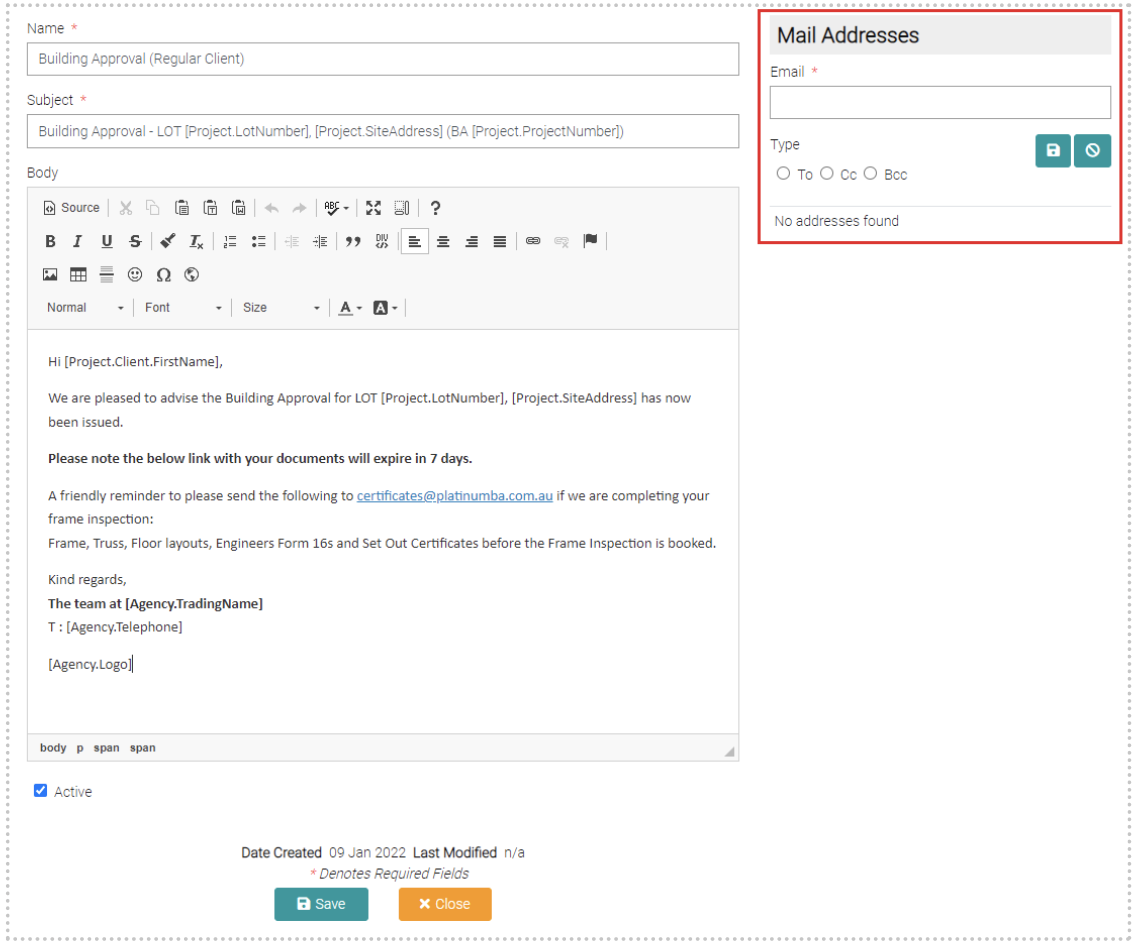
Here emails can be added that will receive the email template, these can be saved as receive as a To, Cc or Bcc recipient.
Once editing is complete click on Save to apply changes or Close to not apply changes and go back to the Email Template page.
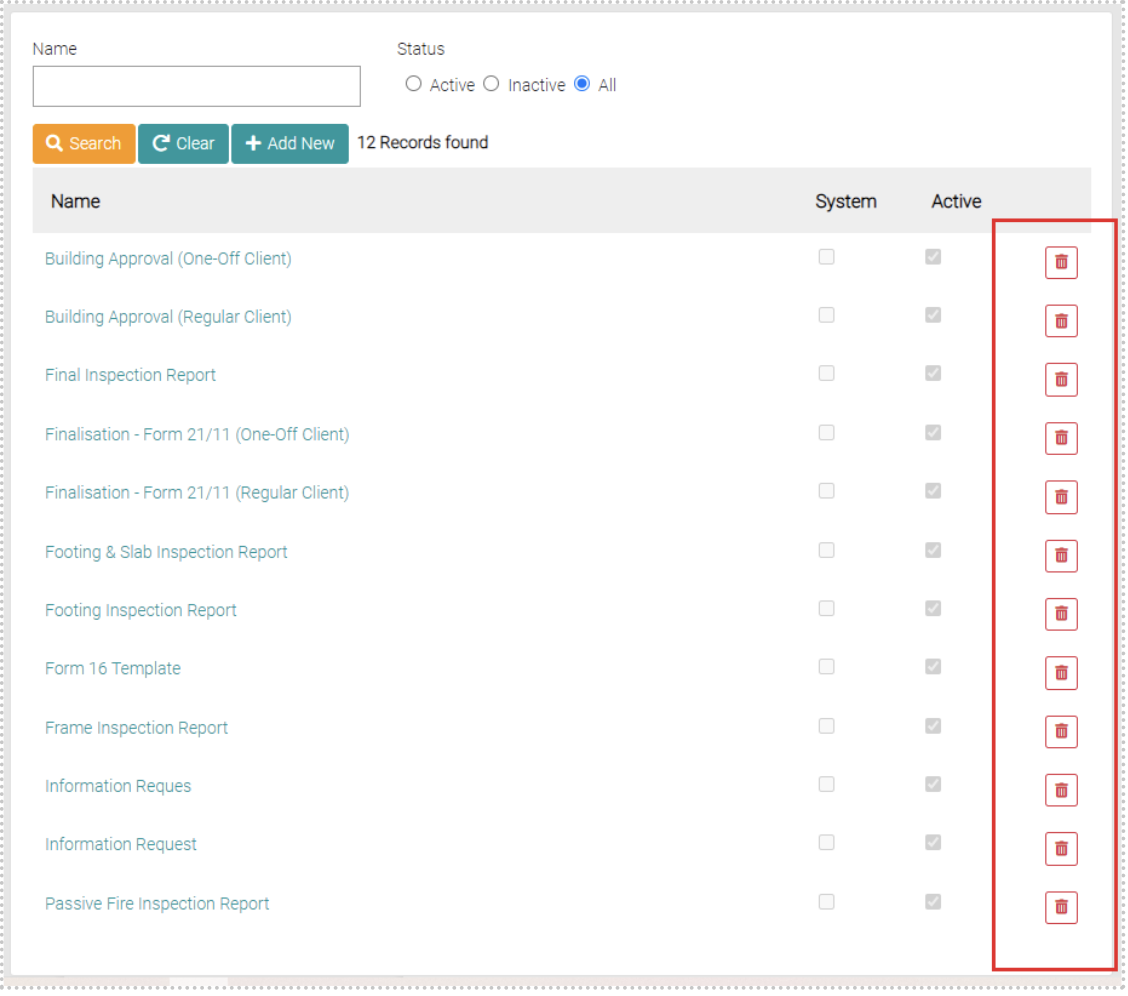
Delete
On the Email Template page on each row, there is a red trash can button, clicking on it will delete the Email Template on the same row.