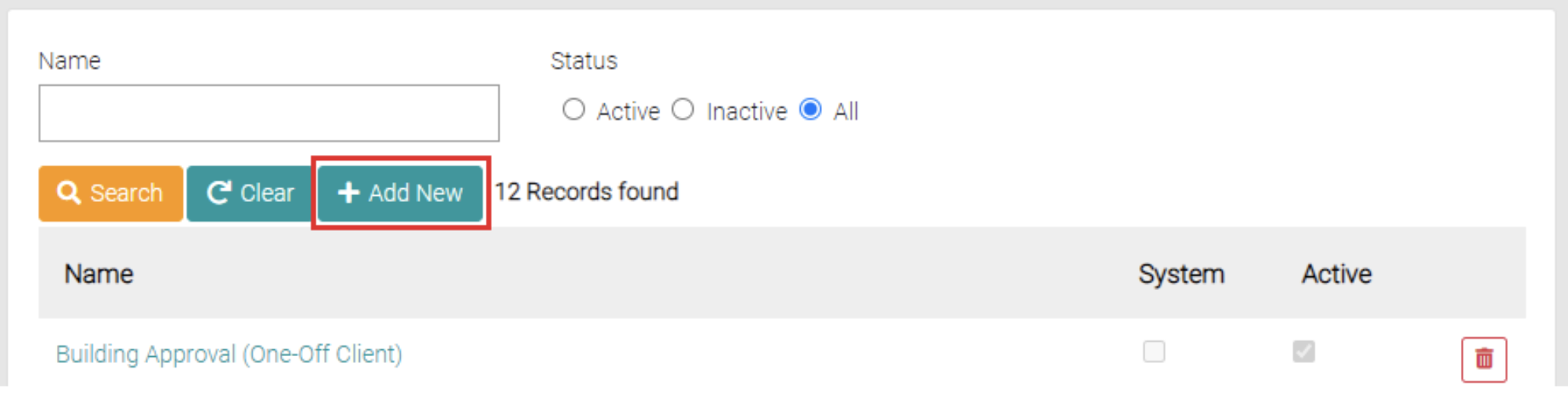
The Add New button is found on the search page beside the Clear and Search Button.
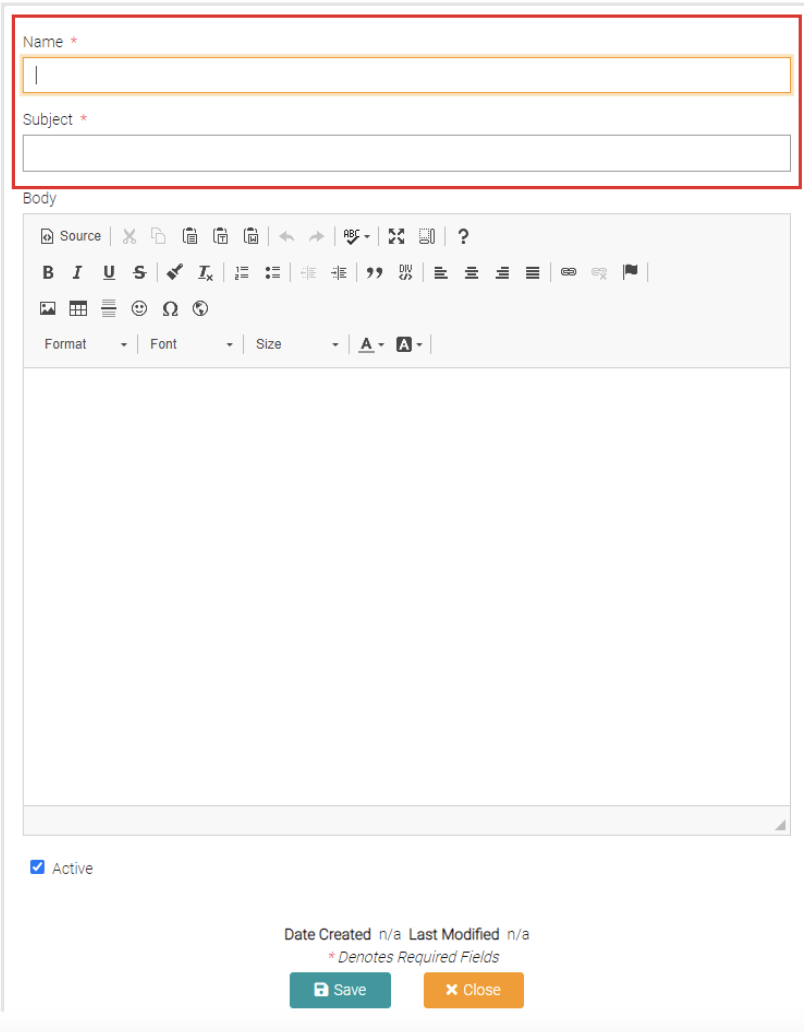
The Add New button opens a new page that allows the user to create a new Email Templates, required spaces to be filled are marked with *. The name is a reference to what Email Template it is. The Subject is the Subject line of the Email. The Body text field shows the template for the email being typed.
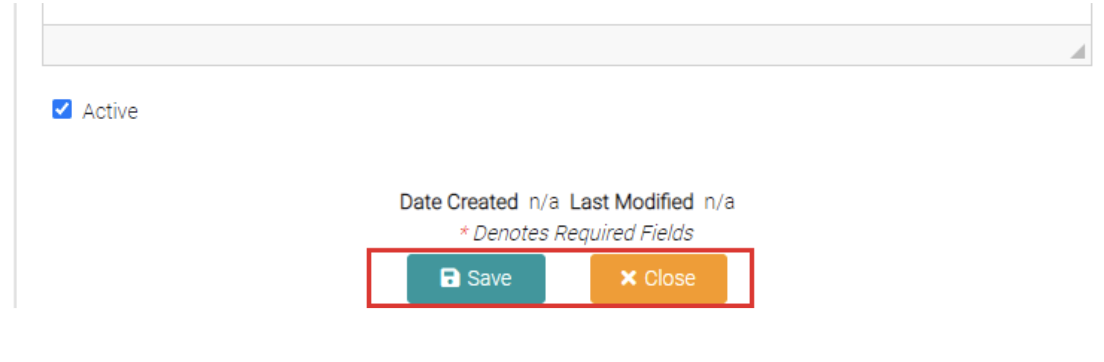
Once mandatory fields are complete you can click Save to complete the creation or Close which takes the user back to the Email Template page.