
Details
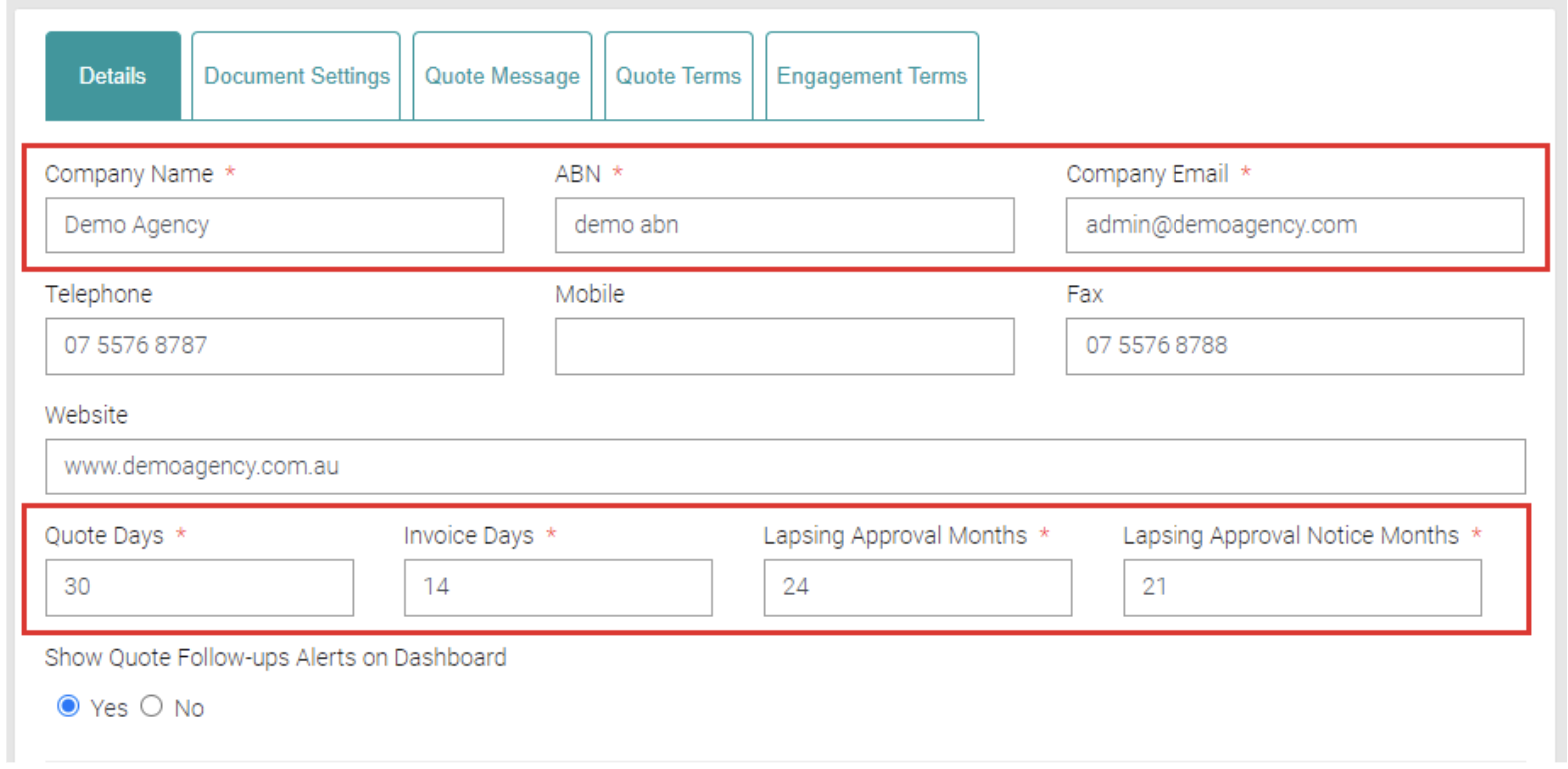
All Organisations details are entered here, all text fields marked with a * are mandatory and must be filled out to be saved. The more filled out the more accurate.
Office Address
Fill out the Office Address with the Organisation address.

Can search for an address in the Find Address text field.

Mailing Address
Fill out the Mailing Address with the Organisation’s mailing address.

Can search for an address in the Find Address text field.

Bank Account Details
Fill out the Bank Details related to the Organisation including Account Name, Account BSB and Account No.

Xero Connection Details
Xero Connection Details needed is the Client ID, the Secret Key and Tenant ID. You can use the Authenticate button to save authentication.

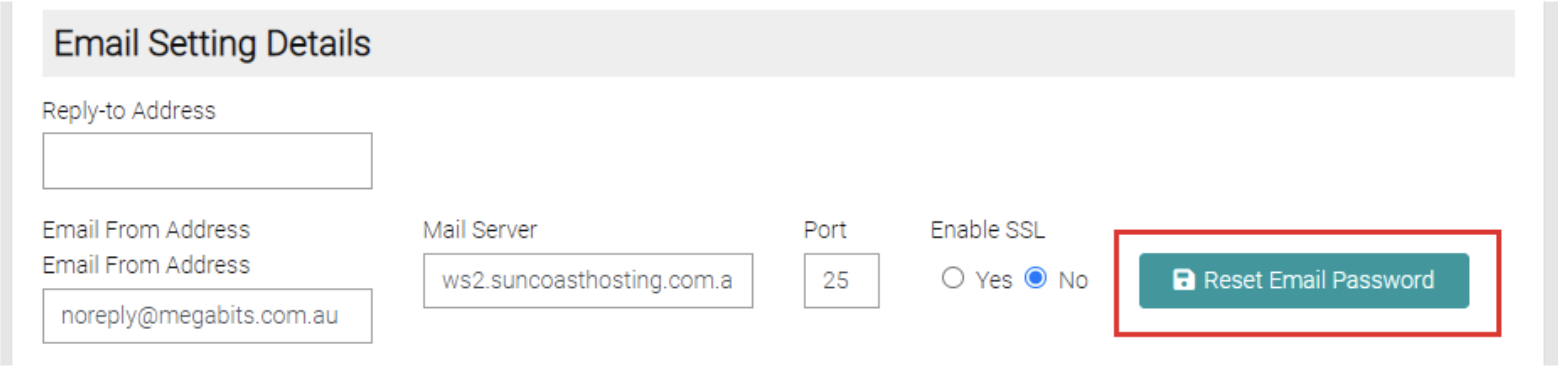
Reset Email Password
Saving
Once details are completed/changed click Save to apply or Close to go back.
