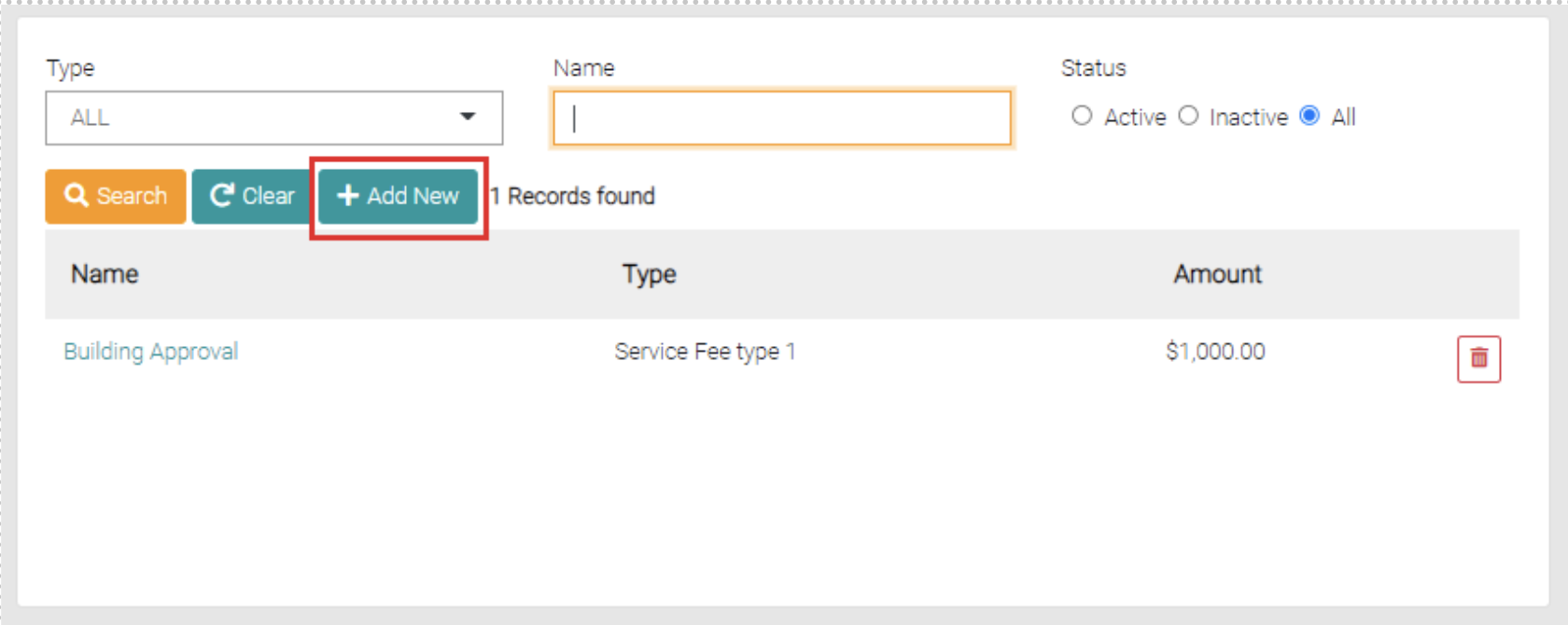
The Add New button is found on the search page beside the Clear and Search Button.
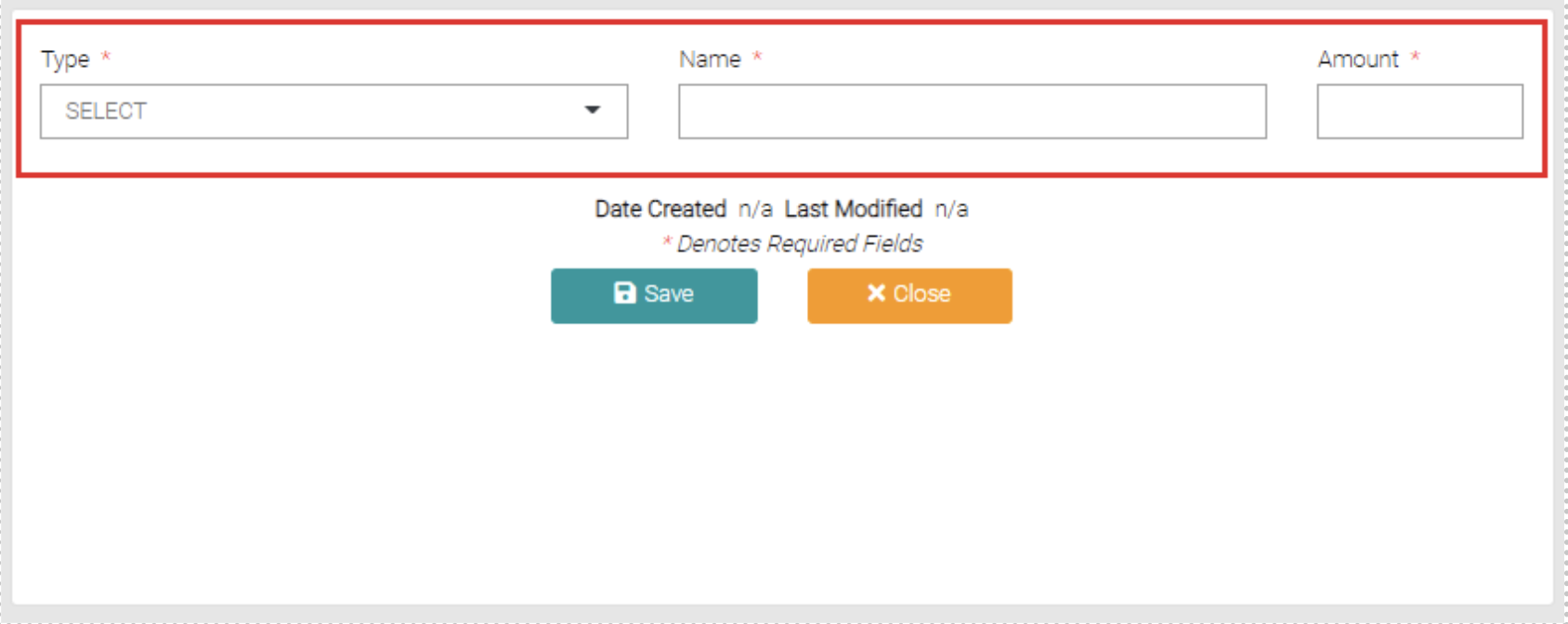
The Add New button opens a new page that allows the user to create a new Service Fees, required spaces to be filled are marked with the * symbol.
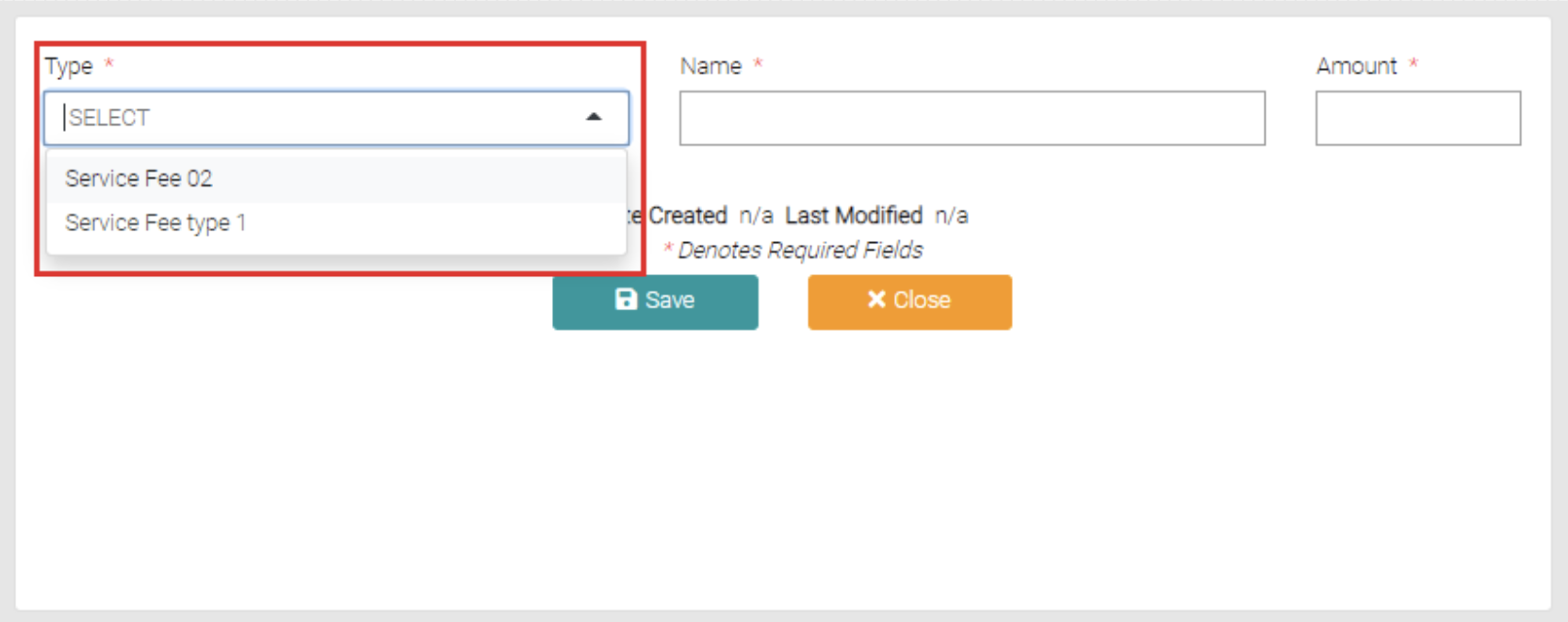
The Type is a drop-down box that shows the Service Fee Types, more can be created in Lookups < Service Fee Types.
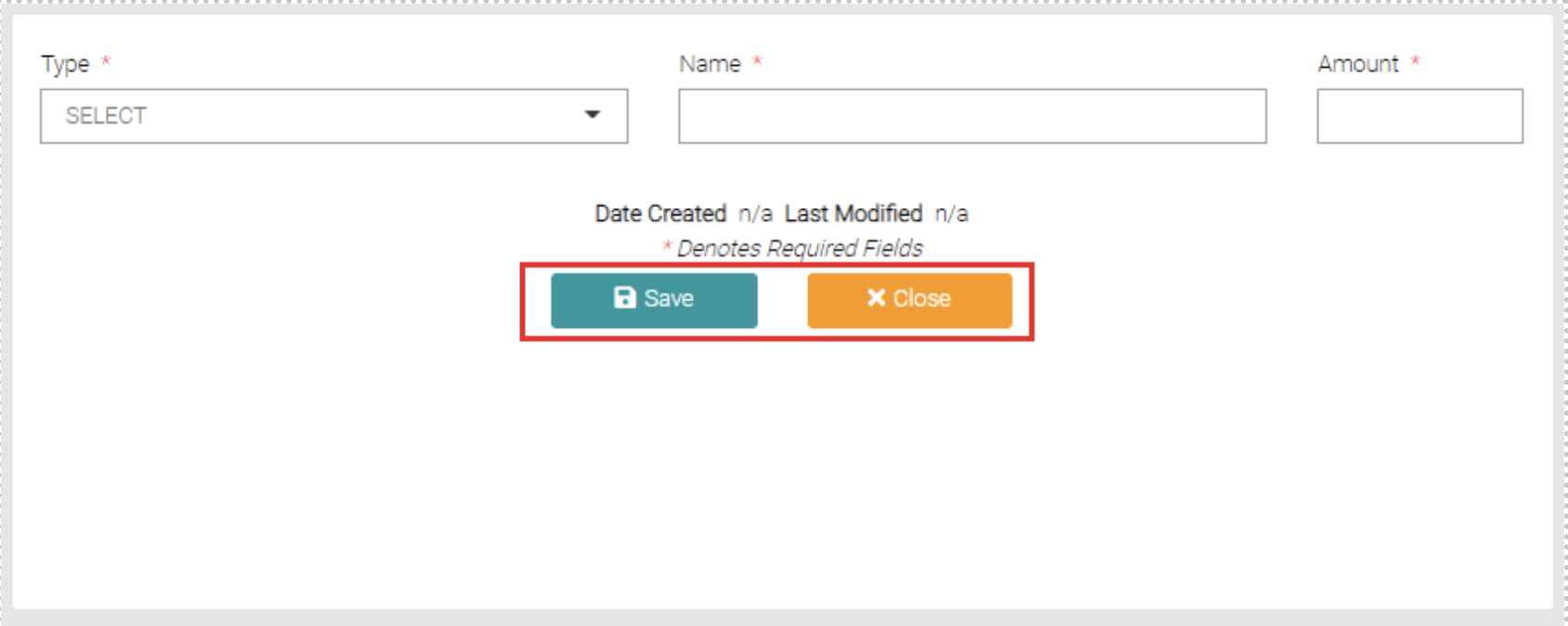
Once mandatory fields are complete you can click Save to complete the creation or Close which takes the user back to the Service Fees page.