Search
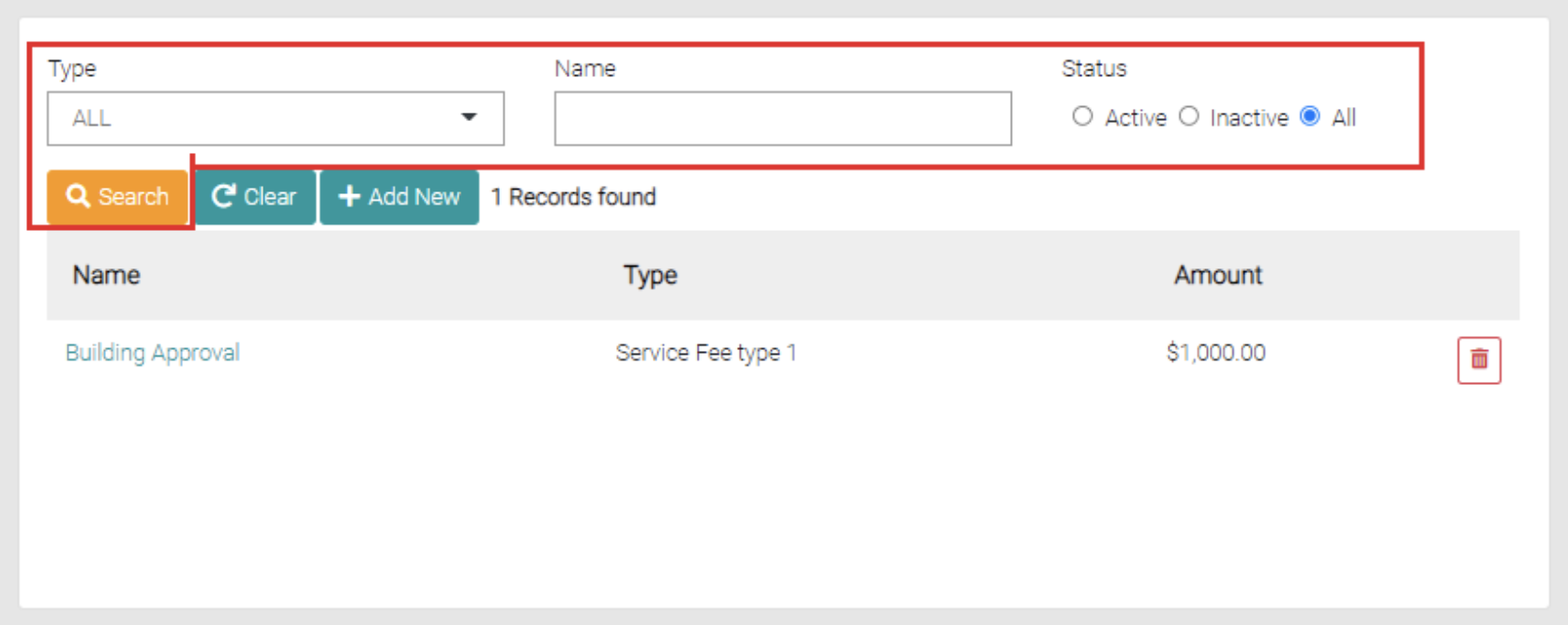
On the Service Fees page, you can search for different requirements in the name text field, you can use partial names in the text field or complete titles. You can further narrow this search through the status of the items by selecting Active, Inactive and All, by default the search is set to All. You can also use it if it shows on the Dashboard with Yes, No, or All.
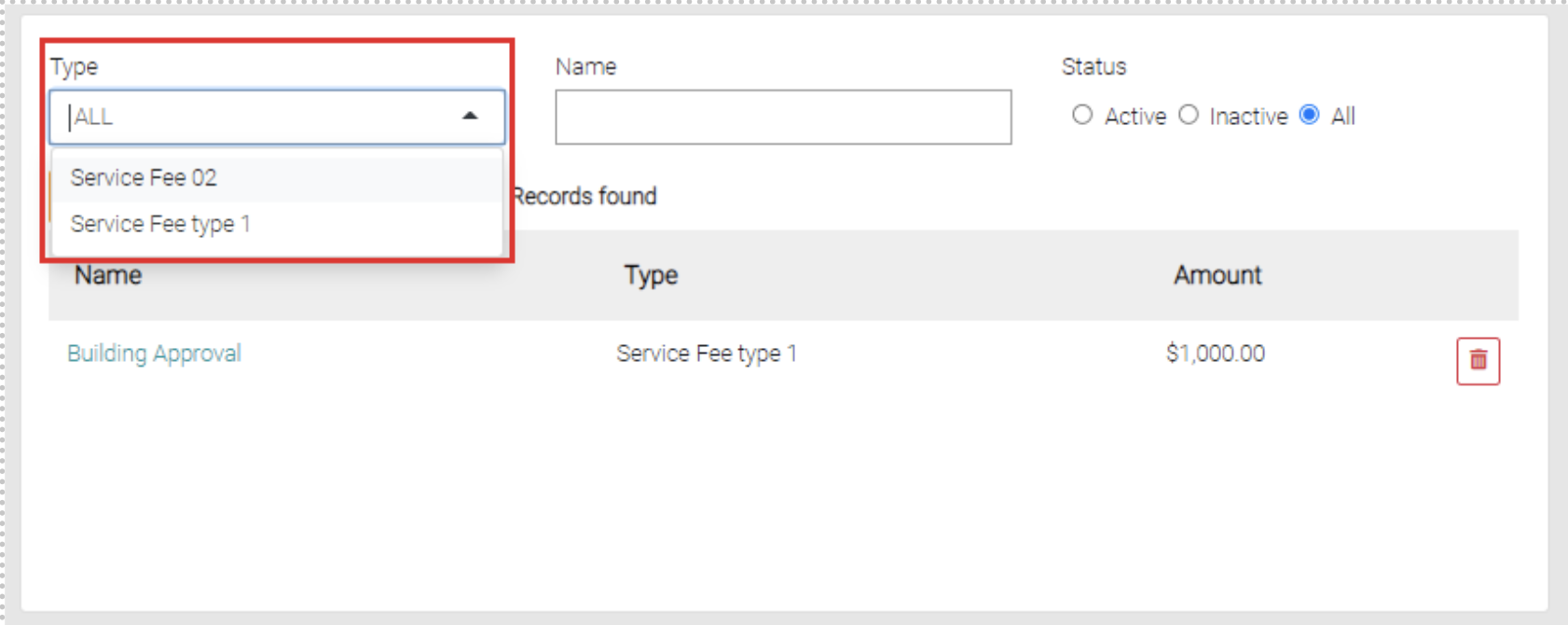
The Type dropdown menu shows the Service Fee Types.
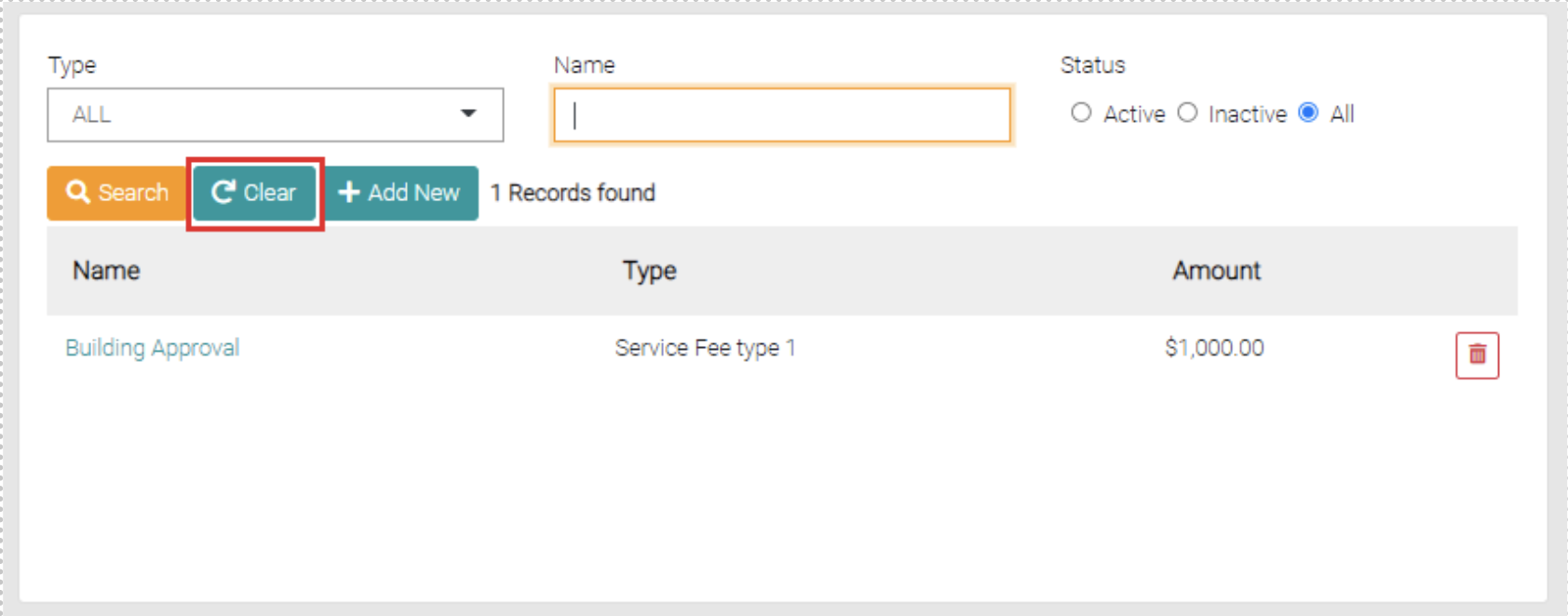
Besides the Search button, there is a Clear button that removes any filters on the search such as name or status.