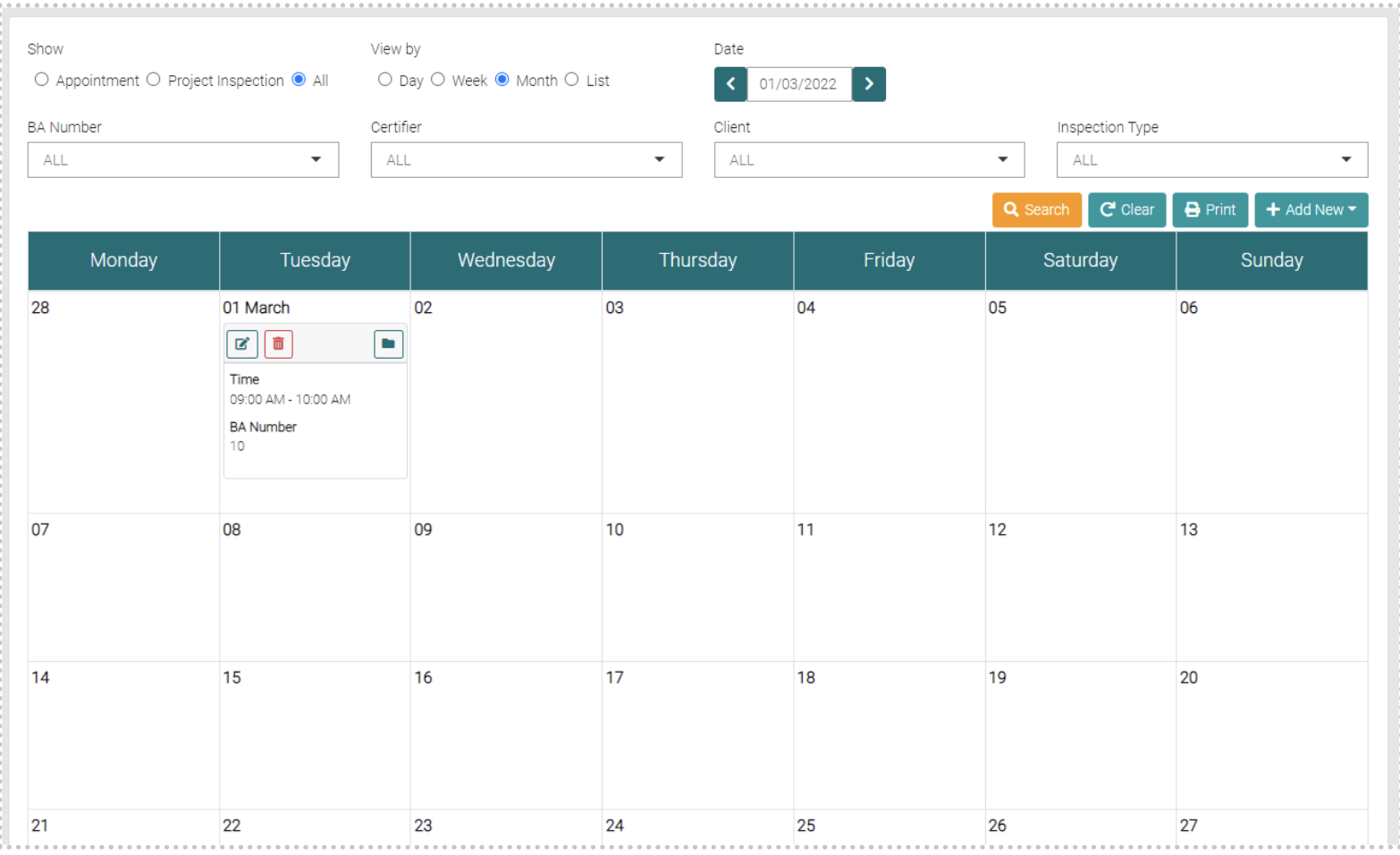
On the Calendar, you can see upcoming Inspection Runs and Appointments
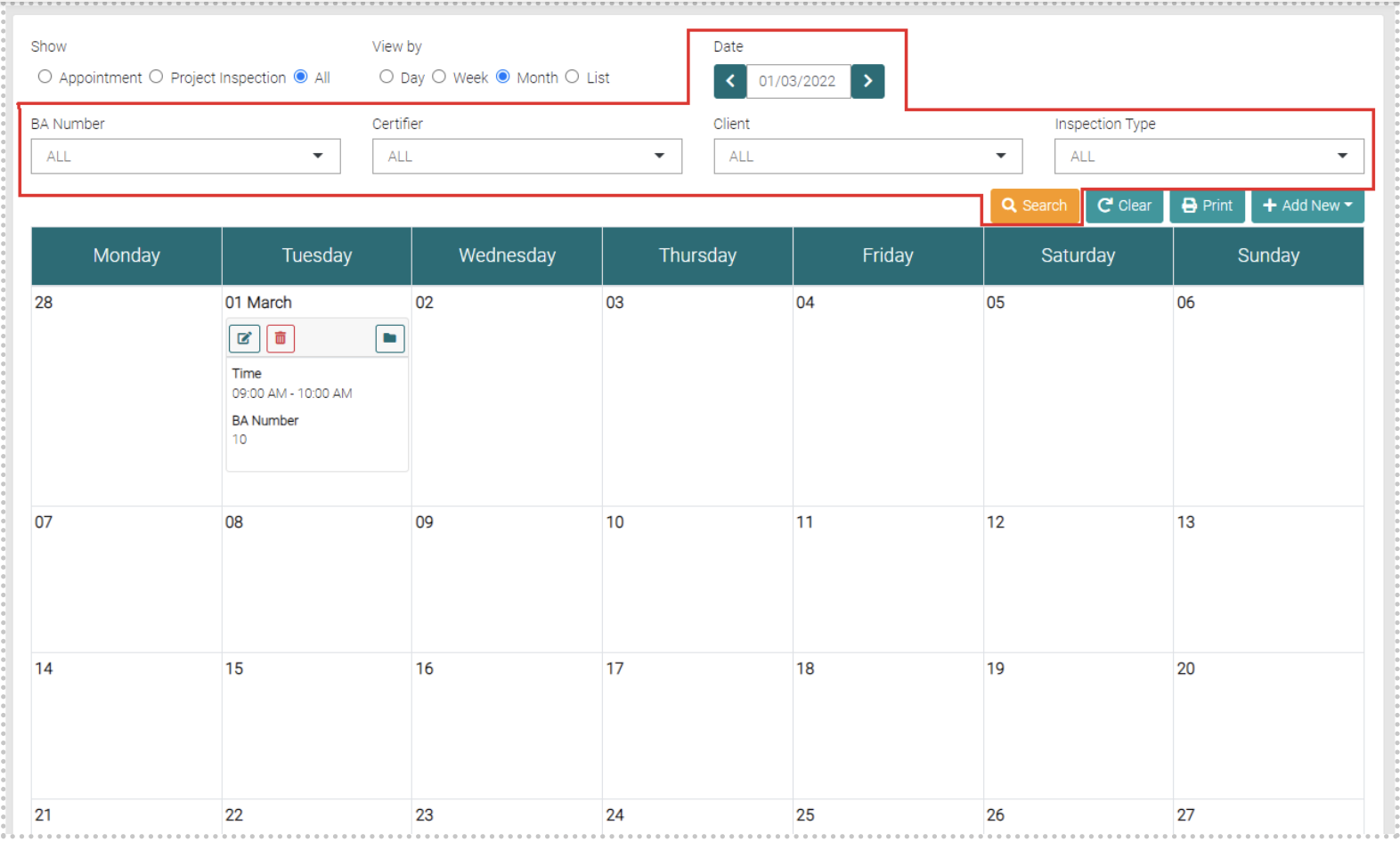
Search
You can change the shown Inspections by BA Number, Certifier, Client, Inspection Type or Date.
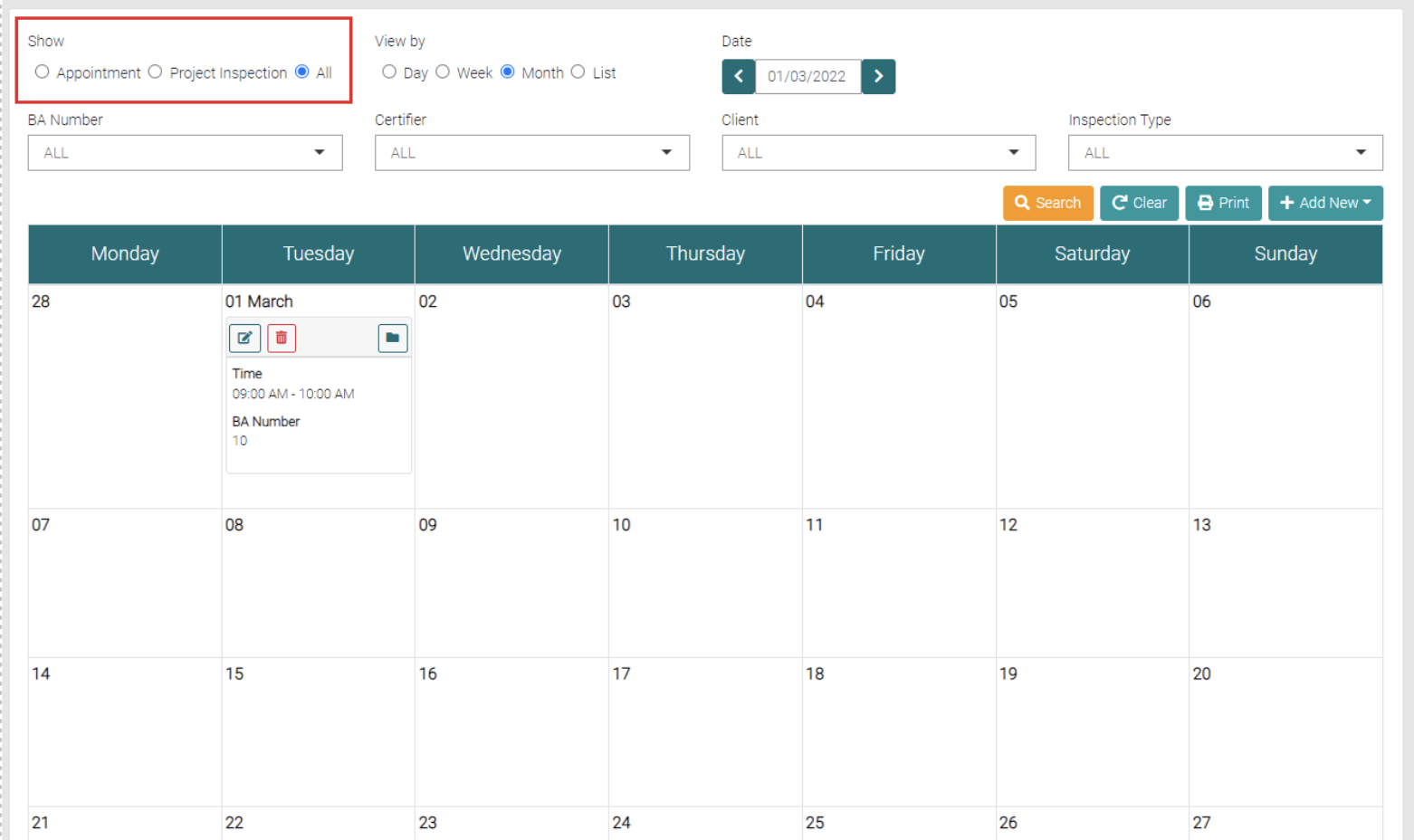
You can also show if it is an Appointment or Project Inspection.
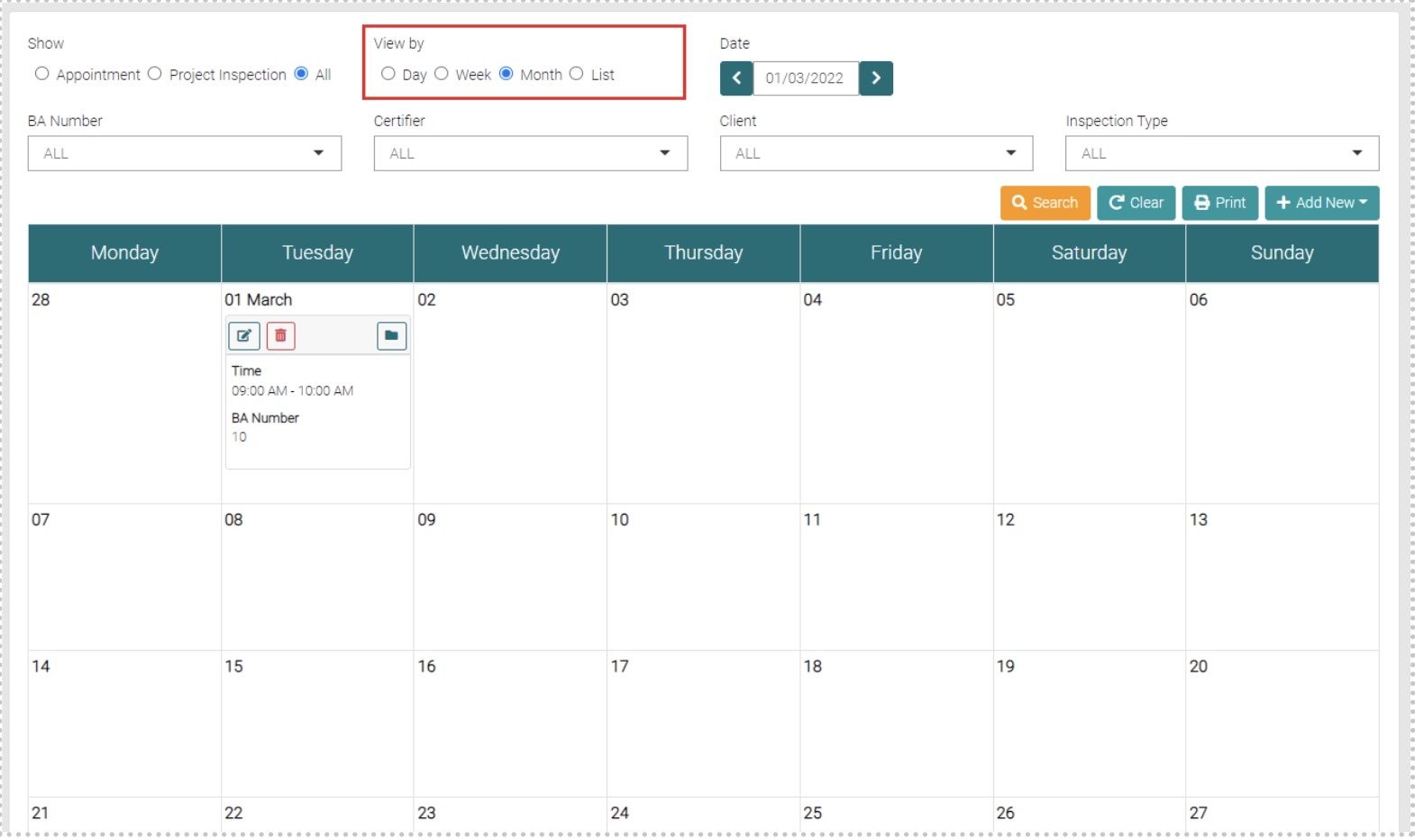
The Display can be changed from a Monthly View to a Day View, Weekly View or a ListView of upcoming Inspections.
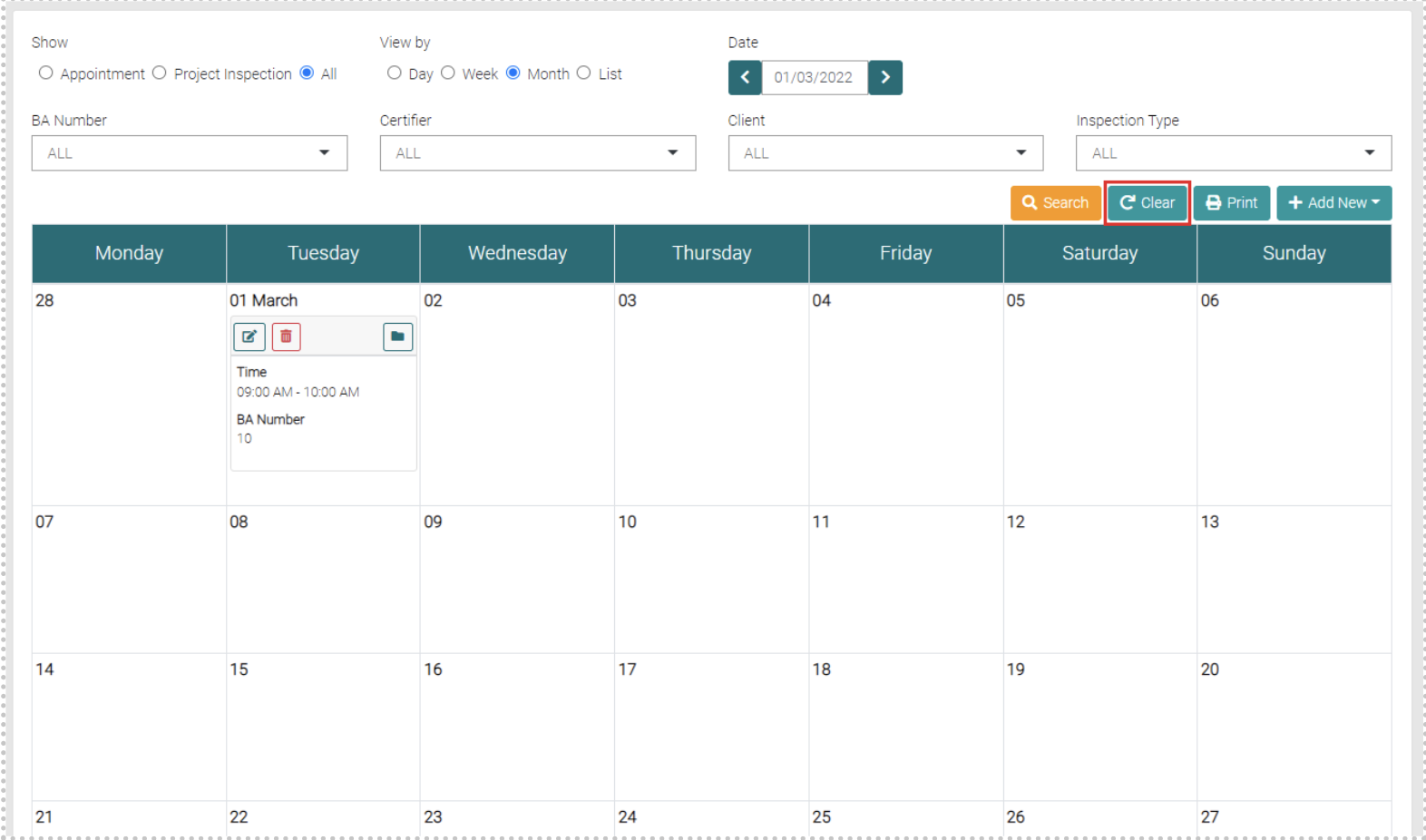
Filters put upon a Search can also be cleared by pressing the Clear button.
You can Print a List of the Upcoming inspections Runs and Appointments using the Print button. This will automatically download a PDF of the List.
Reveal Information
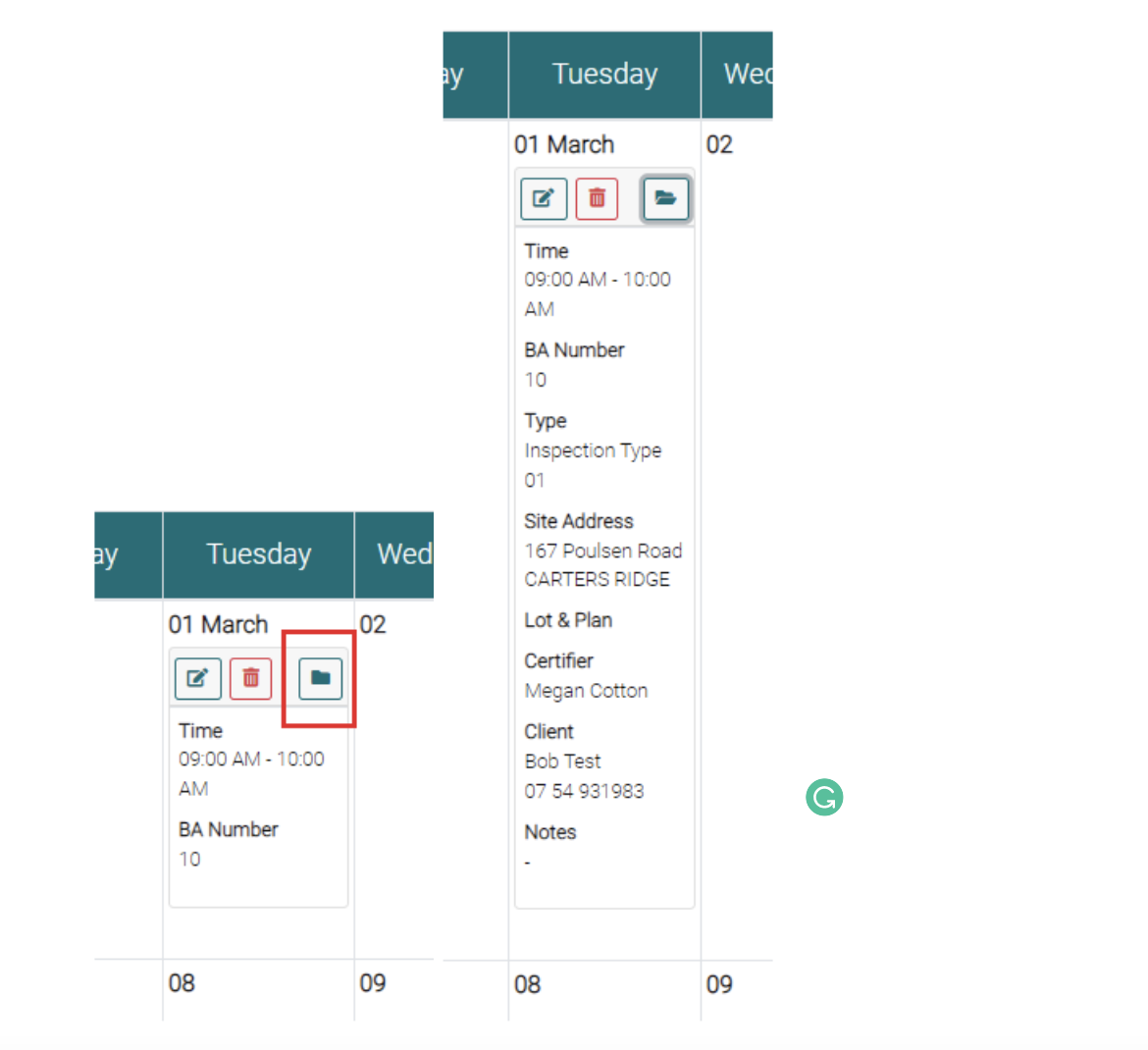
Click on the Folder Icon to reveal more information about an Appointment or Inspection Run.