
Add New
Using the Add New button creates a New Job.
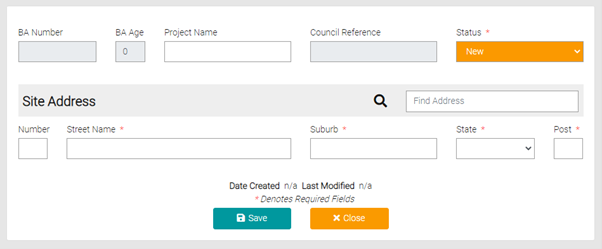
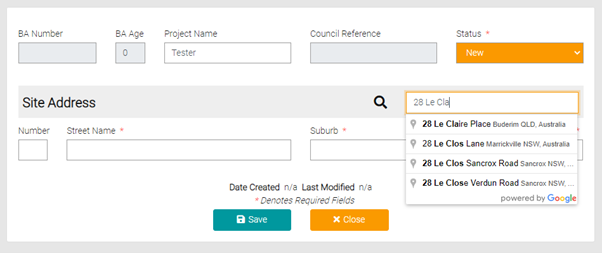
Fill out the Project Name, the Status is automatically set to New as this is the creation of a new Job. Use the Find Address text field to search for the Address, start typing in the address and select the accurate one from the suggestions as they appear.
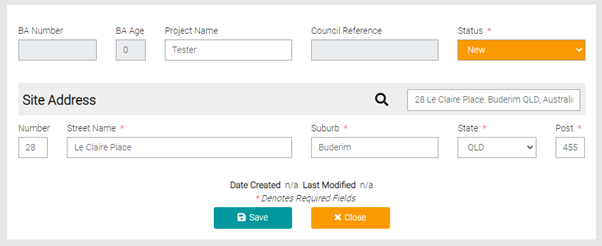
Once the address is selected the Site Address will automatically be filled out. Use the Site Address to enter addresses if the Find Address is unable to find an accurate address.
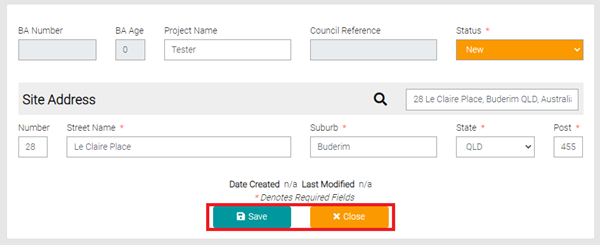
All text fields with the * symbol are mandatory and must be filled in before clicking Save. Clicking on Close will send you back to the Job’s page.
Saving will open the page to the Details of the Job, as mentioned all fields marked with the * are mandatory before saving. Update and complete the details known about the job.
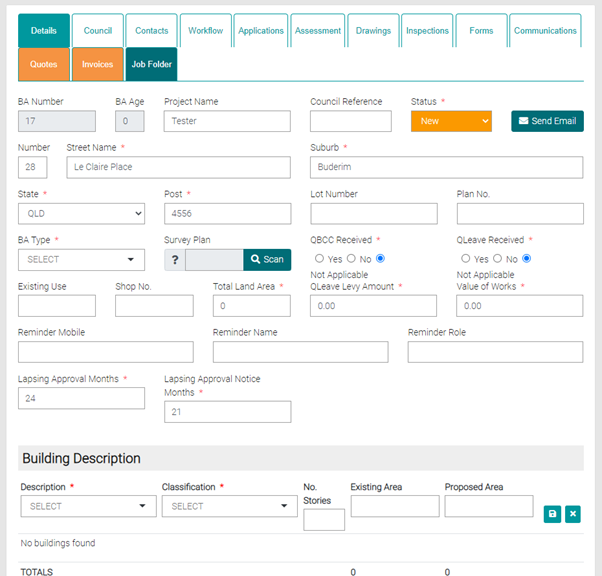
The Job Tabs are discussed in the Building Approvals > Details.