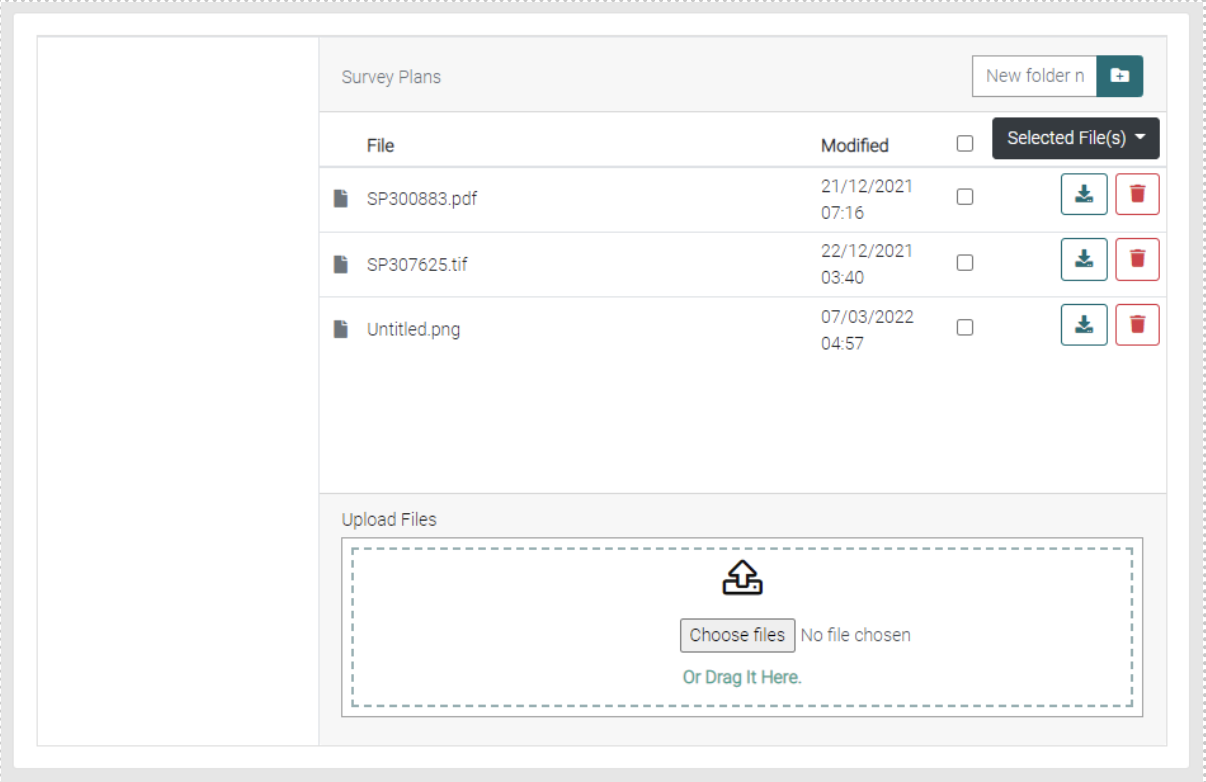
In the Survey Plans is where all the surveys will be uploaded.
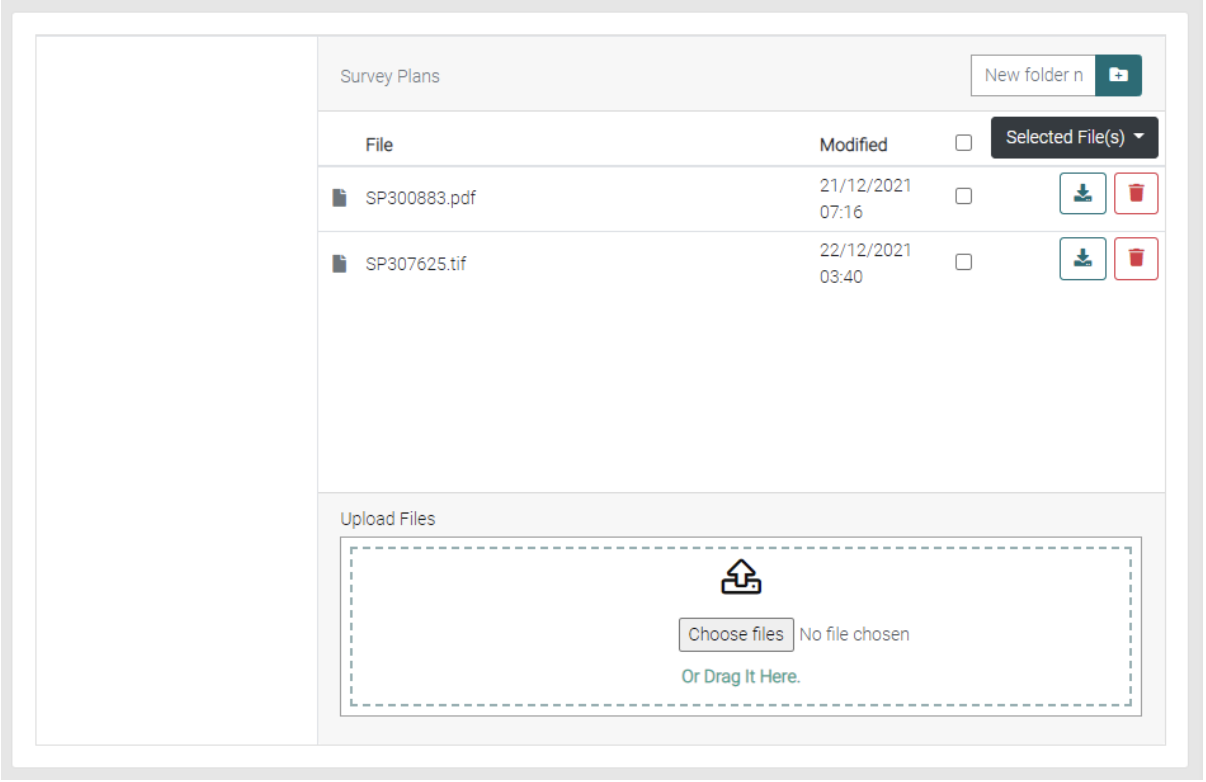
Files
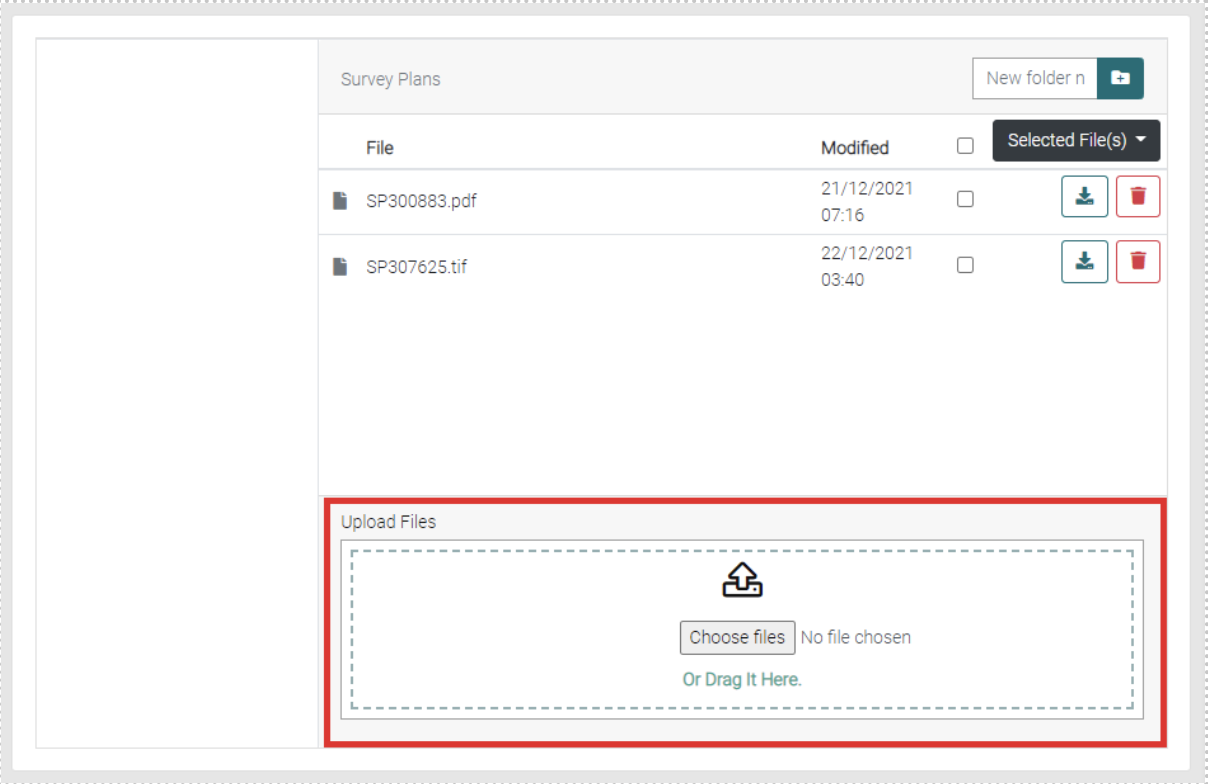
Upload New Files
Use either the Choose File to find the file or click and drag the file onto the page.
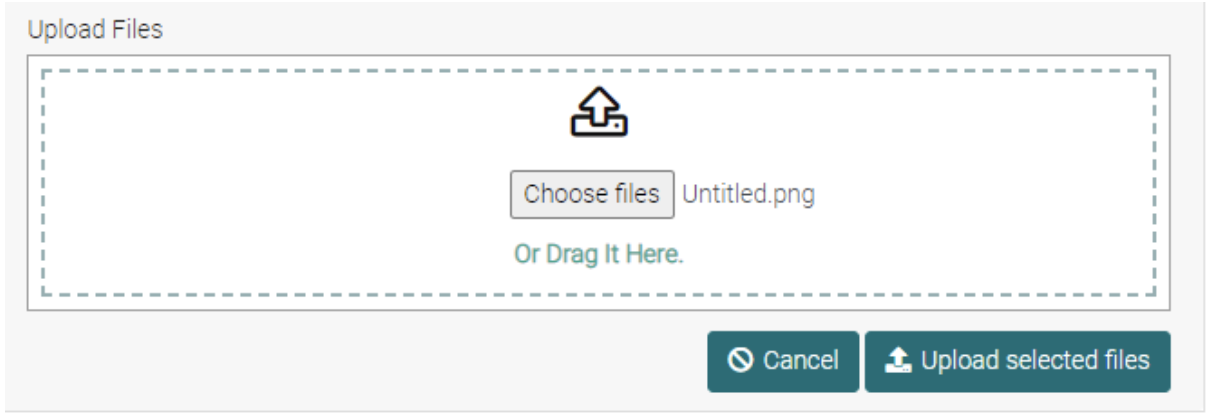
Use the Upload Selected Files to save them to the Survey Plans. Or use cancel to not upload a file.
The new file will be shown in the list.
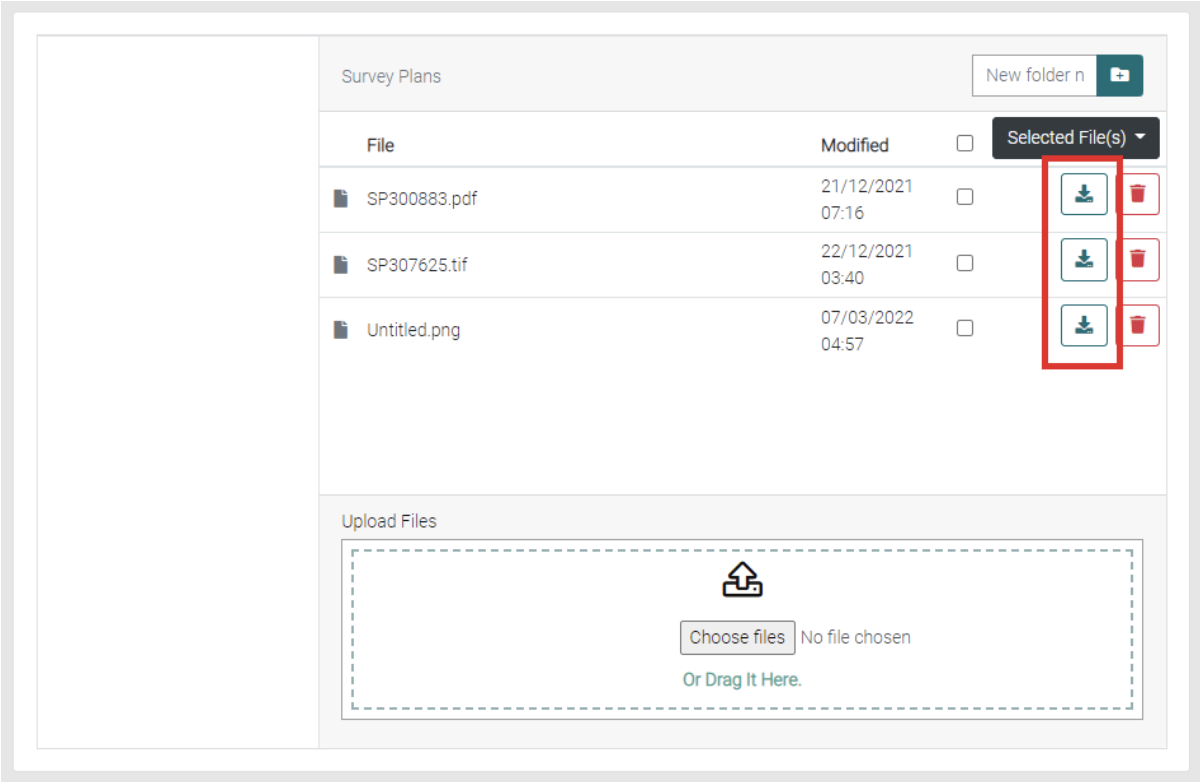
Download
Use the Download icon to download the relevant file.
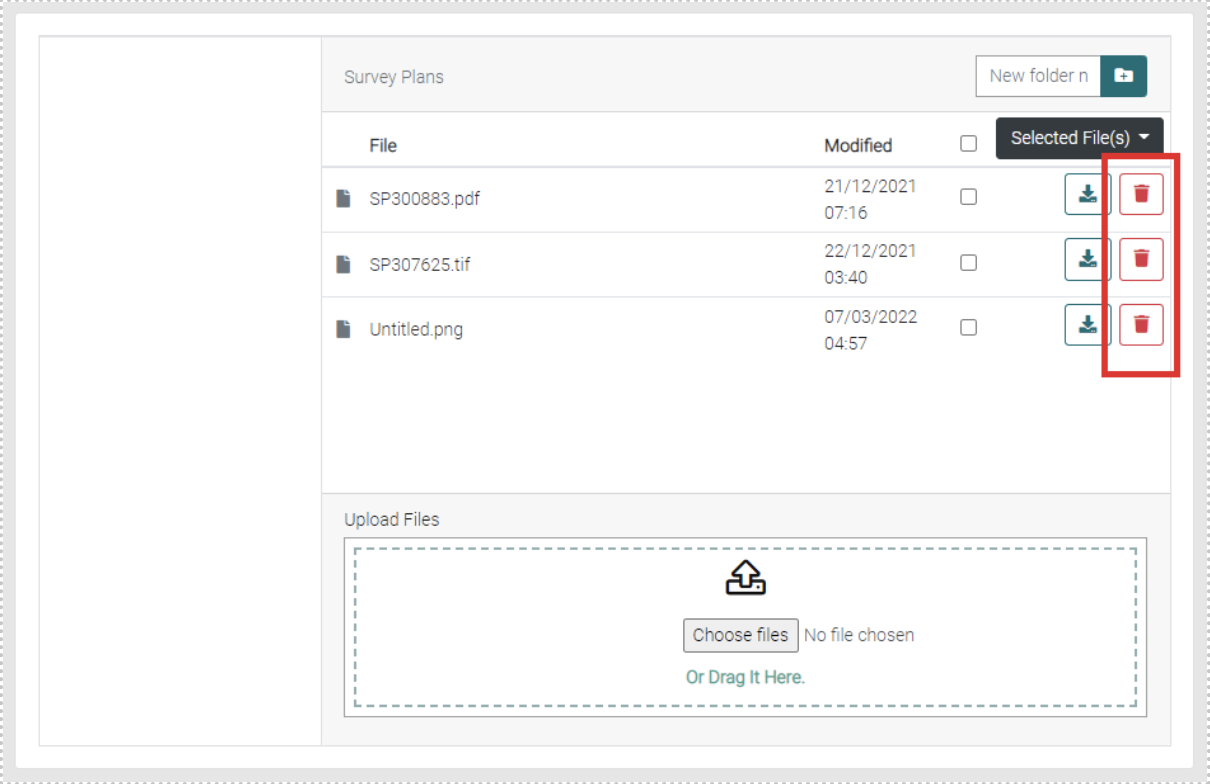
Delete
Use the red trash can to delete the relevant file.
Folders
New Folder
Use the New Folder Name text field to fill in the name for the folder then use the button to Create New Folder.
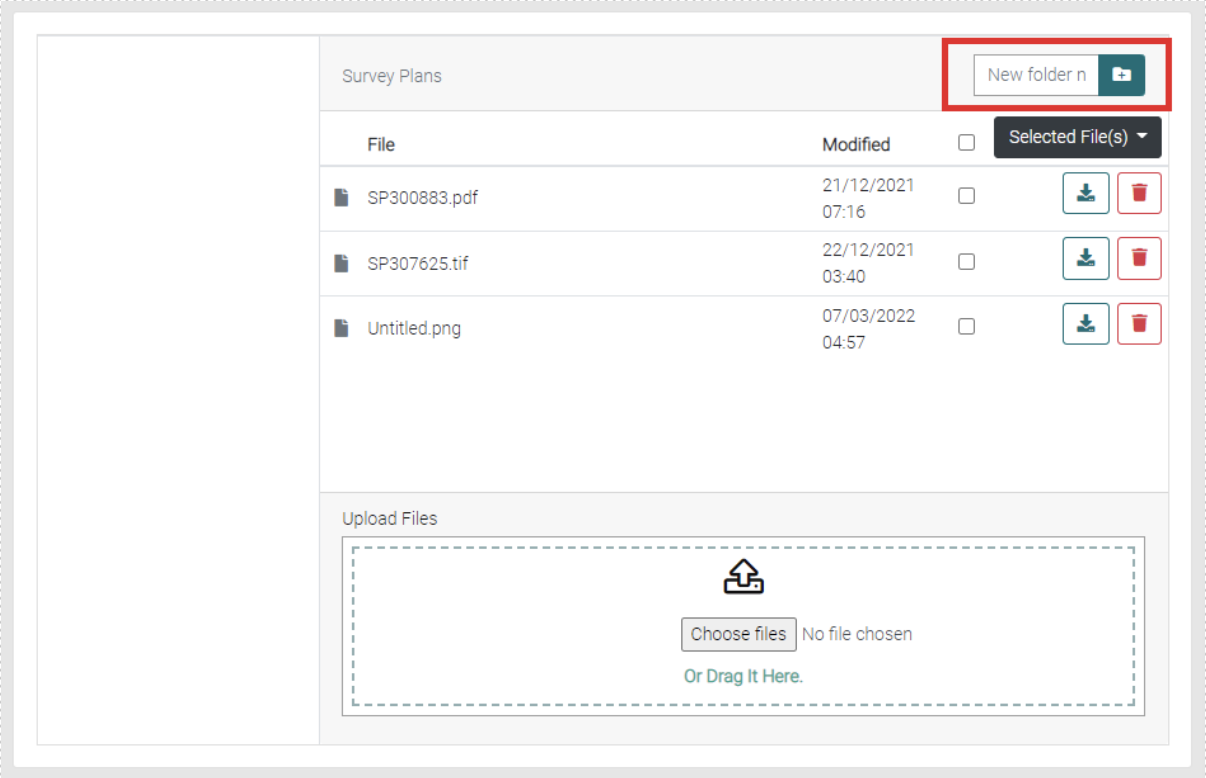
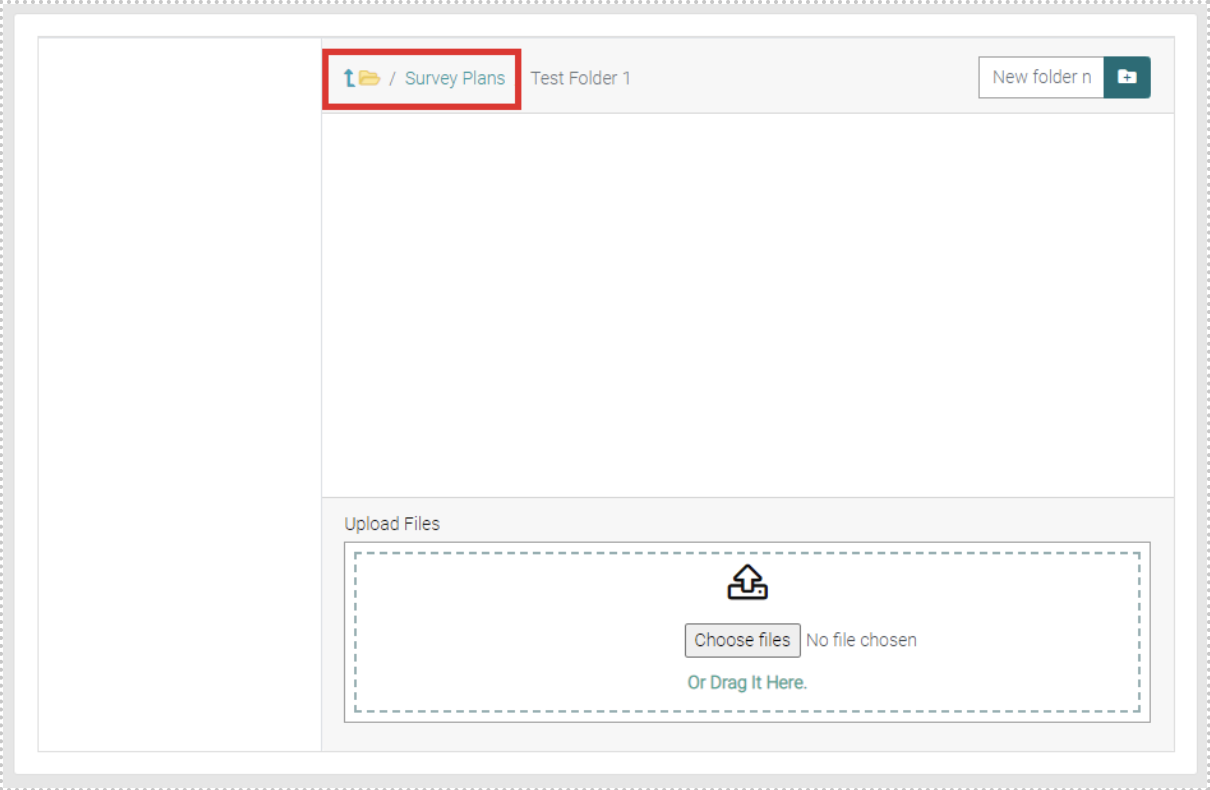
These Folders will appear on the left, you can click on the Folder to go into it. To go back to a previous folder use the symbols to go back either one folder or back more.
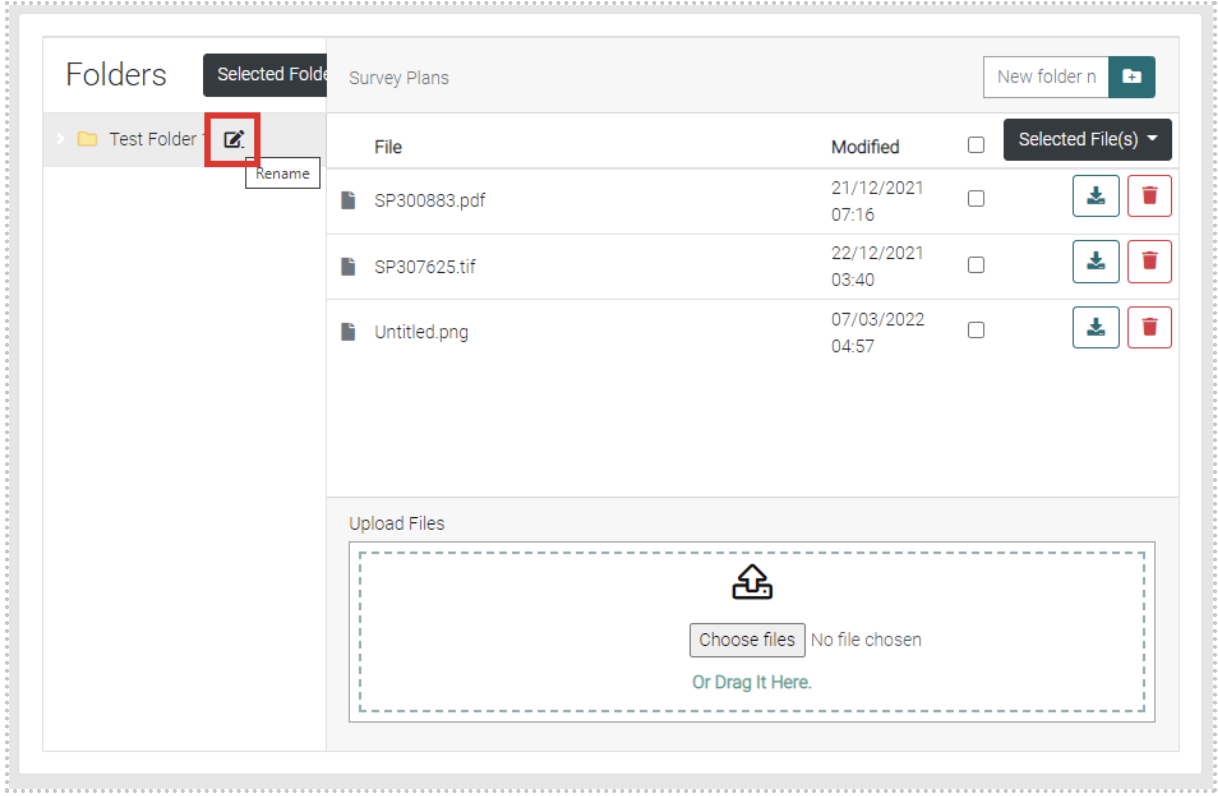
Rename Folder
Besides the folder when you hover your cursor over it, a rename symbol will appear, use this symbol to allow editing to the name of the Folder.
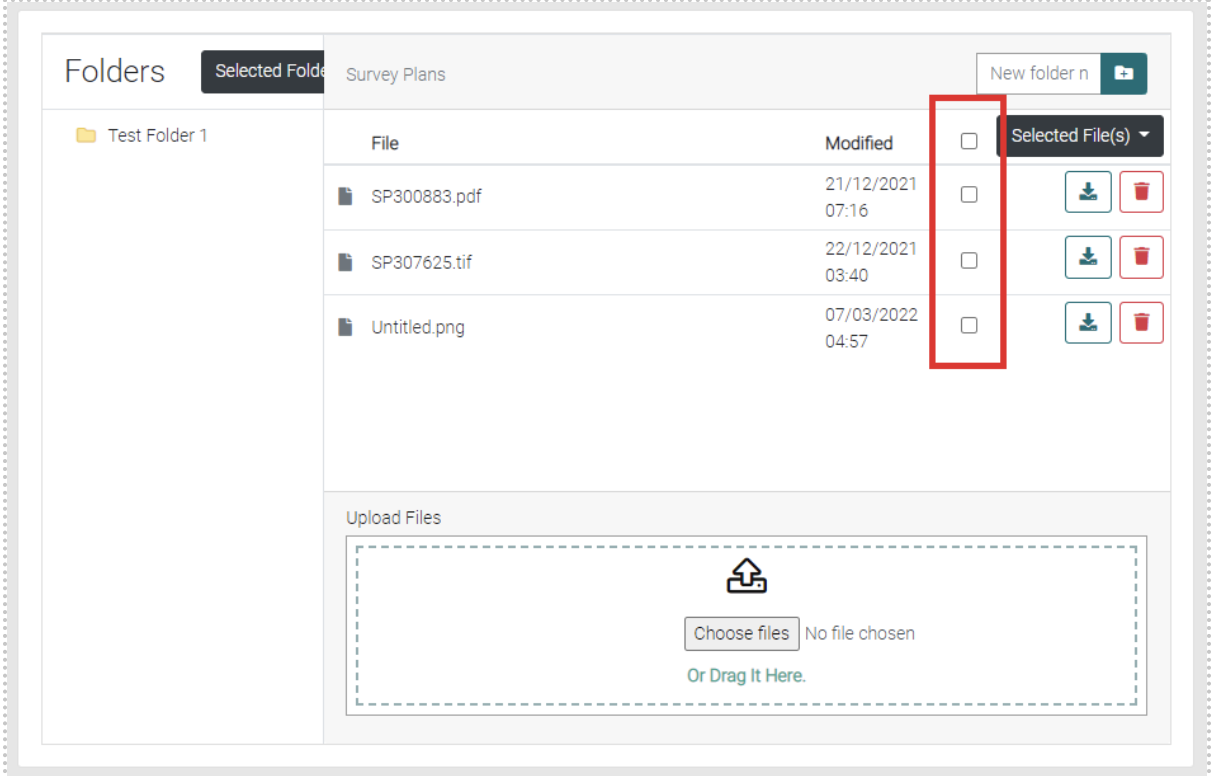
Selected File(s)
Use the checkboxes to select one, multiple or all files by using the checkboxes on the relevant line.
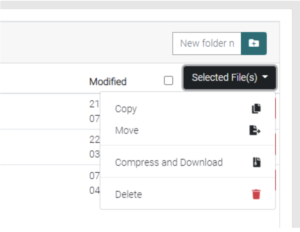
Then use the Selected File(s) drop-down menu to select what will happen to the selected files such as copy, move, compress/download and delete.
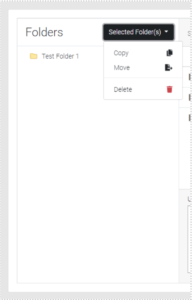
Selected Folder(s)
Use the checkboxes to select one, multiple or all folders by using the checkboxes on the relevant line.
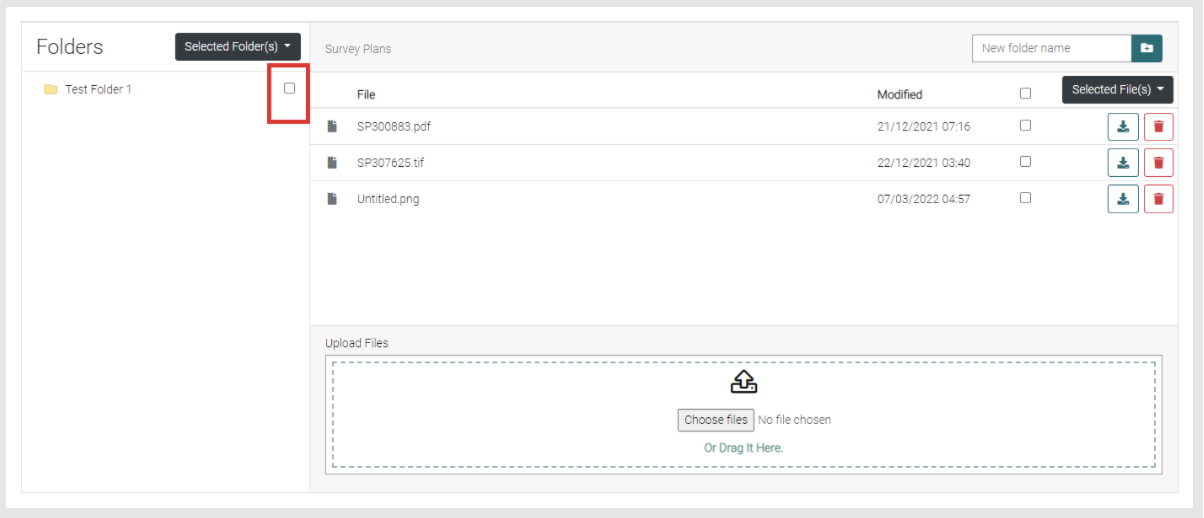
Then use the Selected Folder(s) drop-down menu to select what will happen to the selected folders such as copy, move and delete.